Magazine mockups
112 3D-rendered magazine mockups: covers, open spreads and stacks, 7 of them free.
Magazine Mockup Generator
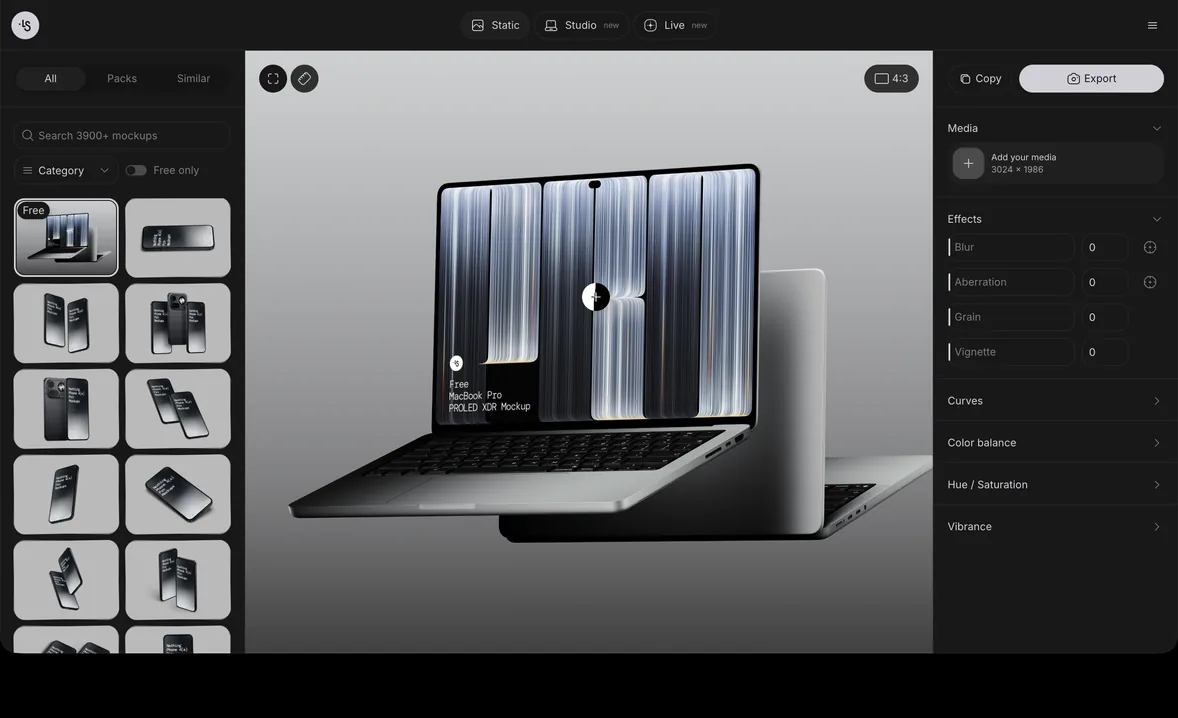
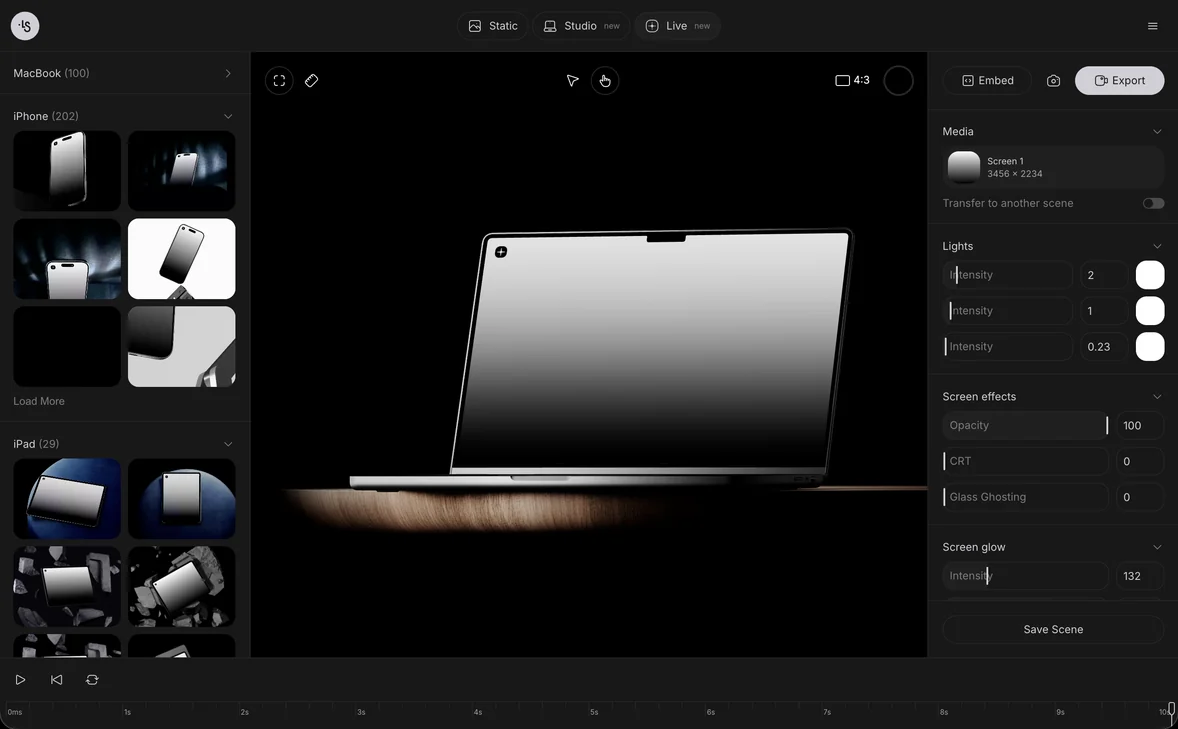
Put your cover and pages on a magazine right in your browser and export a PNG or a layered PSD.
Magazine mockups at a glance
- 112 scenesCovers, spreads and stacks
- 6 stylesOpen, floating, stacked and more
- US, EU and squarePortrait and landscape too
- 7 freeEdit and export after sign-in
Magazine mockup styles
Questions
Which magazine sizes are there?
US and EU versions, in portrait and landscape, and a square format. Pick the one that matches the size you print.
Are there open magazines with inner pages?
Yes. Several scenes show an open spread, one with a page mid-turn, next to closed covers and stacks.
How do I put my cover into the mockup?
Open a scene in the browser and drop your cover onto it, or do it from a Figma frame with the Mockup plugin. In Photoshop, Photopea or Affinity Designer, use the layered PSD.
Is there a magazine mockup for Figma?
Yes. Select a frame in Figma and the Mockup plugin places your design on the magazine.
Can I use these magazine mockups for client work?
Yes. Editorial work, lookbooks and client projects are fine, personal or commercial. Reselling the mockups, or sharing the source files, is not allowed.
Are any magazine mockups free?
Yes. The cards marked free can be edited and exported after you sign in.