10 Resources for a Great Landing Page — From Mockups to Typography
March 2026
A great landing page lives and dies by its visuals. Color, type, layout, the right landing page mockup — all of it determines whether a visitor stays or bounces. Because the visual side often matters more than code and copy alone: a thoughtful color scheme and solid typography can lift conversion without changing a single word. Here are 10 tools and resources worth keeping close.
The 10 resources
01. ls.graphics — Device Mockups
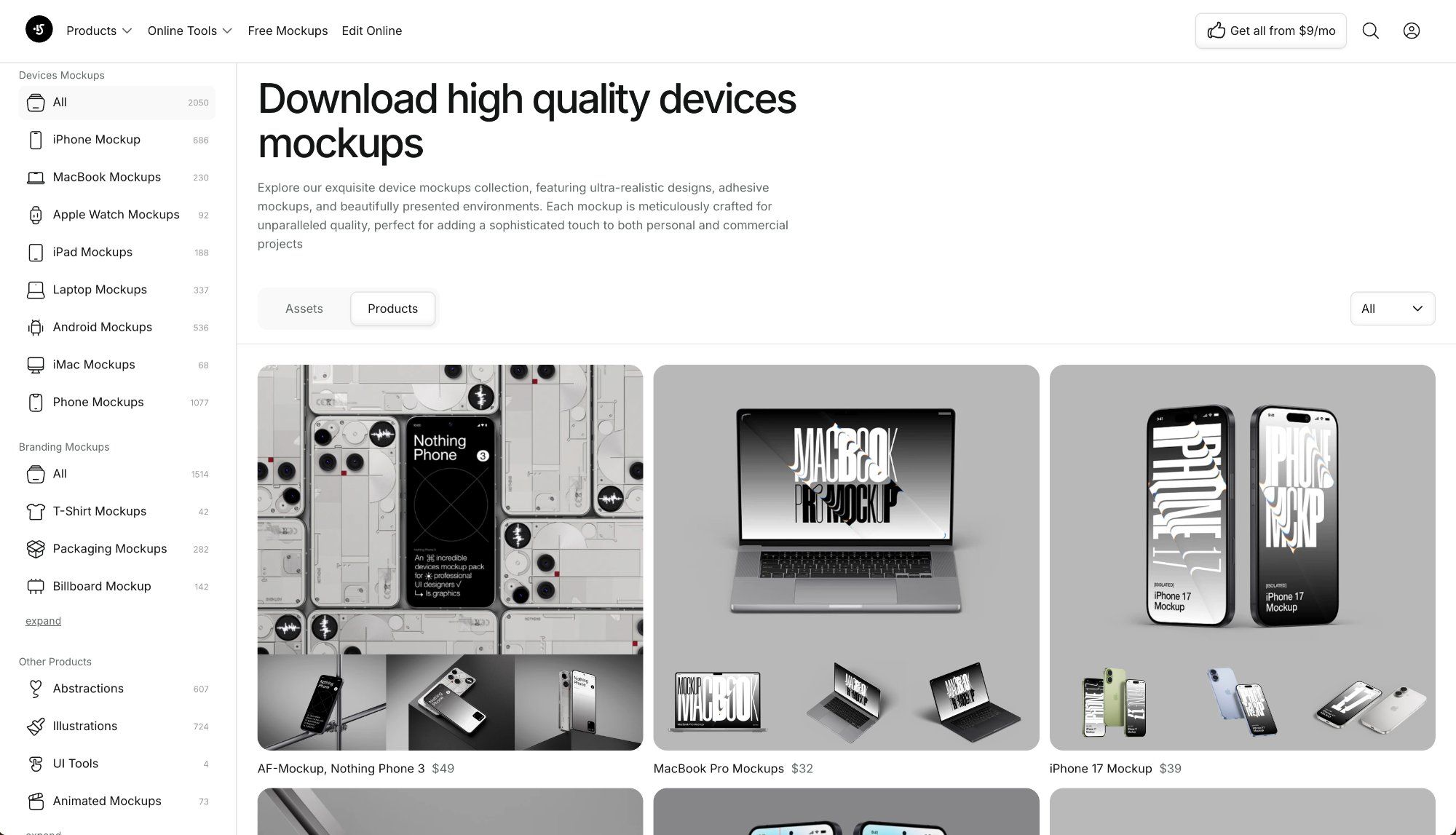
The go-to resource for landing page mockups — over 2,000 device mockups: iPhone, MacBook, iPad, Apple Watch, Android. All files include smart objects for PSD and Figma — drop in a screenshot, and perspective and shadows apply automatically. Free collection and online editor included.
These are the mockups used by Halide, Flighty, and Things 3 on their own landing pages — showing the interface inside a realistic device rather than floating on a white background.
Why it matters: A quality device mockup for landing page is the difference between "app screenshot" and "product in someone's hands." The right mockup raises perceived value without a single word.
02. Lapa Ninja — Inspiration
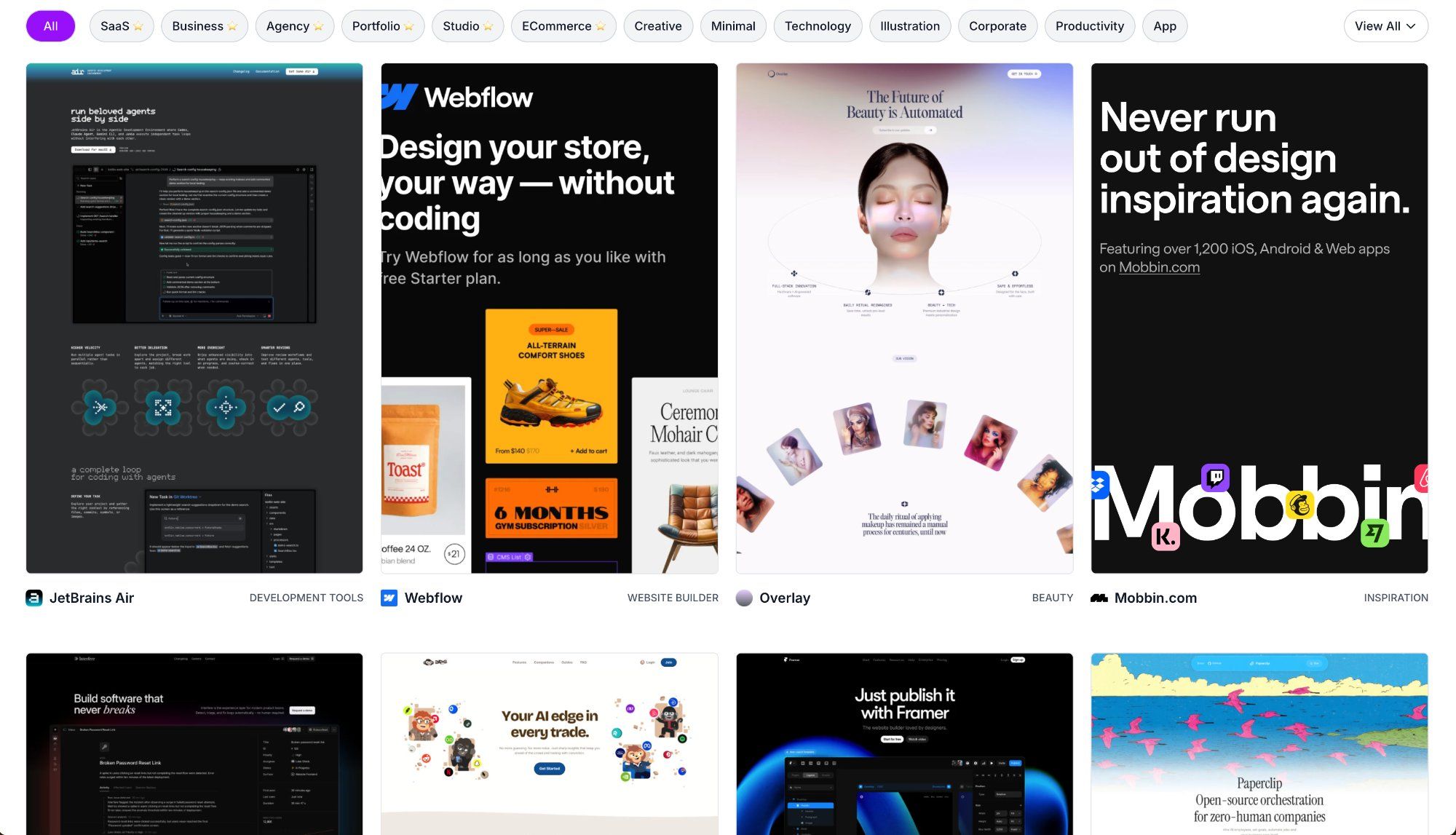
The largest landing page gallery — over 7,000 real examples categorized by niche, style, color, and product type. SaaS, mobile apps, agencies, e-commerce — it's all there. Filter by dark, minimal, 3D, bento grid, and more.
Why it matters: Before designing your own app landing page, see what's already working in your niche. Lapa Ninja is the fastest way to find the right reference.
03. Coolors — Color Palettes
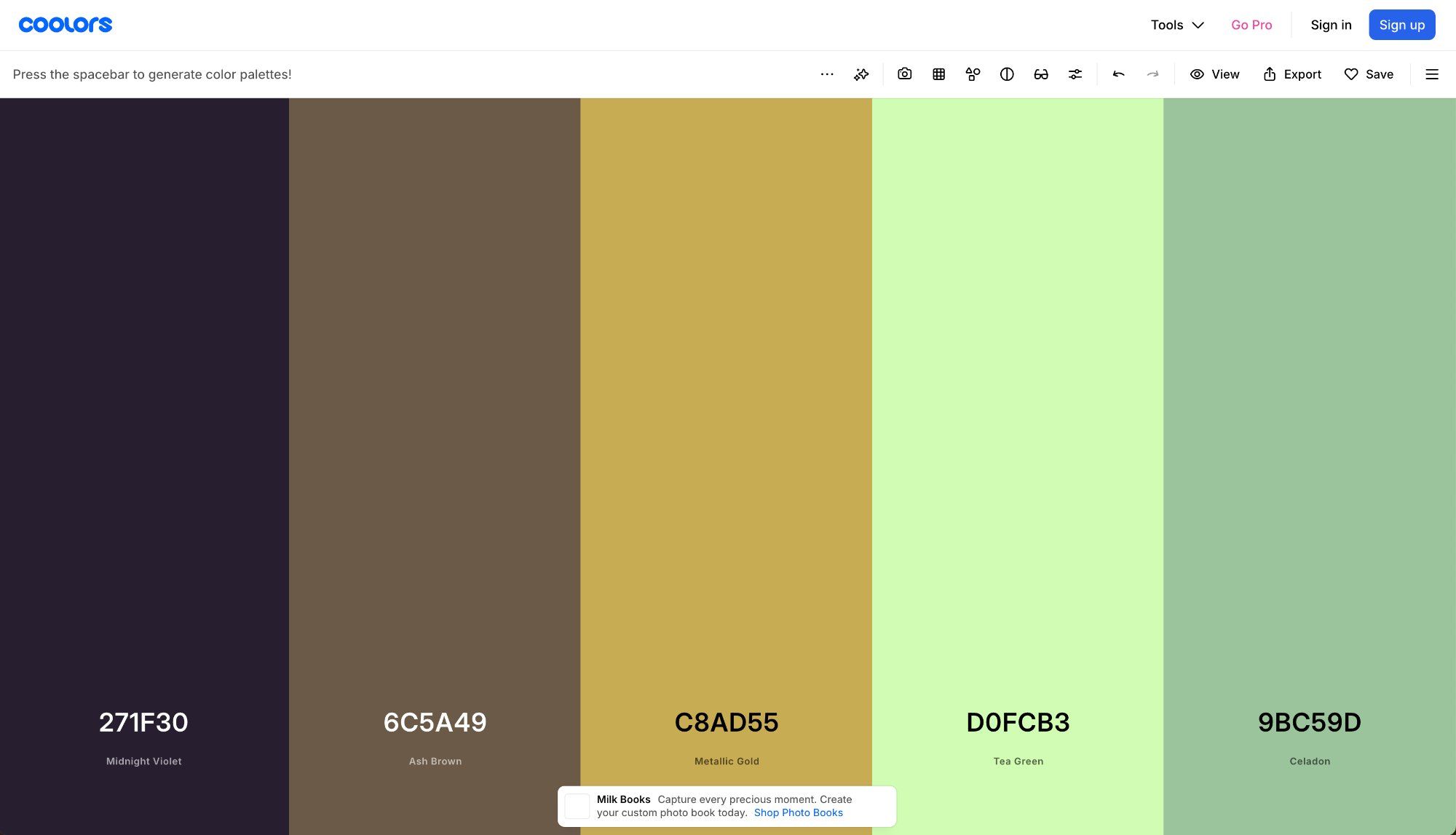
A color palette generator with a huge library of ready-made schemes. Hit the spacebar and get a new combination. Lock one color, find harmonious shades around it, check WCAG contrast, and export in any format.
Why it matters: The hero section color sets the first impression of a landing page. Coolors helps you find a palette that works for the brand, not against it — in 5 minutes instead of an hour in Figma.
04. Google Fonts — Typography
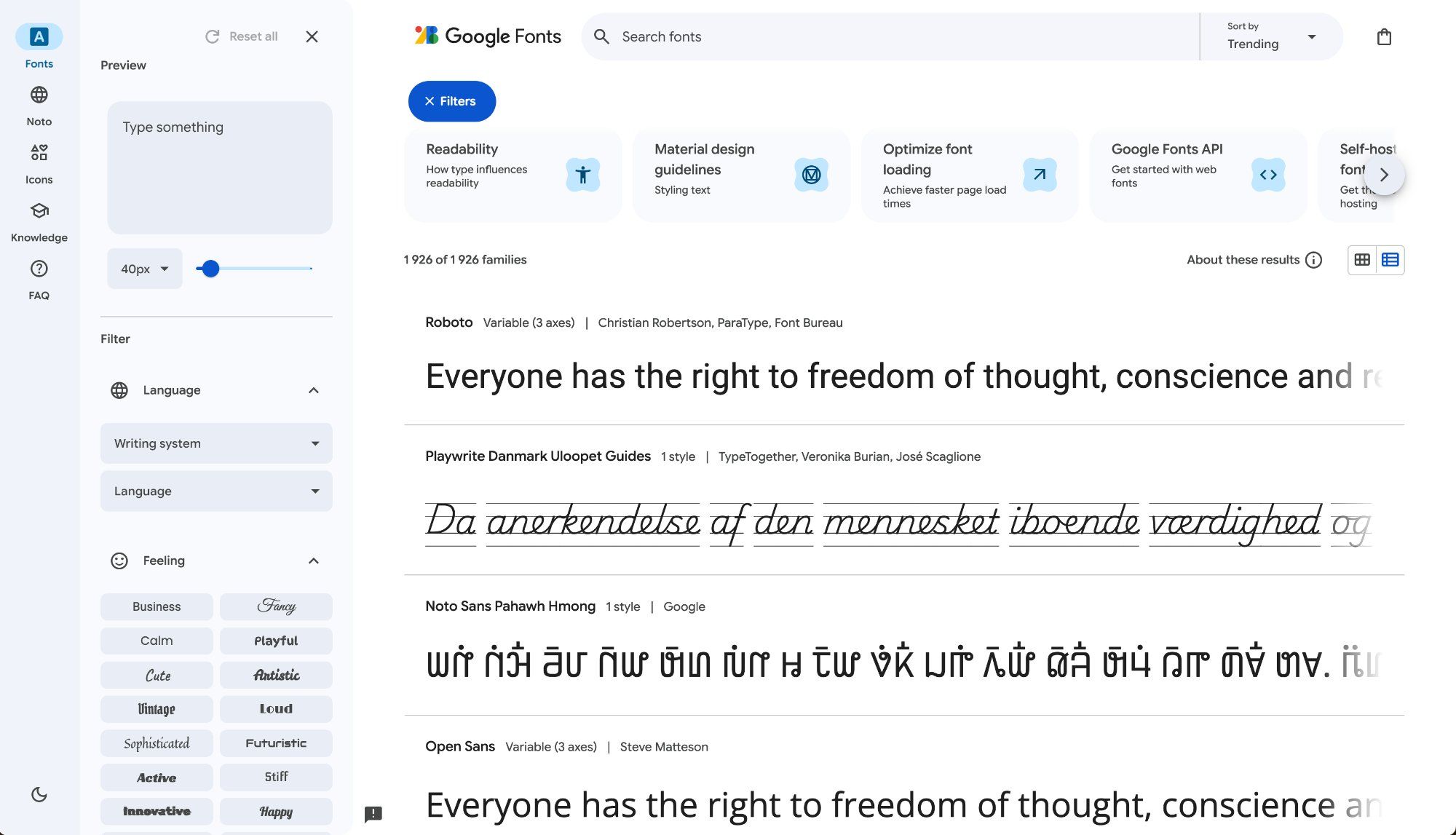
1,500+ free fonts with live contextual preview. Test heading + body pairings, filter by style (serif, sans-serif, display, monospace), and see how each font looks at different sizes. Connect with a single line of CSS.
Why it matters: Typography is the second most influential design element after color. The right font pair makes a landing page memorable. The wrong one makes it invisible.
05. Unsplash — Photography
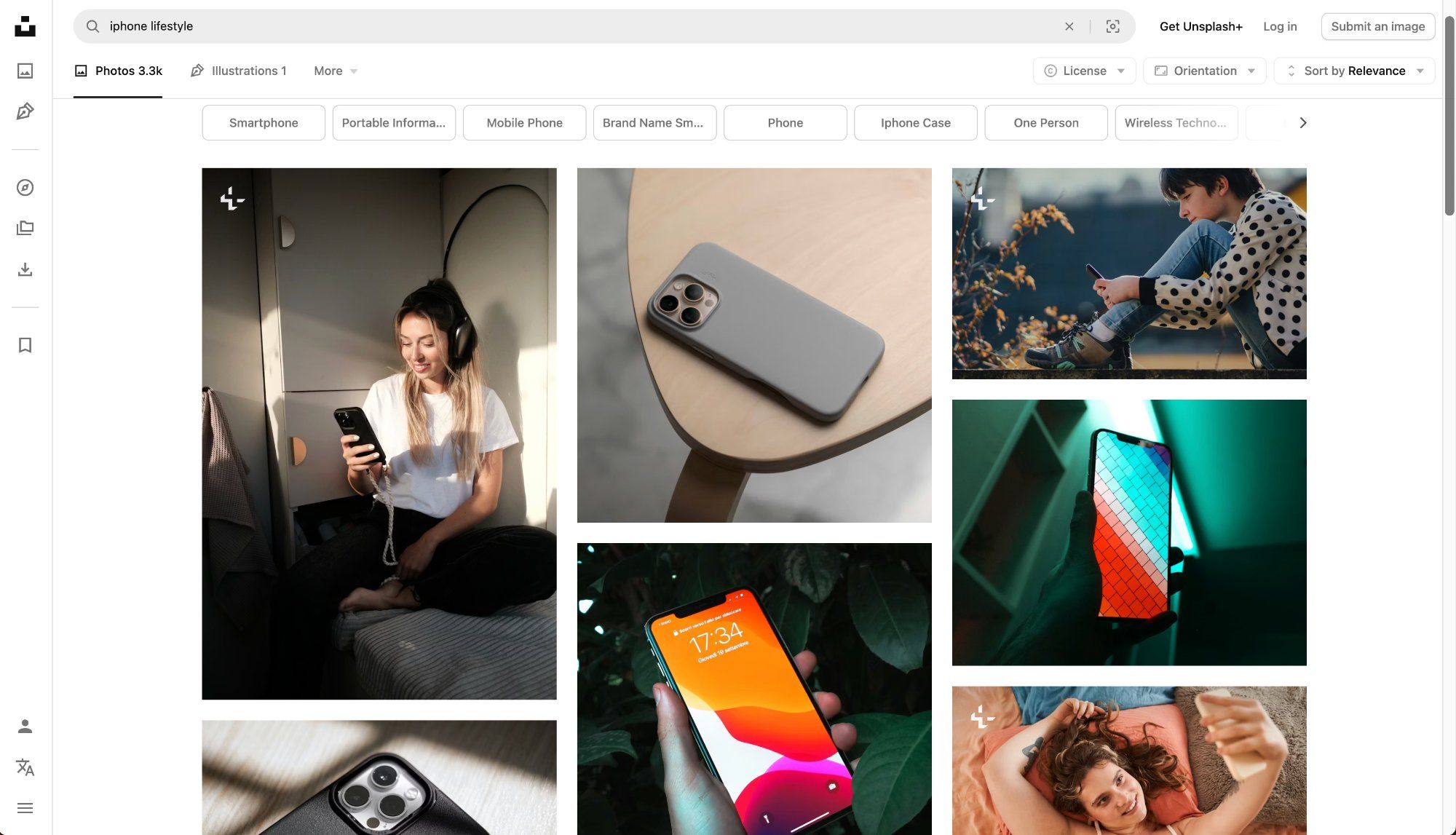
The best library of free high-resolution photos with an open license. Especially strong for lifestyle context: tech, workspaces, people with devices — exactly what you need for backgrounds or to surround a mockup on a landing page.
Why it matters: When you need to place a MacBook in a real scene or add a background to your hero section — Unsplash handles it without licensing risk and without that plasticky stock-photo look.
06. Fontpair — Typography
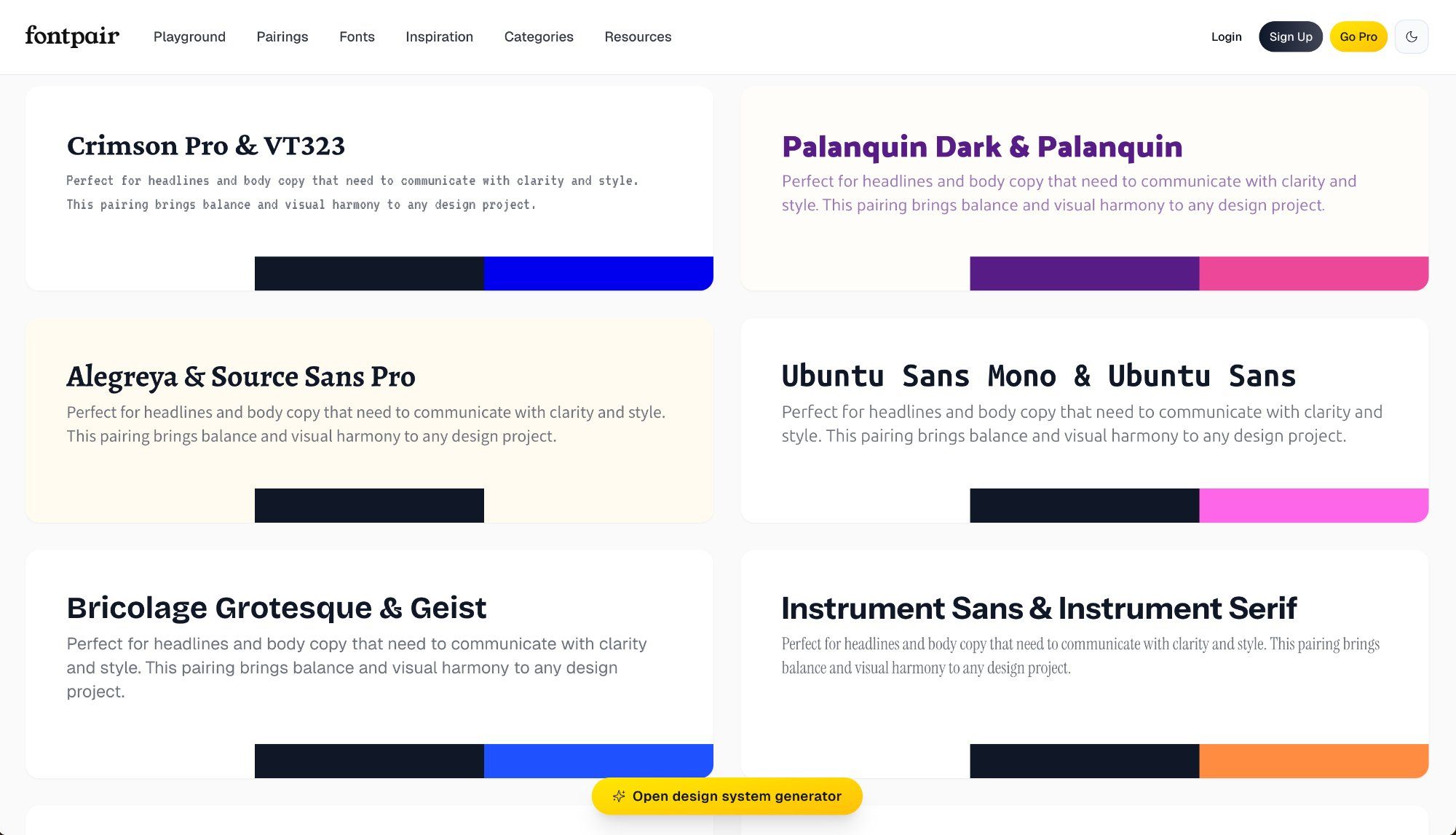
Ready-made font pairings — heading + body — shown in real layout previews. Every pair is shown in context, not just "letter on white background." All fonts are from Google Fonts, so they're free and ready to use.
Why it matters: Finding a working typographic pair from scratch is hard. Fontpair removes the guesswork and immediately shows how the combination looks in a real landing page design.
07. Pageflows — UI Inspiration
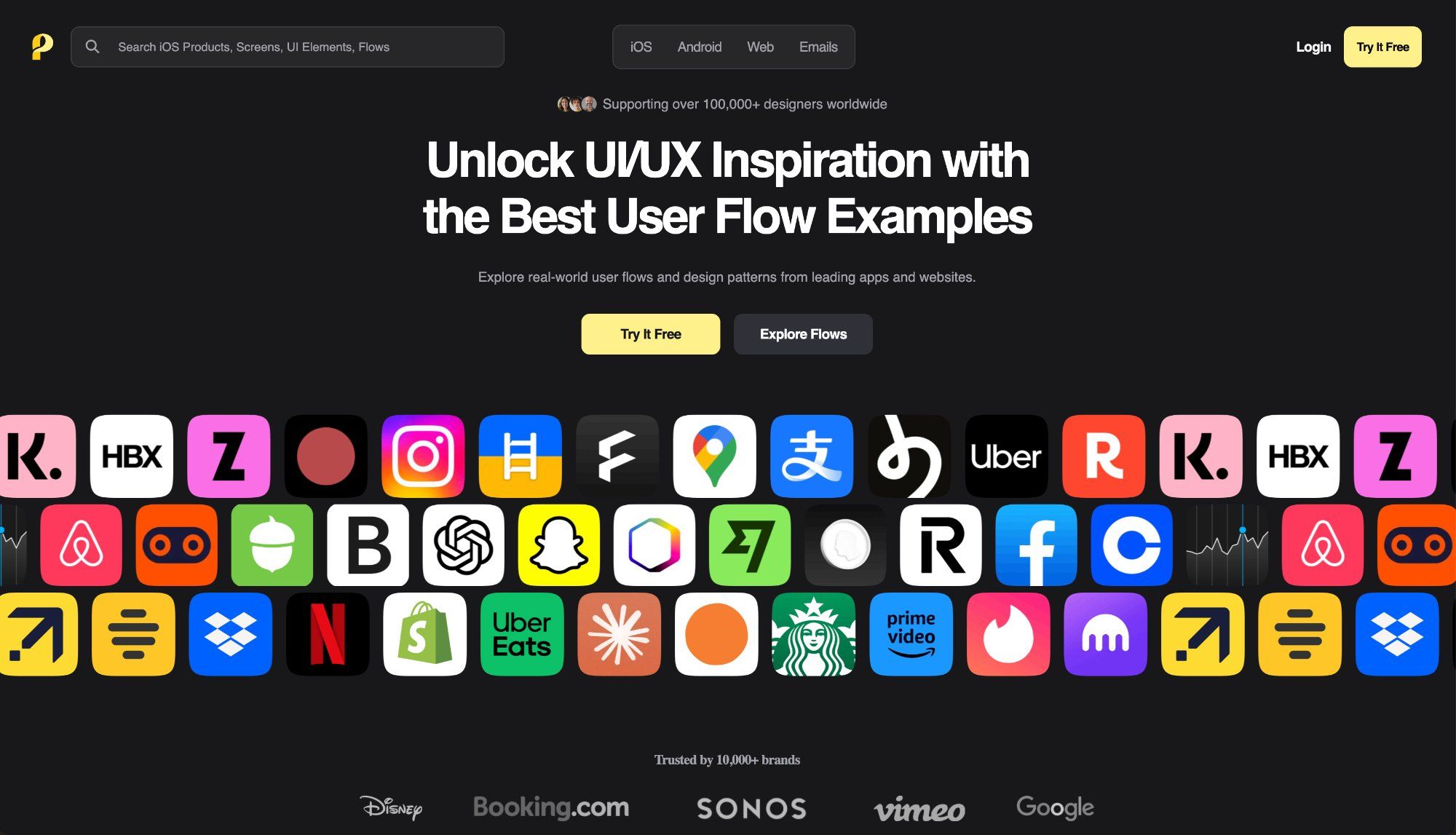
A library of user flow screenshots from top apps and websites — onboarding, hero sections, pricing, signup forms, checkout. Unlike Lapa Ninja (full landing pages), Pageflows shows individual screens and the transitions between them. Perfect when you know exactly what you need to improve.
Why it matters: Instead of scrolling through full landing pages looking for a good pricing block — go to Pageflows and browse dozens at once. Saves hours when working on a specific section.
08. UI Colors — Color Palettes
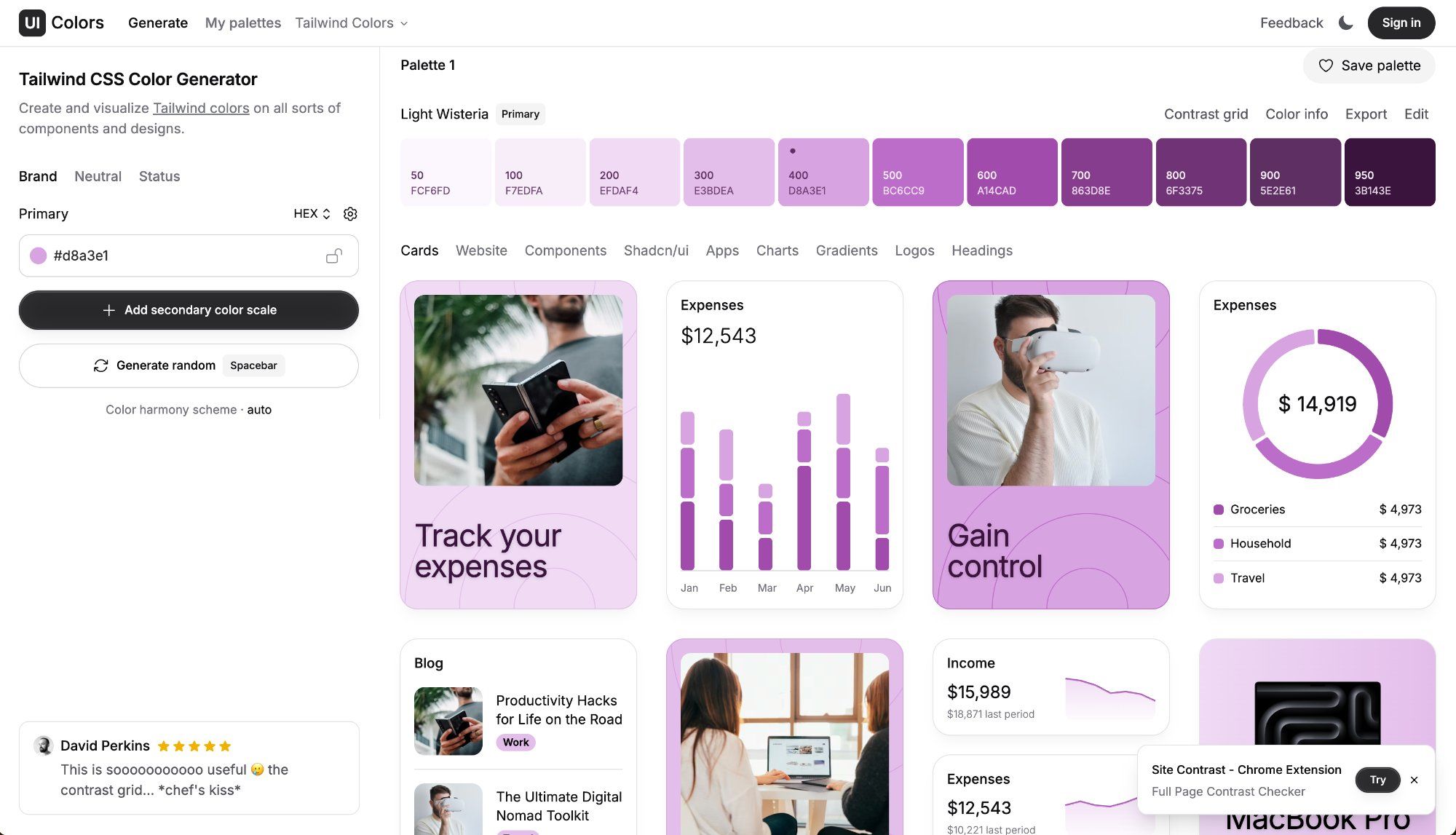
A Tailwind-compatible color scale generator: input one brand HEX color, get a full scale from 50 to 950 with correctly balanced light and dark shades. Perfect for building a landing page design system — every shade automatically harmonized for brightness and saturation.
Why it matters: A professional landing page doesn't use 1–2 colors — it uses a thoughtful scale. UI Colors gives you that scale in a minute, instead of building it by hand over several hours.
09. Colorflow by ls.graphics — Gradients
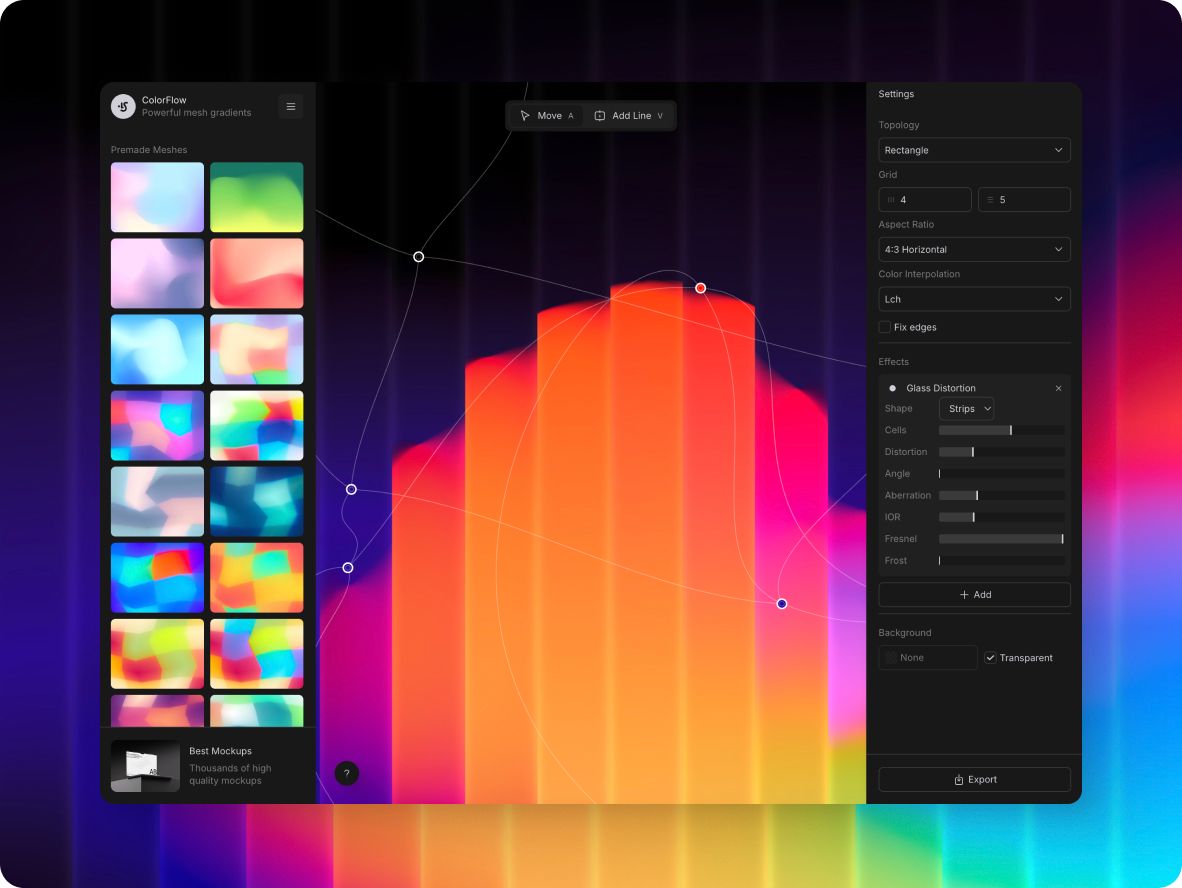
A free mesh gradient generator by ls.graphics with an interactive editor right in the browser. Drag control points, see the result in real time — no exports, no waiting. Supports smooth color transitions of any complexity, export to PNG or CSS.
Mesh gradients are at peak usage in landing page design — used by Stripe, Linear, Vercel. Colorflow lets you create the same kind of hero background in minutes, without Figma and without paid plugins.
Why it matters: A dynamic, non-generic hero background is one of the strongest visual moves on a modern landing page. Colorflow gives full control over the gradient with instant preview — perfect for iterating in the middle of a design session.
10. Figma Community — UI Kits & Templates
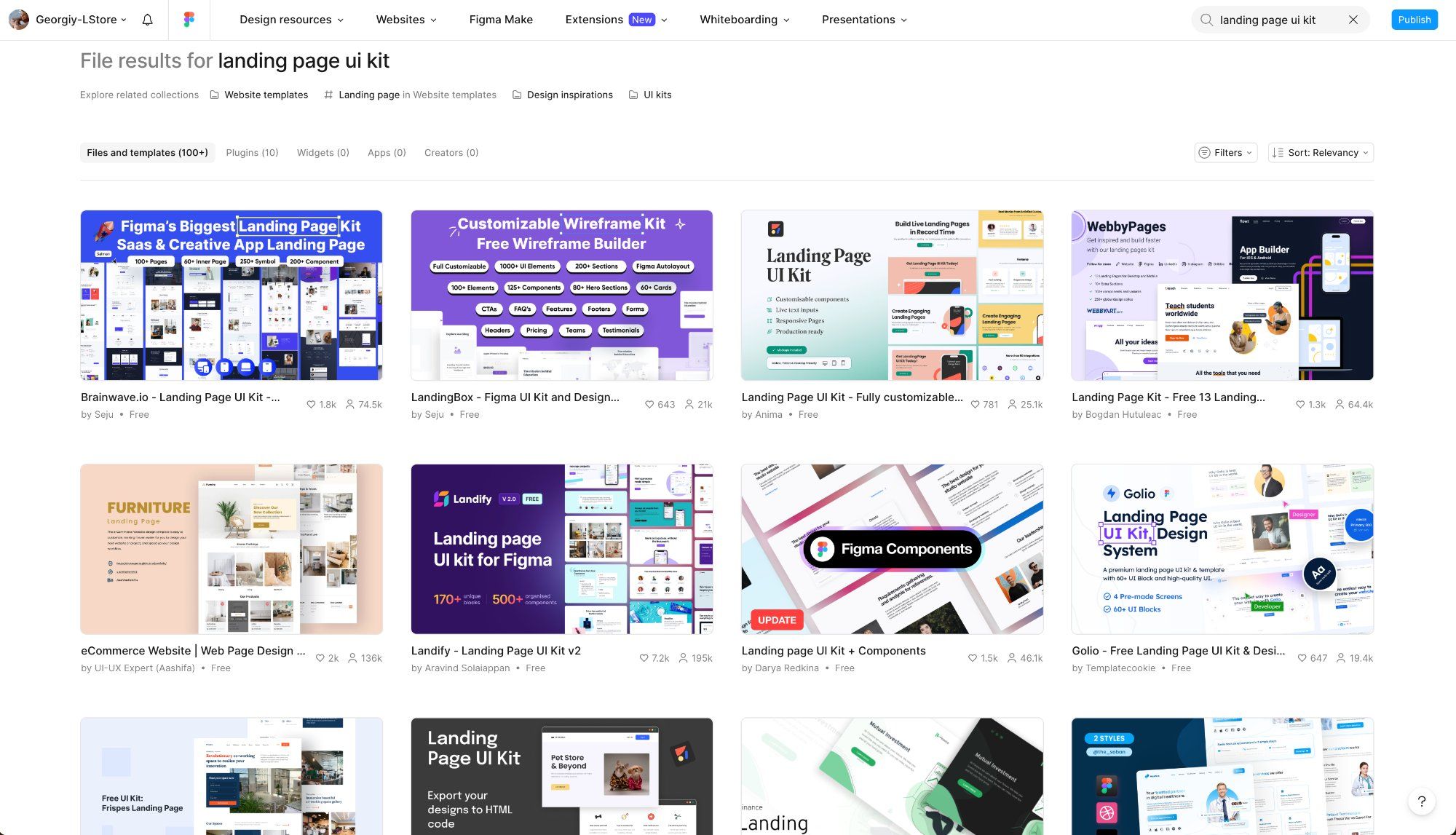
Thousands of free UI kits, landing page templates, icons, and components right inside Figma. There are ready-made landing page templates for SaaS, mobile apps, agencies — take one as a base and adapt it. Component kits are especially useful: buttons, cards, navigation — all already built correctly.
Why it matters: You don't need to build a landing page from scratch. A good Figma Community UI kit gives you a complete component system ready to use — saving a full day of basic layout work.
ls.graphics — the go-to resource for device mockups
Of all the tools on this list, ls.graphics handles the hardest job. The site features thousands of realistic landing page mockups that looks like an actual photograph, not a render.— all with correct lighting, shadows, and smart objects. These are the best mockups for landing pages in one place.
iPhone Mockups — All current models, realistic and clay versions, dark and light scenes.
MacBook Mockups — Pro and Air, every angle, scenes for landing pages and presentations.
iPad Mockups — iPad Pro and Air, horizontal and vertical, lifestyle scenes.
Android Mockups — Matte style — perfect for vibrant UI without glare or reflections.
One of the standout features of the ls.graphics website is the Edit Online tool — a built-in editor that makes working with mockups easier than ever. Customize mockups directly in your browser — no Photoshop, no downloads, no plugins. Upload your design, adjust the scene, and export the final result as PNG, PSD, or SVG in just a few clicks. It's fast, intuitive, and works on any device.
What makes it even better is that ls.graphics offers an extensive library of free mockups, so you can dive in without spending a penny. No subscription needed — just pick a mockup, open it in the editor, and start creating right away.
Frequently asked questions
What's the best tool for a landing page mockup?
For professional results — ls.graphics: PSD and Figma smart objects, realistic lighting, 2,000+ mockups. For a quick online option without downloading — Colorflow and Figma Community. Both get the job done, but at different quality levels.
Where can I find device mockups for landing pages?
Free mockups for landing pages from ls.graphics — free collection with iPhone, MacBook, and iPad mockups in PSD and Figma. Figma Community also offers free options, though the selection is more limited.
Do you really need a mockup on a landing page?
For apps and digital products — almost always yes. A device mockup on a landing page translates an abstract interface into a concrete visual. Visitors understand "what is this" within three seconds — before they read the headline. Particularly effective is an iPhone mockup for landing page — familiar to the audience and instantly read as "mobile app." This directly affects conversion.
How do I choose a color palette for a landing page?
Start with one brand color → generate a scale in UI Colors → check contrast in Coolors. For the hero section, the rule is: one dominant color + neutral background + one accent. More than three colors and the landing page starts to feel noisy.
High-end mockups for serious design work
Start
Edit mockups online — in browser
- Online Mockup Editor
- PNG/JPG Export
Pro
Full access to all resources and tools
- Everything in start
- Download PSD, Sketch, Figma Files
 Mockup Plugin for Figma Access *
 mckp.live Access *
* Included in Pro — activate with a one-time account connection in your profile
Start
Edit mockups online — in browser
- Online Mockup Editor
- PNG/JPG Export
Pro
Full access to all resources and tools
- Everything in start
- Download PSD, Sketch, Figma Files
- Mockup Plugin for Figma Access *
- mckp.live Access *
* Included in Pro — activate with a one-time account connection in your profile
What designers say
Chosen by creators from top platforms
*You will need to connect online tools in yourprofile. The standard VAT rate may be charged, following the law of your country