A Pacdora alternative
Pacdora alternative: 3D packaging mockups with real effects.
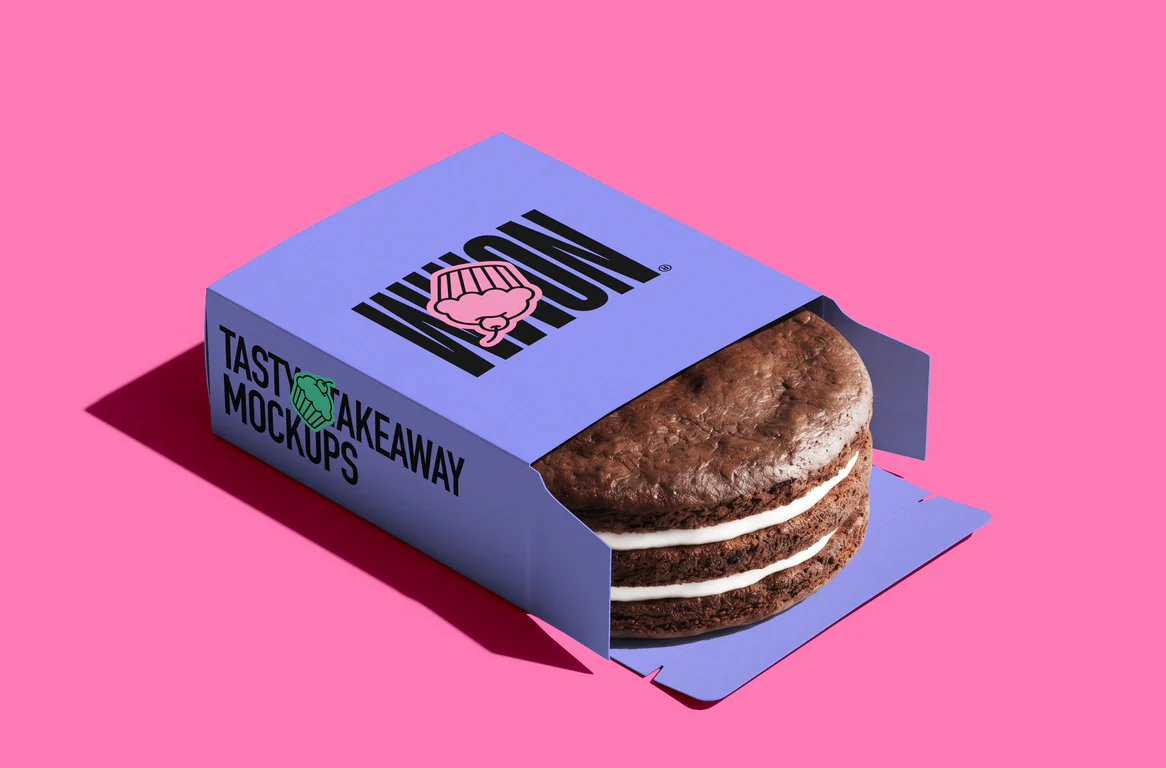
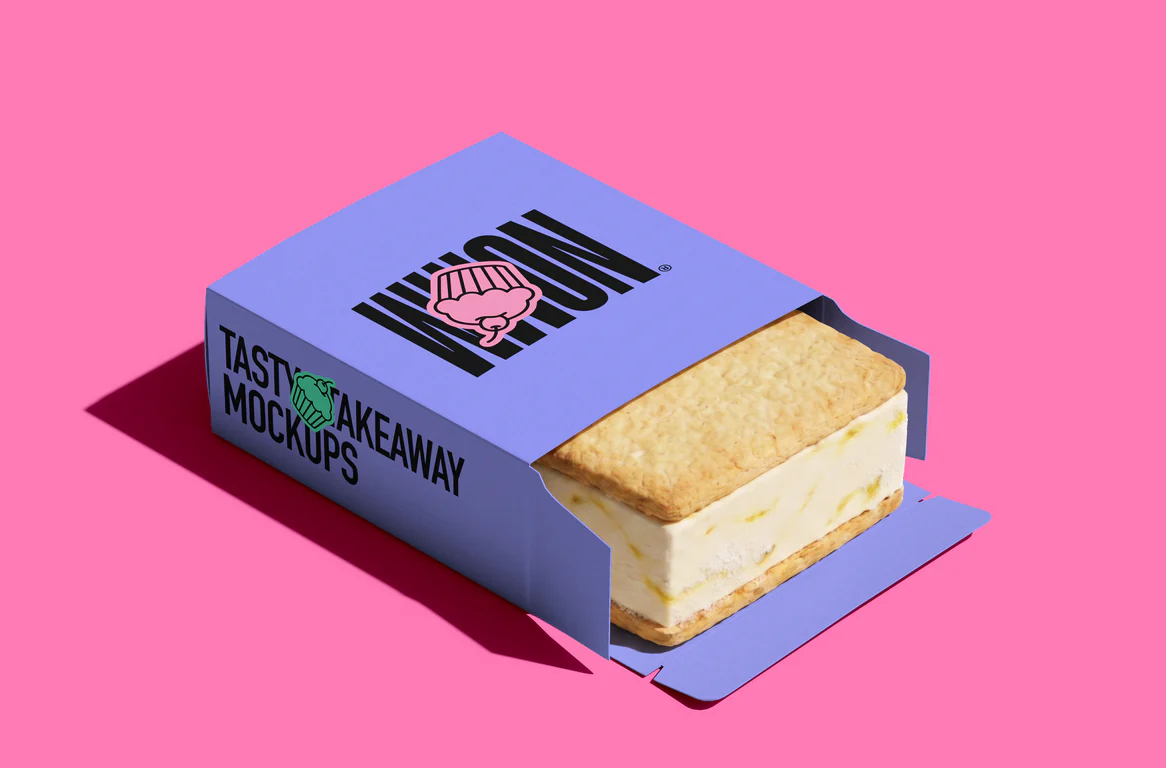
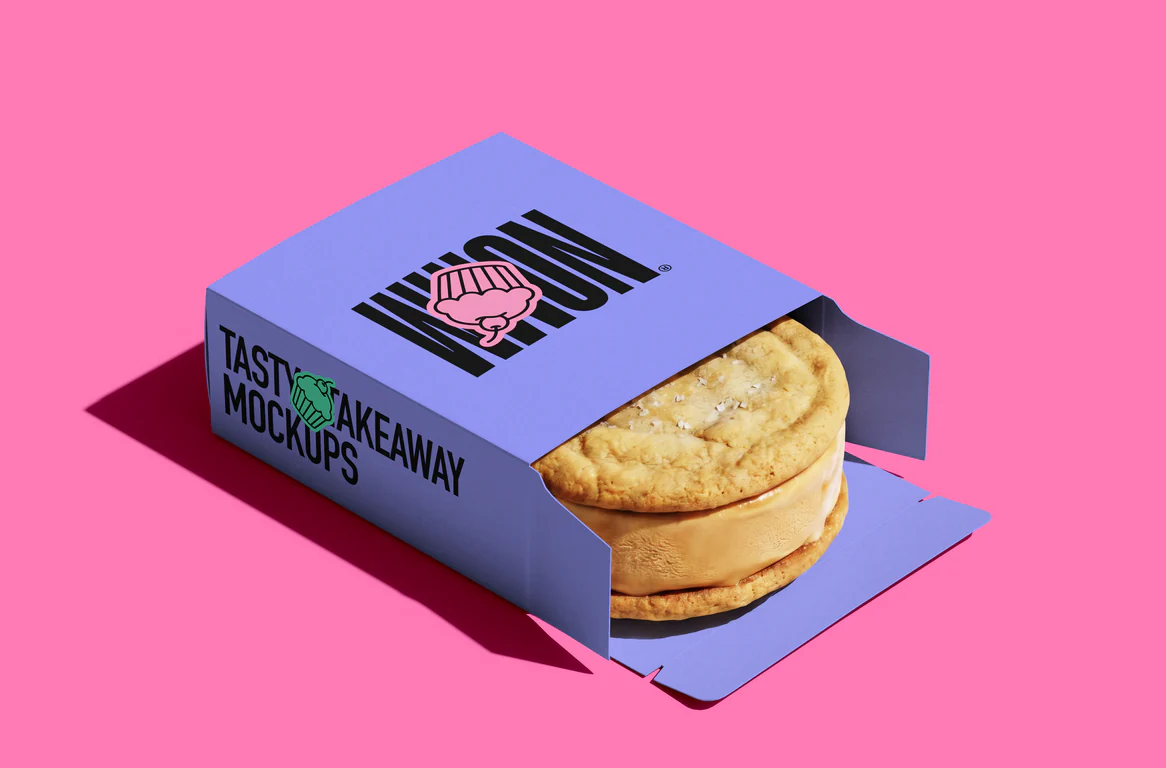
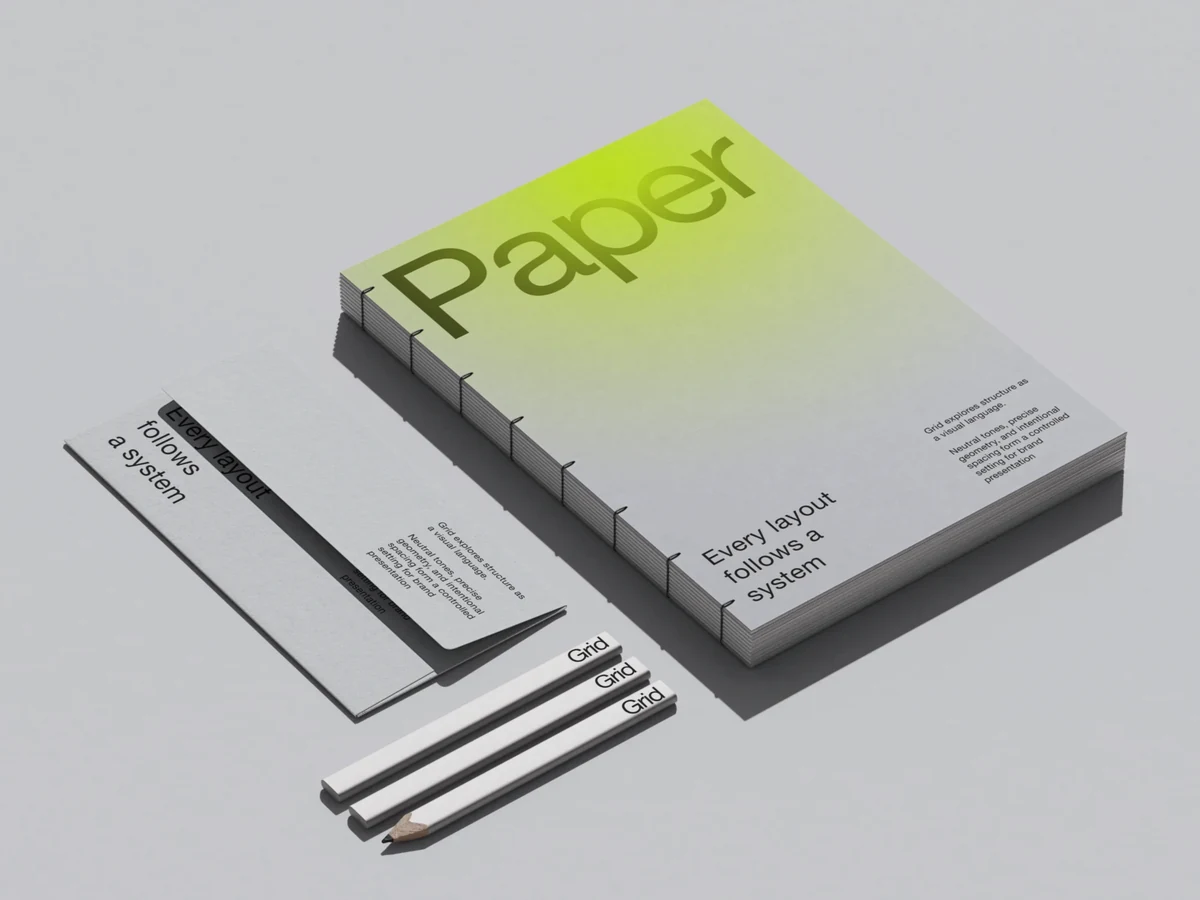
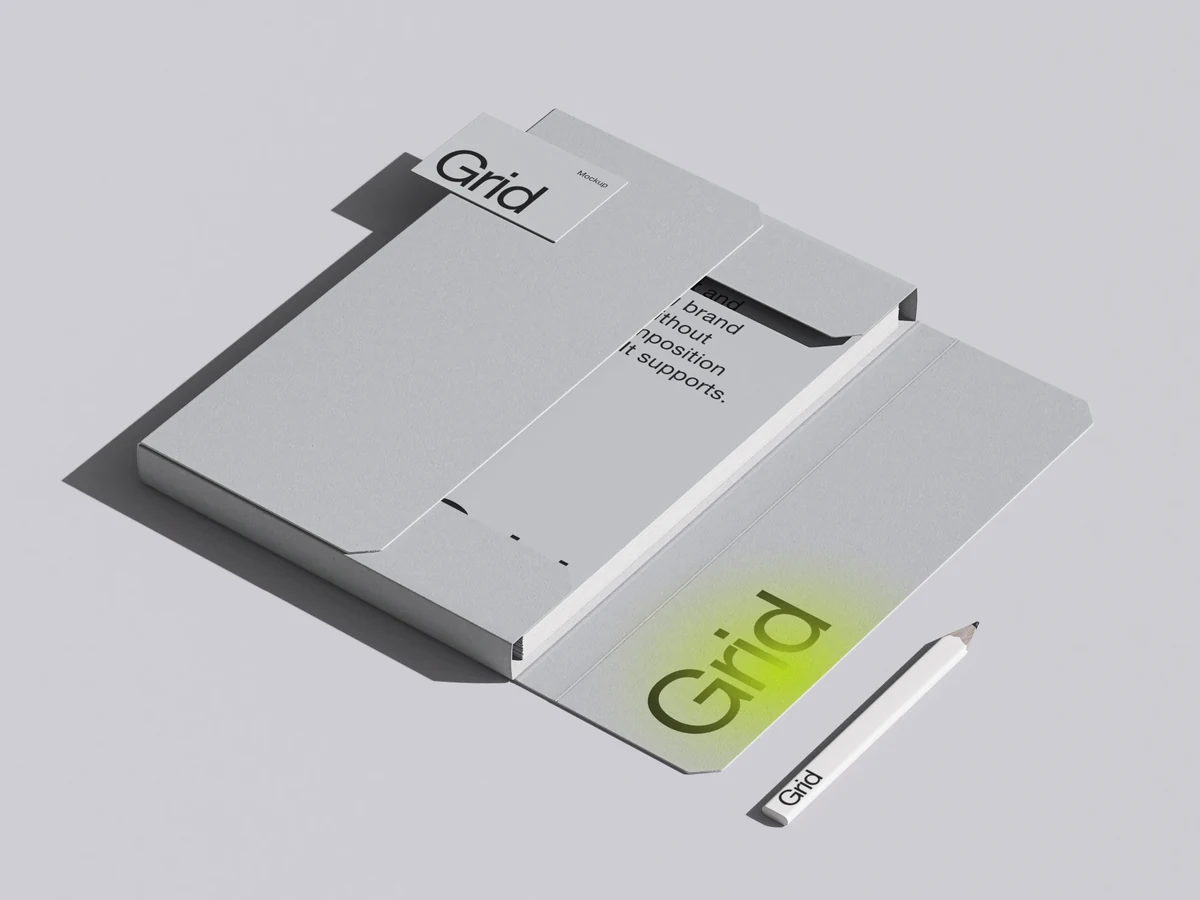
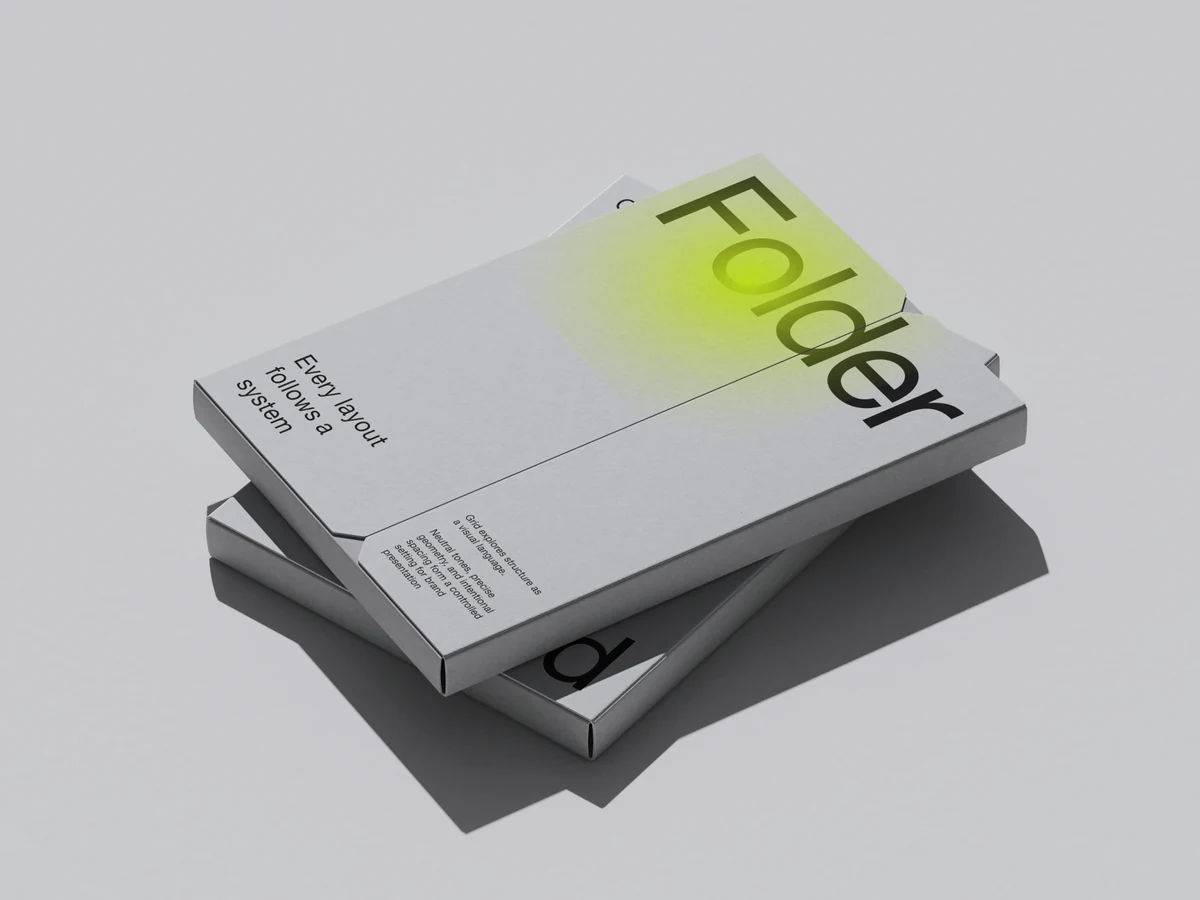
ls.graphics has 3D-rendered packaging scenes — boxes, bags, pouches, bottles and cans — next to devices and print. Drop in your design, tune curves, color and focus in the browser, export PNG, layered PSD or video.


Mockup Plugin for Figma: used by 1.5M+ designers · Free mockups included
Open EditorQuality you can see
High-quality 3D-rendered mockups and real 3D scenes, lit by our designers.
3,903 mockups in editor
Search them by category, or show only the free ones.
Live Mockups
Real 3D: turn the device, set the light, render a clip.

Realistic reflections
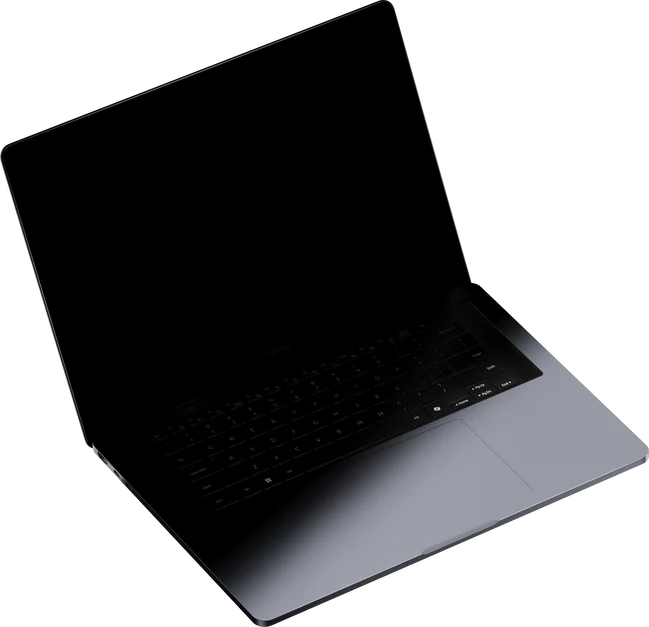
Easy to adjust on laptops

Real effects, in the browser
Tune every tone, pull focus, paint a backdrop, light a 3D scene — before you export.
Curves, Color balance, HSL
Tune every tone of the picture
Focus blur
One spot sharp, the rest soft
Change color, use gradients
Recolor the backdrop or paint a gradient on the canvas
- Loading controls…
CRT screen effect
Stylize and add details
Animated 3d Editor
Keyframe the camera and the device on a timeline, export video.
Convenient from the first drop
Drop or paste your design, switch variants in one click, take the result anywhere.
Drop or paste your design
Drop your design in the browser tab, or copy paste it
Switch colors and content in one click
Switch the contents, the color or the EU / US size in one click
Export PNG, PSD, SVG or video
SVG compatible with Figma, PSD with Photoshop, Photopea, Affinity Designer
Video import and export
Put a clip on a screen, export a video mockup as MP4 or WebM
Edit mockups online, no Photoshop
The generator opens every scene in a moment, thanks to our optimization
Video export with transparency
In webm format
Mockup Plugin for Figma
Select a frame, get a mockup, never leave Figma.
What you get at ls.graphics
As of October 2026, per their website: the Pacdora column is what pacdora.com's home, mockup tools and pricing pages say.
| Feature | Pacdora | ls.graphics |
|---|---|---|
Curves, color balance, HSL, focus blur, gradients and backdrops, right in the browser editor. Pacdora: Colors, sizes, materials, finishes, shadows, lighting and backgrounds. | Yes | Yes |
| Not listed on their website | Yes | |
| Yes | Yes | |
| Not listed on their website | Yes | |
| Not listed on their website | Yes | |
| Yes | Yes | |
| Not listed on their website | Yes | |
| Yes | Yes |
A cross, “Not listed on their website”, means the feature is not mentioned on their website as of October 2026.
Pacdora is a trademark of its owner. ls.graphics is not affiliated with or endorsed by Pacdora. Comparison based on publicly available information as of October 2026; features and prices may change.
Used by 1.5M+ designers in Figma Community
The Mockup plugin's users, and where designers who use ls.graphics work.
Used by designers at


Extended license
One single, full extended license — use freely, just don't resell.
New packs or updates every week
Each release lands in your plan the day it ships, and the packs you already use keep getting updates.
High-end mockups
for serious design work
- Static Mockup Editor
- Live Mockup Editor
- 3d Studio
- Mockup Plugin for Figma*
- Every source file: PSD, Figma, Sketch
- Illustrations and abstractions
- PNG, JPG, MP4, WebM and PSD export
View plans* Included in Pro — activate with a one-time
account connection in your profile
- 14-day money-back guarantee
- Instant access after payment
- Cancel anytime
VAT may be added at checkout
Questions
What is a Pacdora alternative for packaging mockups?
Which packaging mockups are there?
Does ls.graphics make packaging dielines?
Can I export a layered PSD?
What effects can I add to a mockup?
Can I try ls.graphics for free?
Can I use the mockups for client work?
More mockup tools, by the job: ls.graphics alternatives