Online mockup generator
Mockup generator.
Drop a design in,
get a mockup.
3,900+ high-quality 3D-rendered mockups of devices, packaging and print. Create mockups online in your browser with a mockup maker that needs no Photoshop and nothing to install.


Change the color, the background and the light, then export a picture, a layered PSD or a video. Free mockups included.
Open EditorWhat the mockup generator does
Everything happens in your browser tab
3,903 mockups in editor
Full access from just $9/mo
Drop or paste your design
Drop your design in the browser tab, or copy paste it
Switch colors and content in one click
Switch the contents, the color or the EU / US size in one click
Export PNG, PSD, SVG or video
SVG compatible with Figma, PSD with Photoshop, Photopea, Affinity Designer
Video import and export
Put a clip on a screen, export a video mockup as MP4 or WebM
Edit mockups online, no Photoshop
The generator opens every scene in a moment, thanks to our optimization
Change color, use gradients
Recolor the backdrop or paint a gradient on the canvas
Curves, Color balance, HSL
Tune every tone of the picture
Focus blur
One spot sharp, the rest soft
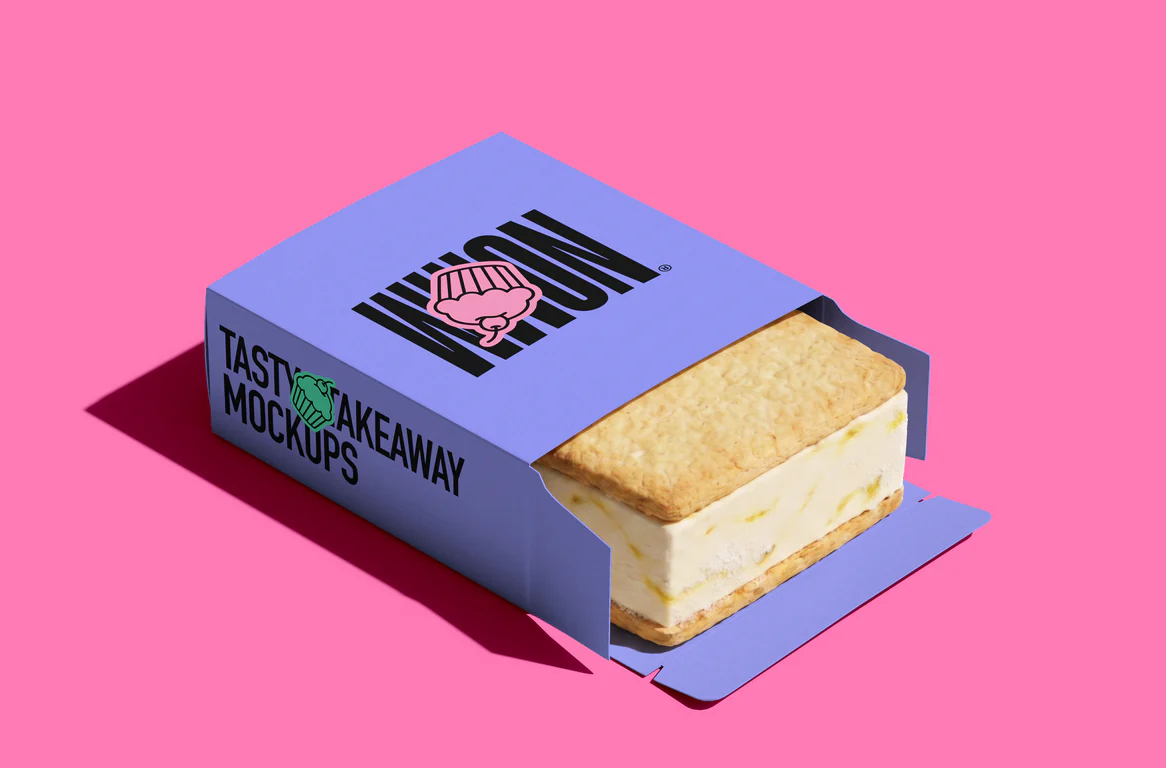
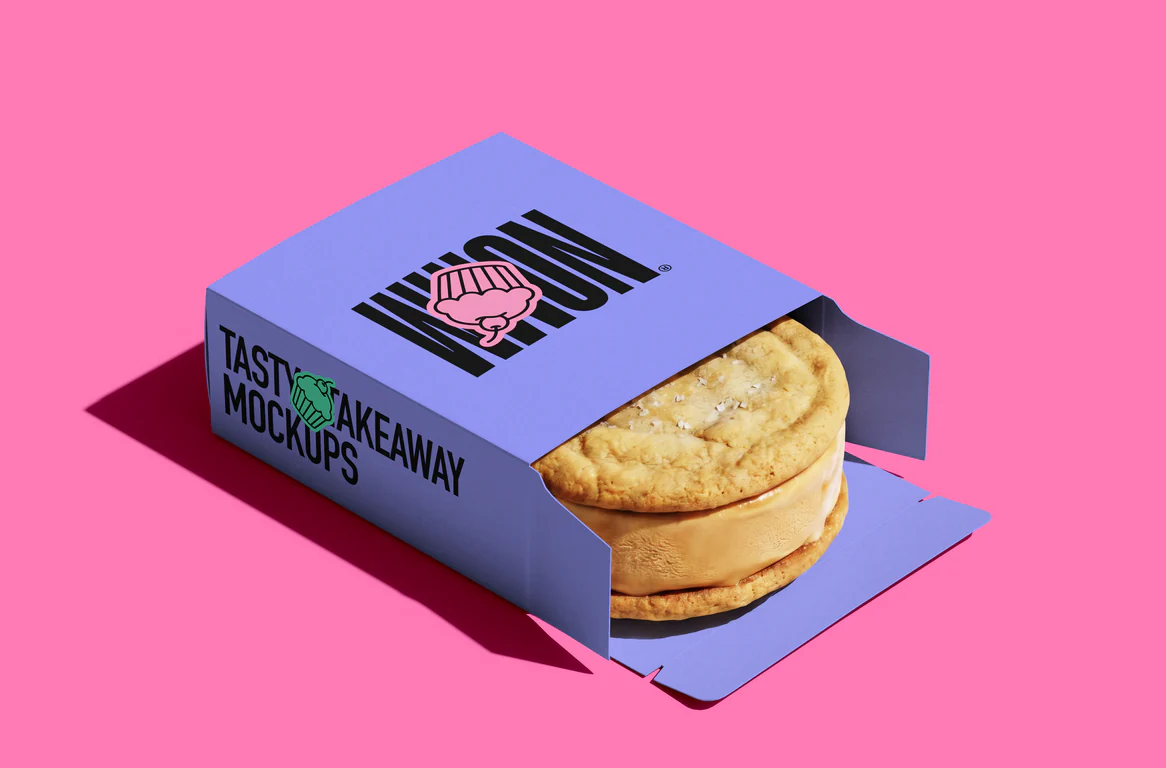
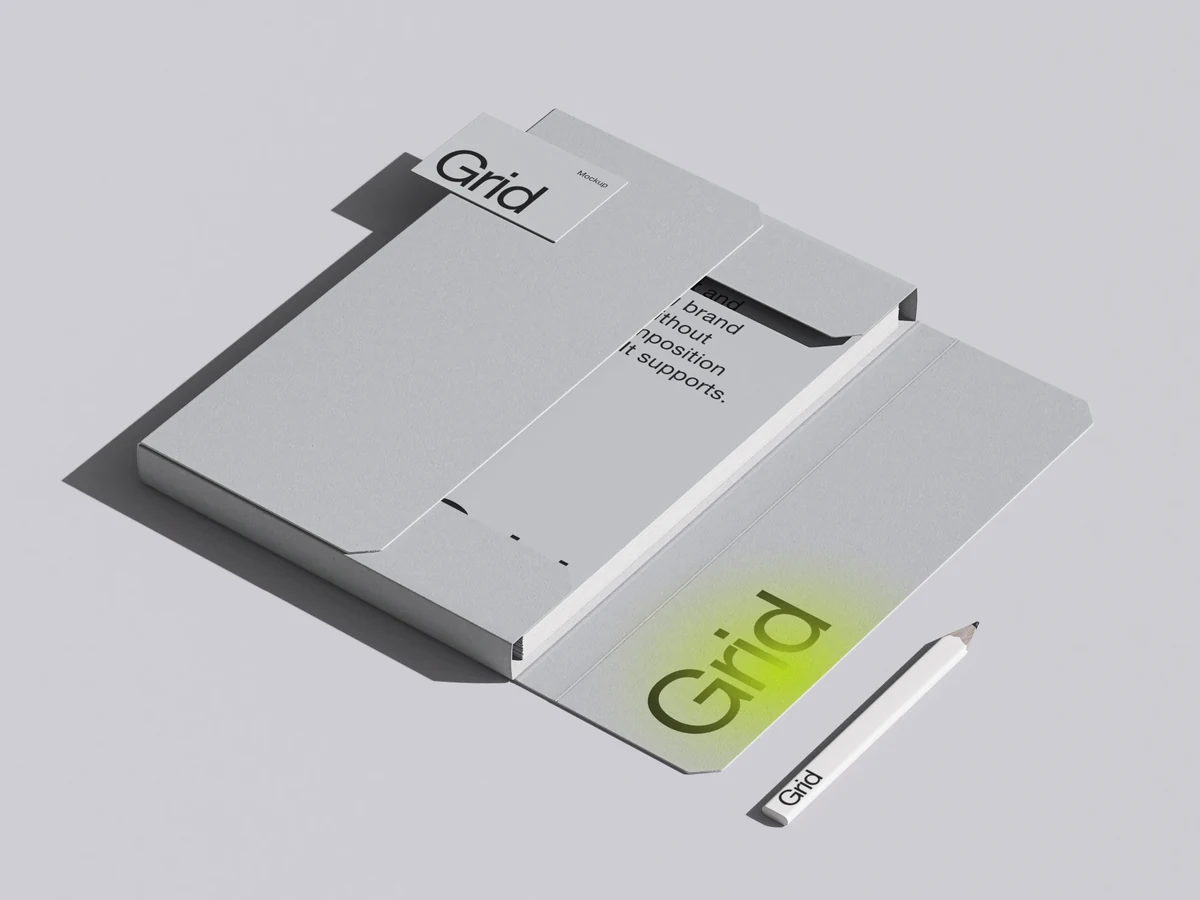
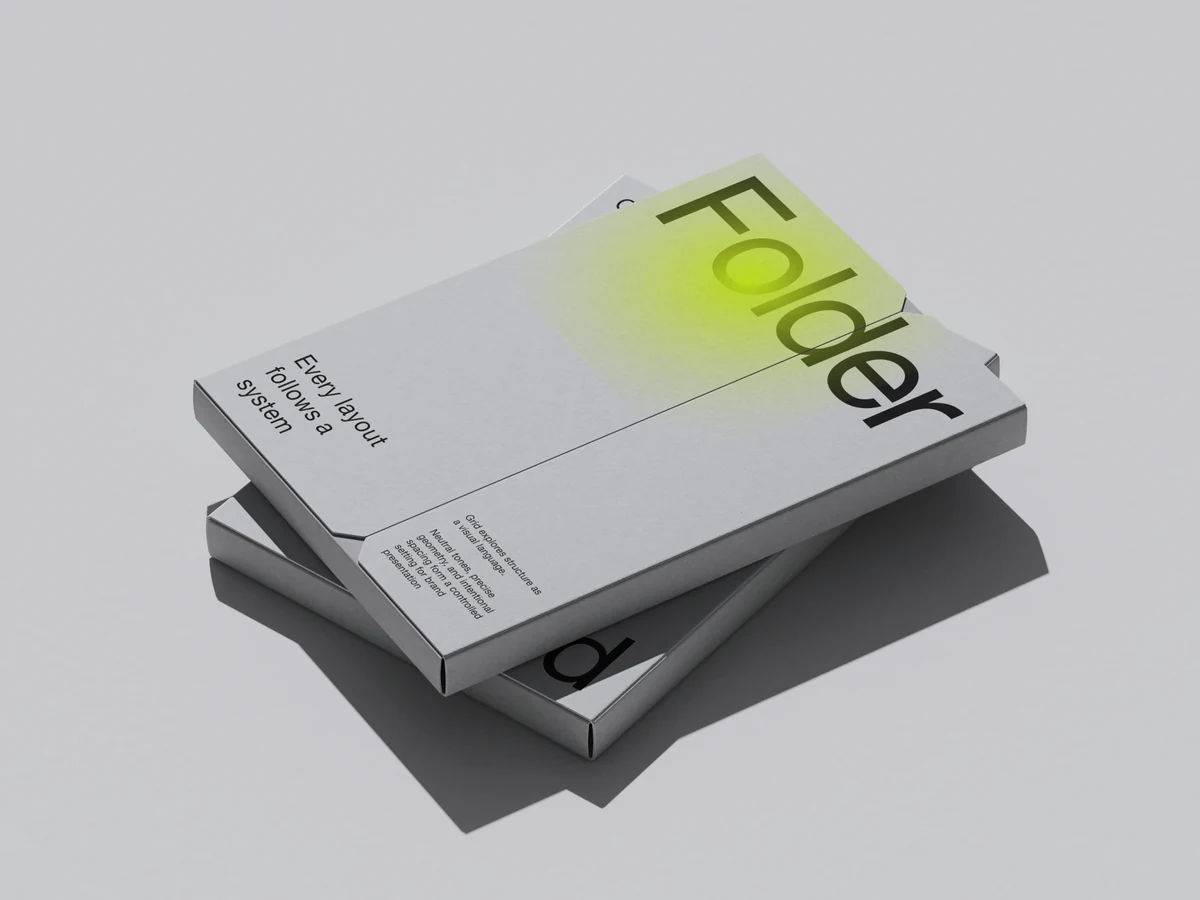
Mockups you can edit online
Featured scenes from the library, by category. Each one is a 3D render you edit right in the browser: open a scene, start from the whole category in the editor, or browse all of its mockups.
iPhone mockups
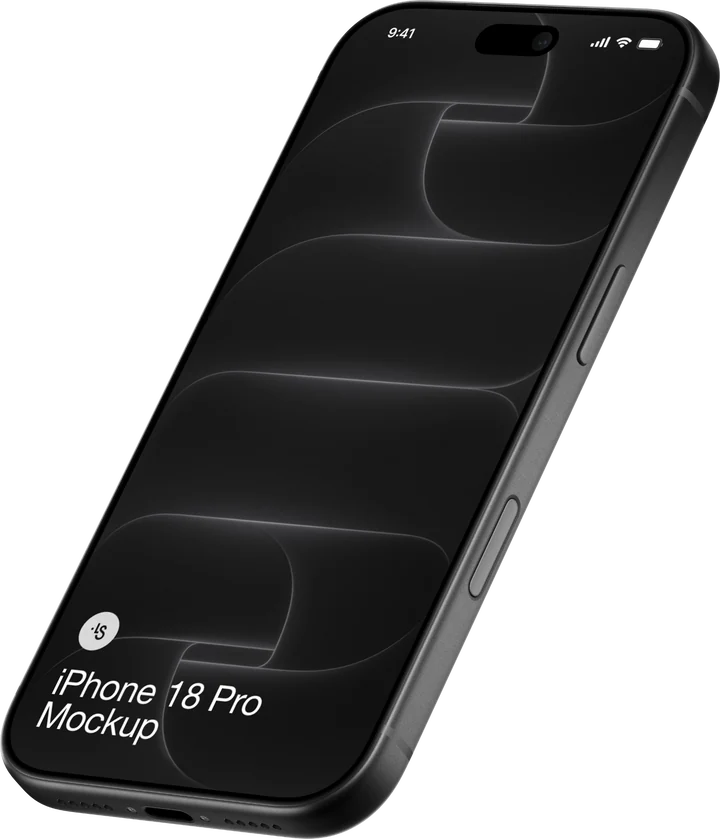
Show an app or a website on an iPhone screen. Drop in a screenshot, or a screen recording for a video mockup.Make an iPhone mockup onlineAll iPhone mockups
MacBook mockups
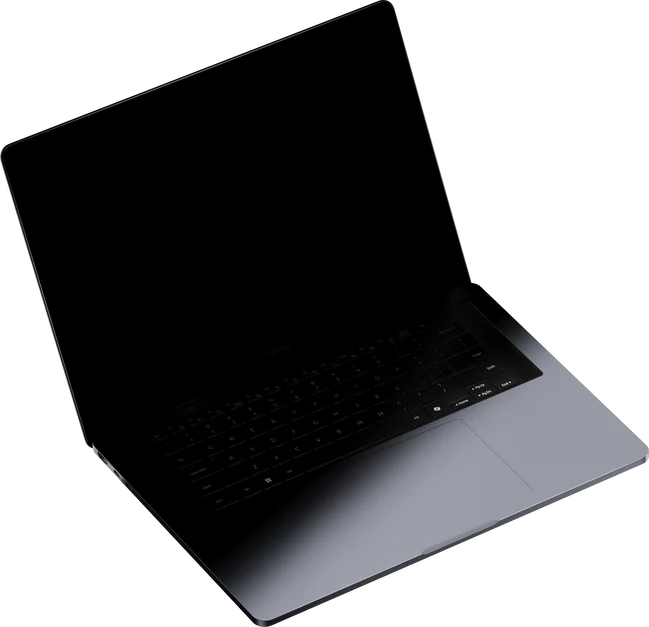
Present a website, a dashboard or a product page on a MacBook. A video on its screen exports as MP4 or WebM.Make a MacBook mockup onlineAll MacBook mockups
iPad mockups
Put an app, a website or a portfolio on an iPad screen and export the mockup as a PNG or a layered PSD.Make an iPad mockup onlineAll iPad mockups
Android mockups
Show an Android app on a phone screen, from a single screenshot to a recording of the app in use.Make an Android mockup onlineAll Android mockups
T-shirt mockups
Put a logo, a print or merch artwork on a t-shirt, then change the colors and the background to match the brand.Make a t-shirt mockup onlineAll t-shirt mockups
Hoodie mockups
Try a print or a logo on a hoodie before it is produced, and show a whole merch line in the same scenes.Make a hoodie mockup onlineAll hoodie mockups
Business card mockups
Show a logo and a business card design in print, with US and EU sizes where a scene offers both.Make a business card mockup onlineAll business card mockups
Packaging mockups
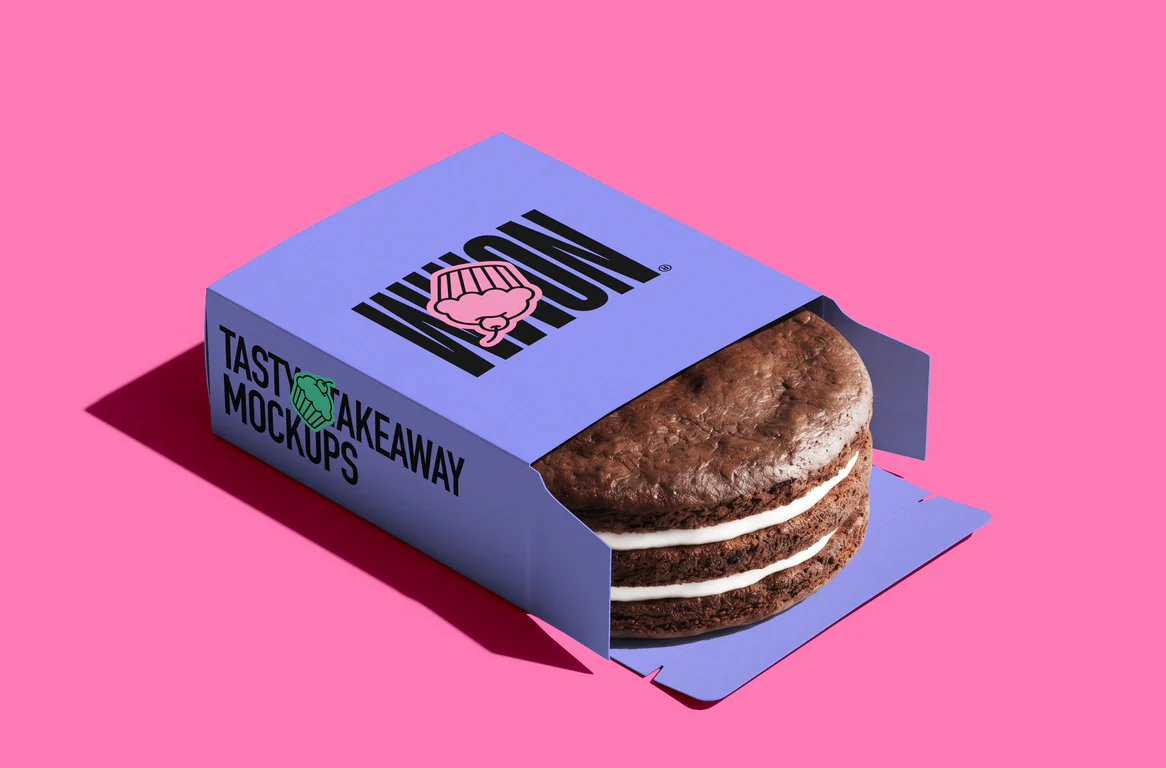
Put a label or a print on boxes, bags, cups and takeaway packaging to present a brand before it is printed.Make a packaging mockup onlineAll packaging mockups
Poster mockups
Present a poster or an event announcement on a wall, on a stand or in the street.Make a poster mockup onlineAll poster mockups
Book mockups
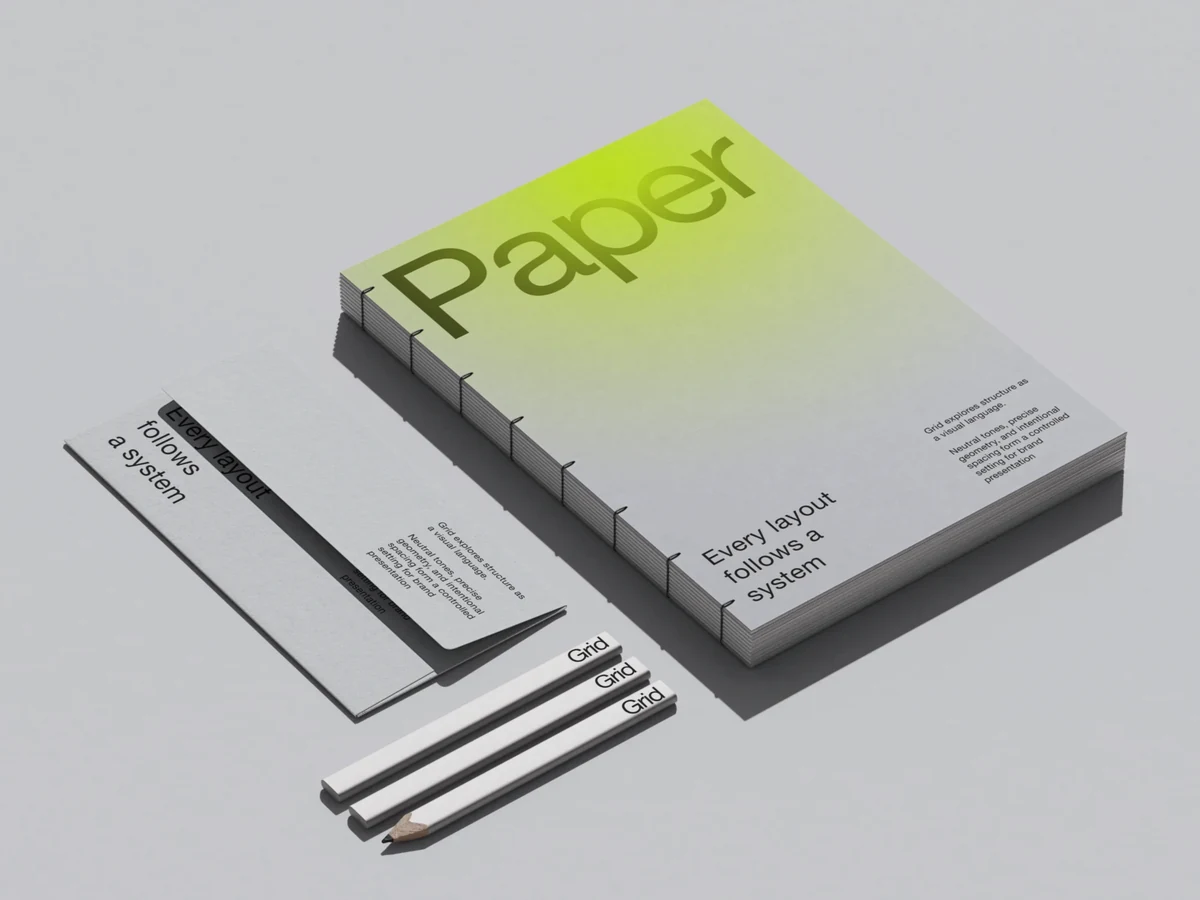
Show a book cover on a bound book, on its own or as part of a stationery set.Make a book mockup onlineAll book mockups
Magazine mockups
Present a magazine cover and its pages in branding scenes, many of them in US and EU sizes.Make a magazine mockup onlineAll magazine mockups
Billboard mockups
Show an outdoor ad on a billboard, a building wall, a construction banner or a glass stand.Make a billboard mockup onlineAll billboard mockups
How to make a mockup online
Pick a scene, drop or paste your design on its screen, and export a PNG, a PSD, an MP4 or a WebM, all in your browser, with nothing to install.
1. Pick a scene
Open the editor and choose from 3,903 mockups: search the library, narrow it by category, or show only the free ones. Every scene opens in a moment.Open the mockup generator
2. Drop or paste your design
Drag a picture or a video onto a screen, or copy your design and paste it into the tab. Each screen takes its own design. Change the color, the background and the light if you like, or tune curves, color balance and focus blur.
3. Export the mockup
Save a PNG, a layered PSD or an SVG, or an MP4 or WebM video when a clip plays on the screen. The PSD keeps its layers for Photoshop, Photopea or Affinity Designer, and the SVG opens in Figma.
Questions
What is a mockup generator?
Is the mockup generator free?
Do I need Photoshop?
What can I export?
Can I put a video on the screen?
Can a mockup have several screens?
How do I create a mockup online?
How is it different from a PSD mockup?
How is ls.graphics different from Smartmockups or Placeit?
Can I use the mockups for client work?
Coming from Canva, Smartmockups or Placeit? See how we compare: vs Canva mockups · vs Smartmockups · vs Placeit