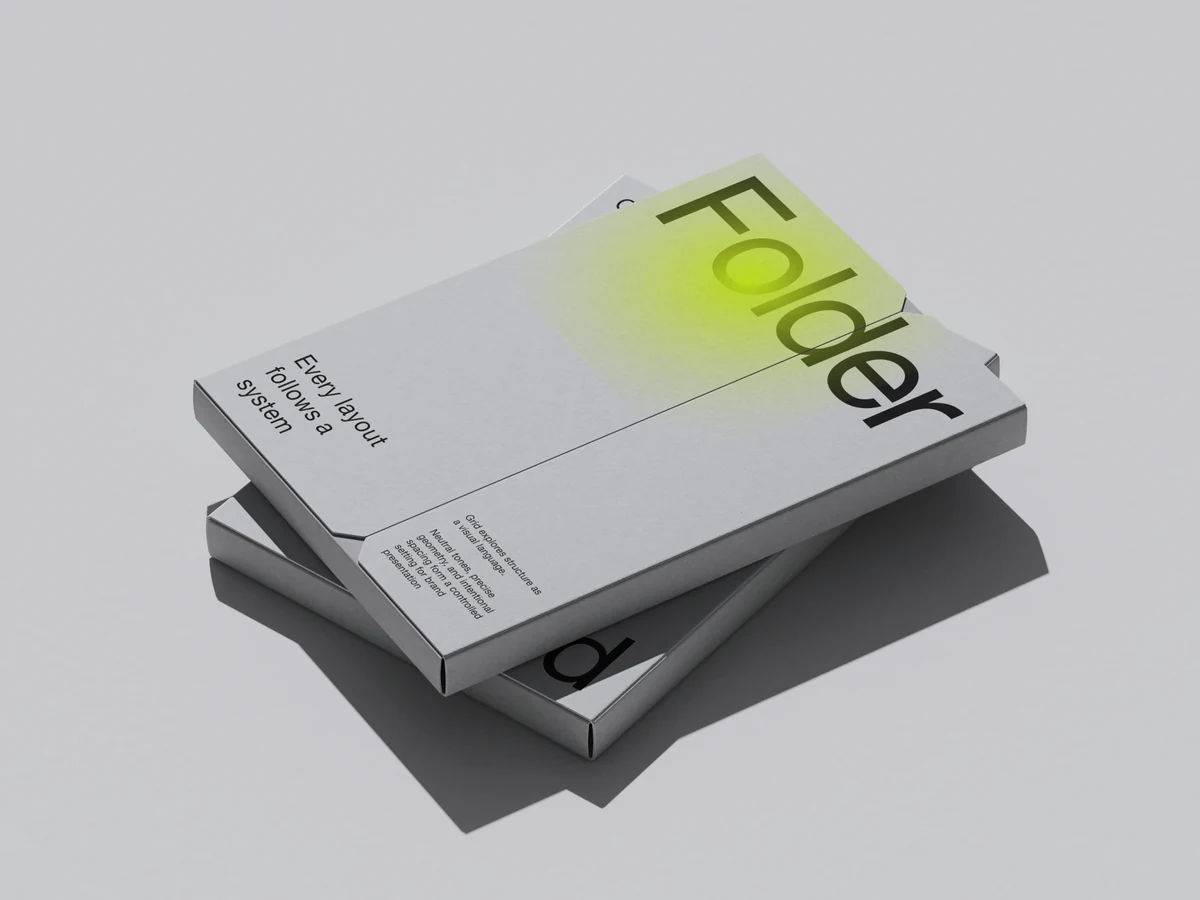
The Placeit alternative

Studio-quality mockups with real effects.

In your browser and in Figma. 3800+ 3D-rendered scenes, curves, focus blur, layered PSD and video export.

Mockup Plugin for Figma: used by 1.5M+ designers · Free mockups included

Open Editor

Or install the plugin for Figma

Quality you can see

High-quality 3D-rendered mockups and real 3D scenes, lit by our designers.

  • 3800+ mockups in editor

    Search them by category, or show only the free ones.

  • Live Mockups

    Real 3D: turn the device, set the light, render a clip.

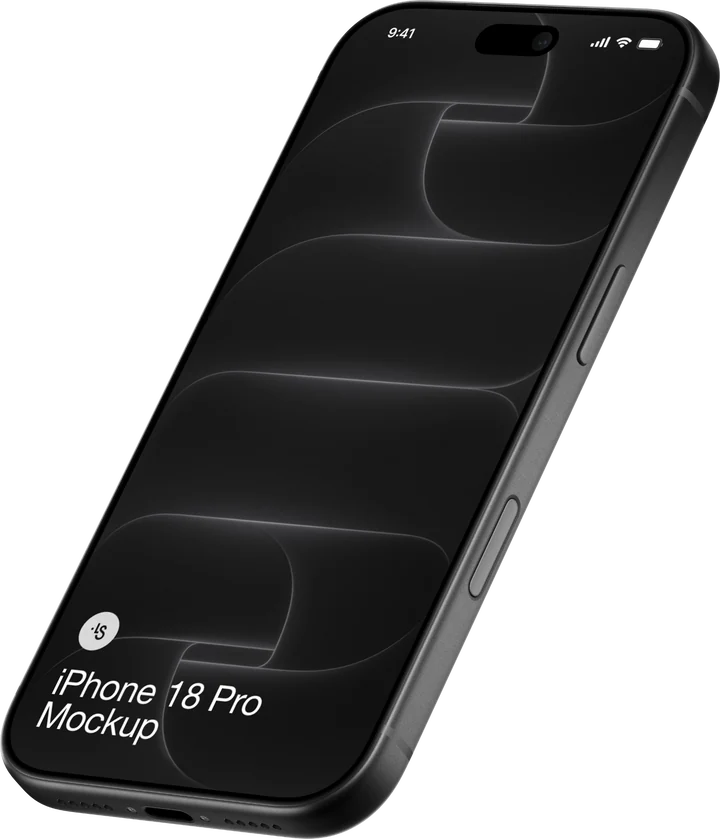
    MacBook Pro open on an oak table, straight-on eye-level view with screen facing forward.iPhone 17 Pro standing upright on a draped velvet surface, screen facing forward.iPhone Air suspended between two mechanical arm clamps, tilted at a three-quarter angle.MacBook Air open on a jagged rock ledge, shot from a low three-quarter angle.MacBook Air open on a ribbed textured surface, viewed from a high three-quarter angle.MacBook standing open on a ribbed panel ledge, viewed straight-on at eye level.iPad Pro tilted and floating amid broken stone fragments, straight-on viewMacBook Neo open at the edge of a smooth ledge, viewed from a low straight-on angle.Nothing Phone (3) resting diagonally on crossed metal rig poles, viewed from a high angle.Four iPhone 17 Pro units arranged back-up in a scattered grid, viewed from a high angle.iPhone 16 Pro tilted on its edge atop a clamped metal beam, rear view.iPhone 17 Pro tilted upright, wedged into a stack of rough brick blocks, low-angle shot.
  • Realistic reflections

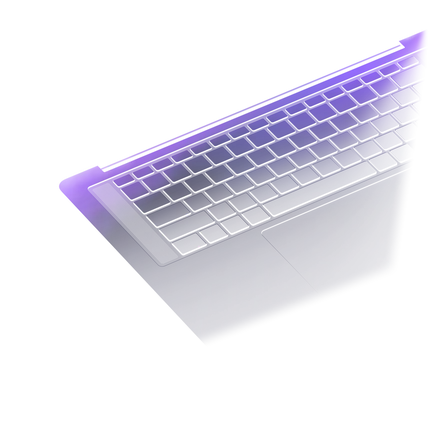
    Easy to adjust on laptops

Real effects, in the browser

Tune every tone, pull focus, paint a backdrop, light a 3D scene — before you export.

  • Curves, Color balance, HSL

    Tune every tone of the picture

  • Focus blur

    One spot sharp, the rest soft

  • Change color, use gradients

    Recolor the backdrop or paint a gradient on the canvas

  • CRT screen effect

    Stylize and add details
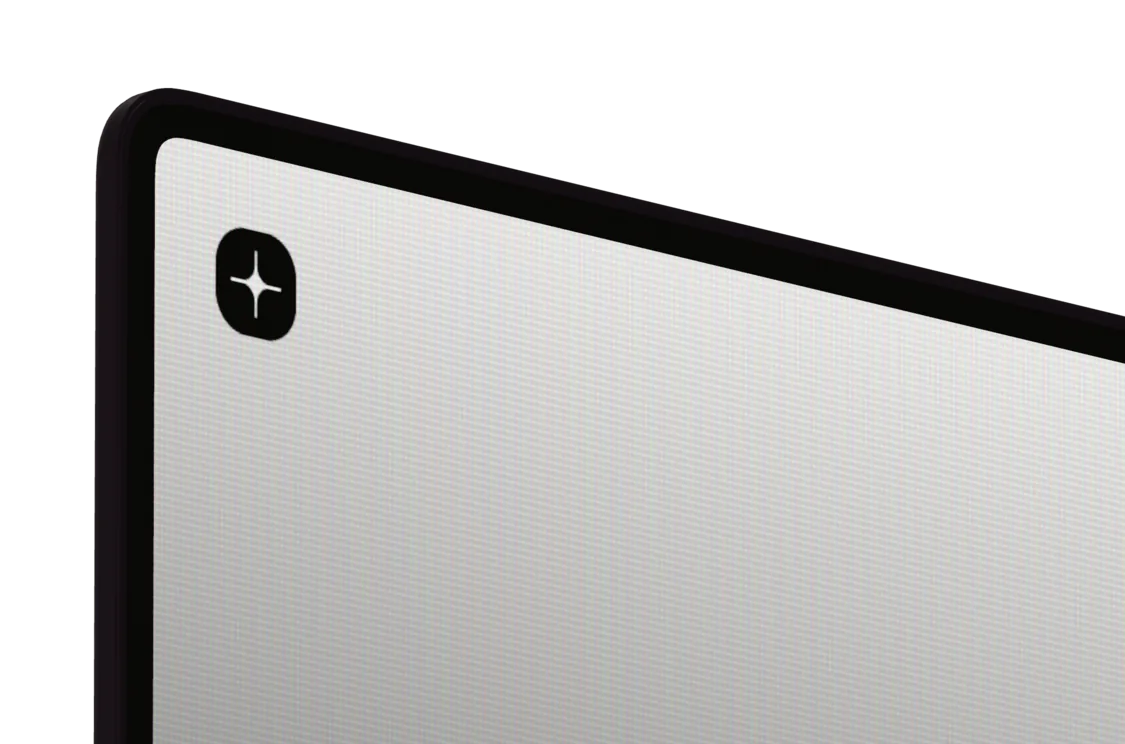
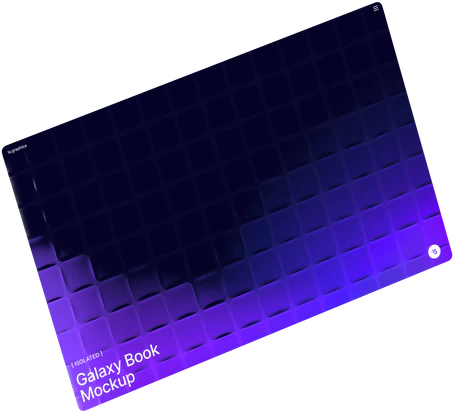
    MacBook screen with the CRT effect

Animated 3d Editor

Keyframe the camera and the device on a timeline, export video.

HomeView Video Mockup, Three-quarter ViewHomeView Video Mockup, Speaker Base on BlackHomeView Video Mockup, Corner on BlackHomeView Video Mockup, Screen Close-upHomeView Video Mockup, Tilted Close-upiPad Pro on Stones Video Mockup, Screen with a Pebble

Convenient from the first drop

Drop or paste your design, switch variants in one click, take the result anywhere.

  • A mockup in one drop

    Drop your design in the browser tab, or copy paste it

  • Different variants

    Switch the contents, the color or the EU / US size in one click

  • Layered PSD and SVG

    SVG compatible with Figma, PSD with Photoshop, Photopea, Affinity Designer

  • Video import and export

    Put a clip on a screen, export a video mockup as MP4 or WebM

  • Super fast loading

    The generator opens every scene in a moment, thanks to our optimization

  • Video export with transparency

    In webm format
Mockup Plugin for Figma

Select a frame, get a mockup, never leave Figma.

What you get at ls.graphics

As of October 2026, per their website: the right column is what placeit.net's home, mockups and pricing pages say.

FeaturePlaceitls.graphics

Curves, color balance, HSL, focus blur, gradients and backdrops, right in the browser editor.

Not listed on their websiteYes
YesYes
Not listed on their websiteYes
YesYes

A cross means the feature is not listed on their website as of October 2026.

Smartmockups/Canva and Placeit/Envato are trademarks of their respective owners. ls.graphics is not affiliated with or endorsed by them. Comparison based on publicly available information as of October 2026; features and prices may change.

Used by 1.5M+ designers in Figma Community

The Mockup plugin's users, and where designers who use ls.graphics work.

4,372mockups included
PSD · Figma · SketchEvery source file included, in every static pack

Used by designers at

  • Microsoft
  • Adobe
  • GoDaddy
  • IBM
  • Nike

Extended license

One single, full extended license — use freely, just don't resell.

New packs or updates every week

Each release lands in your plan the day it ships, and the packs you already use keep getting updates.

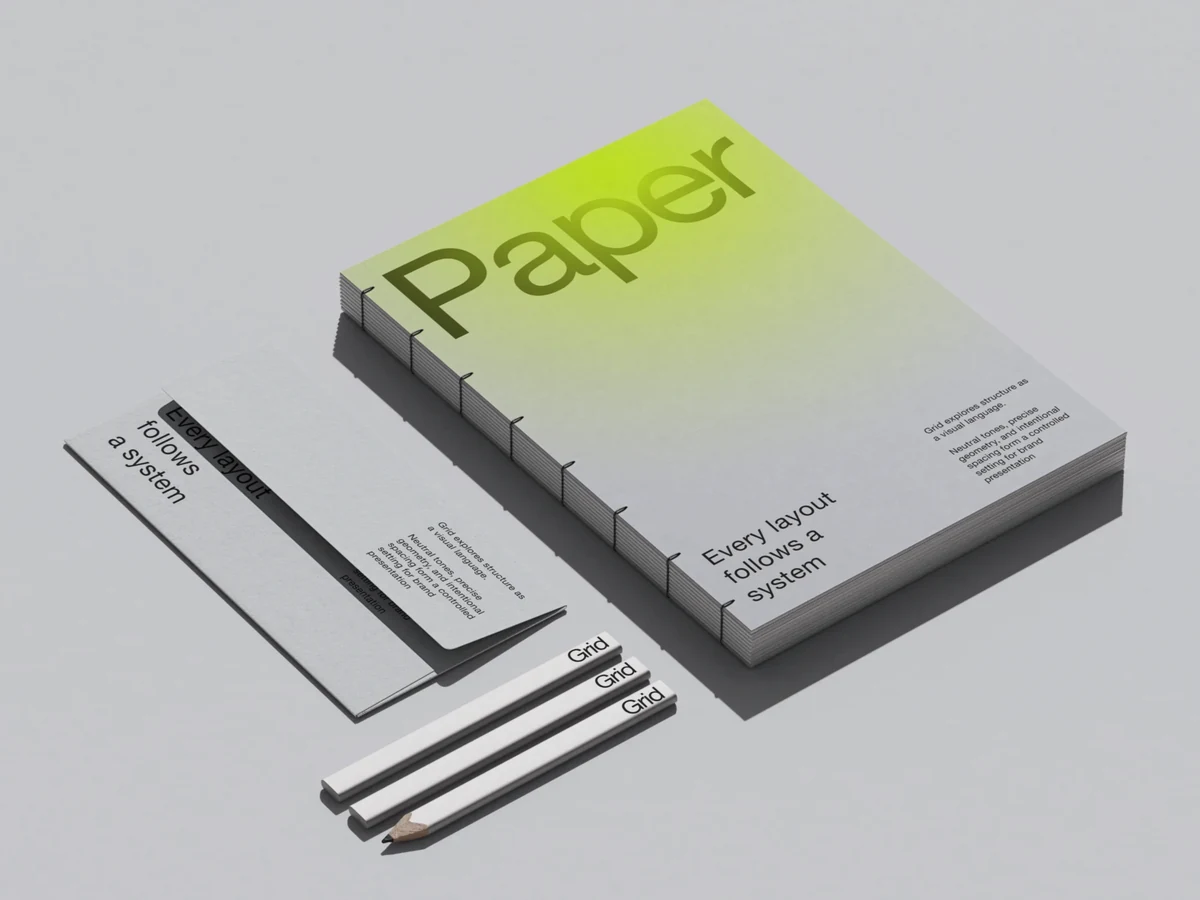
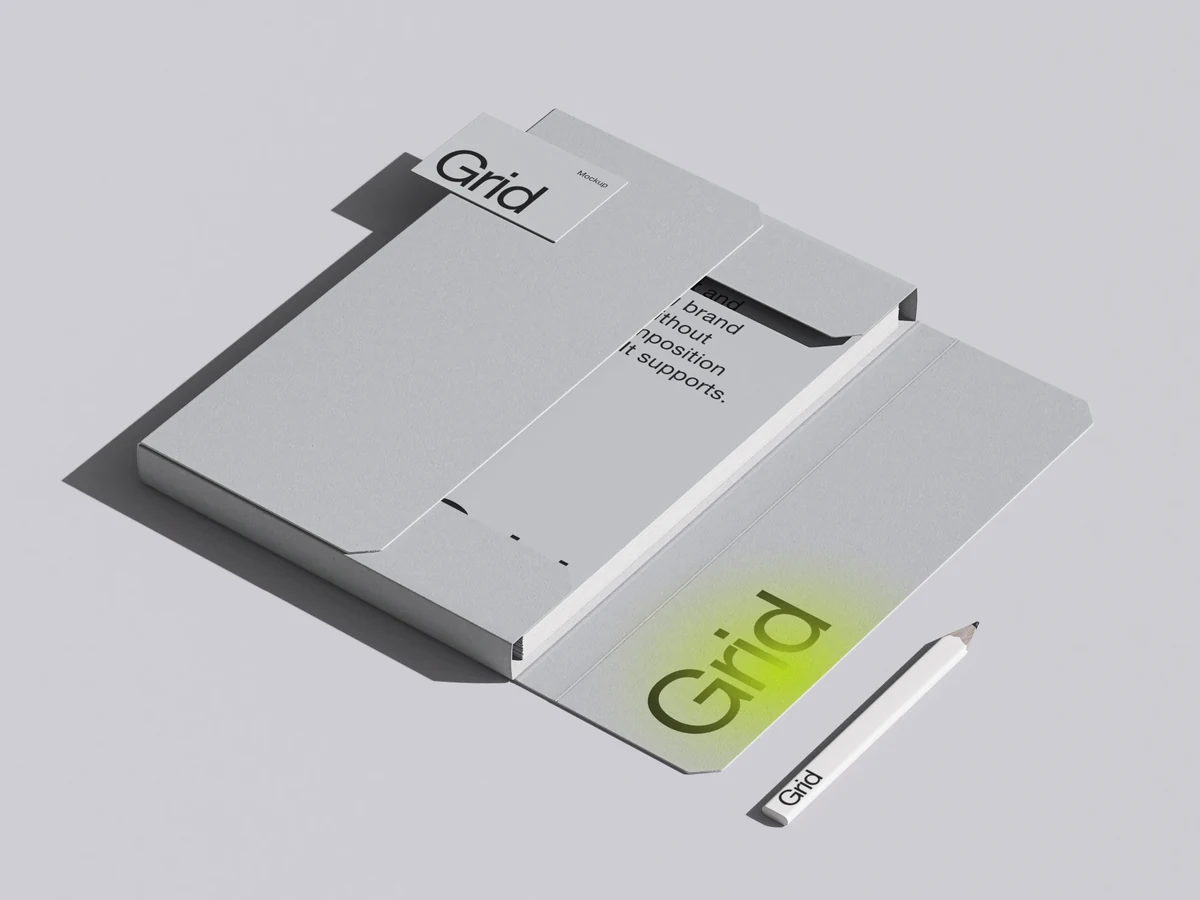
High-end mockups
for serious design work

  • Static Mockup Editor
  • PNG, PSD, MP4 and WebM export
1

Learn more

  • Static Mockup Editor
  • Live Mockup Editor
  • 3d Studio
  • Mockup Plugin for Figma*
  • Every source file: PSD, Figma, Sketch
  • Illustrations and abstractions
  • PNG, JPG, MP4, WebM and PSD export
1

Learn more* Included in Pro — activate with a one-time
account connection in your profile

  • 14-day money-back guarantee
  • Instant access after payment
  • Cancel anytime

VAT may be added at checkout

Questions

What is a good Placeit alternative?
ls.graphics: 3800+ high-quality 3D-rendered mockups of devices, packaging and print, plus 3D Live scenes and animated 3d Studio presets. Every scene is editable online with curves, color balance, HSL and focus blur, exports layered PSD, MP4 and WebM, and opens inside Figma with the Mockup plugin.
How is ls.graphics different from Placeit?
ls.graphics is about mockup quality and control: realistic 3D-rendered scenes with effects you tune in the browser, layered PSD and SVG export, video on screens, embeds and a plugin for Figma. Placeit describes itself as a tool for mockups, logos, videos and designs.
What effects can I add to a mockup?
In the Static editor: curves, color balance, hue and saturation, focus blur, and gradients or colors for the backdrop. In Live and 3d Studio: custom lighting, different device materials, realistic reflections, lens and fisheye effects, and a CRT screen effect.
Are there 3D and animated mockups?
Yes. Live Mockups are 3D scenes rendered and lit by our designers: turn the device, add your screen, export a video or embed it. 3d Studio is where you make the motion yourself, with keyframes for the camera and the device.
Can I export a layered PSD?
Yes. The Static editor exports a layered PSD for Photoshop, Photopea and Affinity Designer, or an SVG that works in Figma.
Can I put a video on a mockup screen and export video?
Yes. Drop a clip on a screen, scrub the timeline and export MP4 or WebM. Live and 3d Studio scenes with a transparent background export as WebM with real alpha, so the clip sits on top of any page.
Is there a Mockup plugin for Figma?
Yes. The Mockup plugin takes the selected frame straight from Figma and pastes the render back next to it. It is free to install; the full library in the plugin comes with Pro, together with the online editors, Live and 3d Studio.
Do I need to install anything?
No. The Static, Live and 3d Studio editors run in your browser: open a scene, drop in your design and export on the same page.
Can I try ls.graphics for free?
Free mockups are free to edit and export: sign in and open one. The whole library comes with a plan.
Can I use the mockups for client work?
Yes. Use them in personal and commercial projects, including work for clients, and change them to fit. You cannot resell or redistribute them or share the source files.

First mockup in a minute

Open Editor

No card needed.