Online mockup generator

Mockup generator.
Drop a design in,

get a mockup.

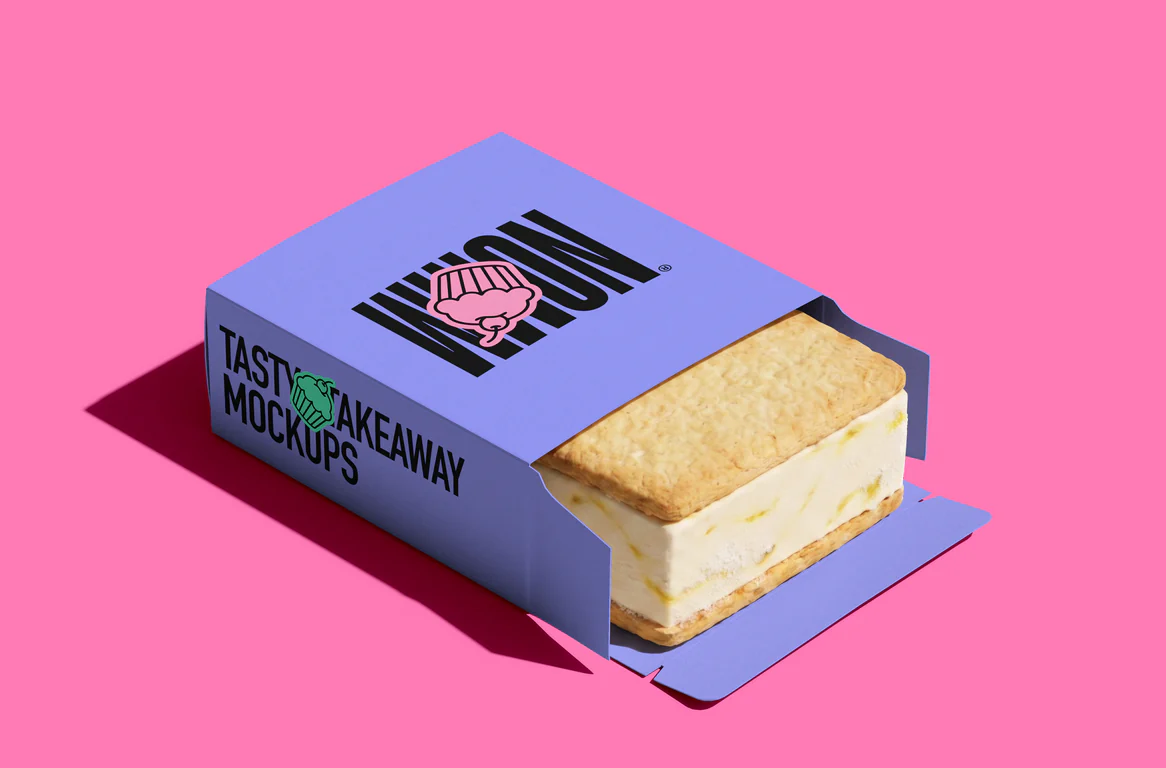
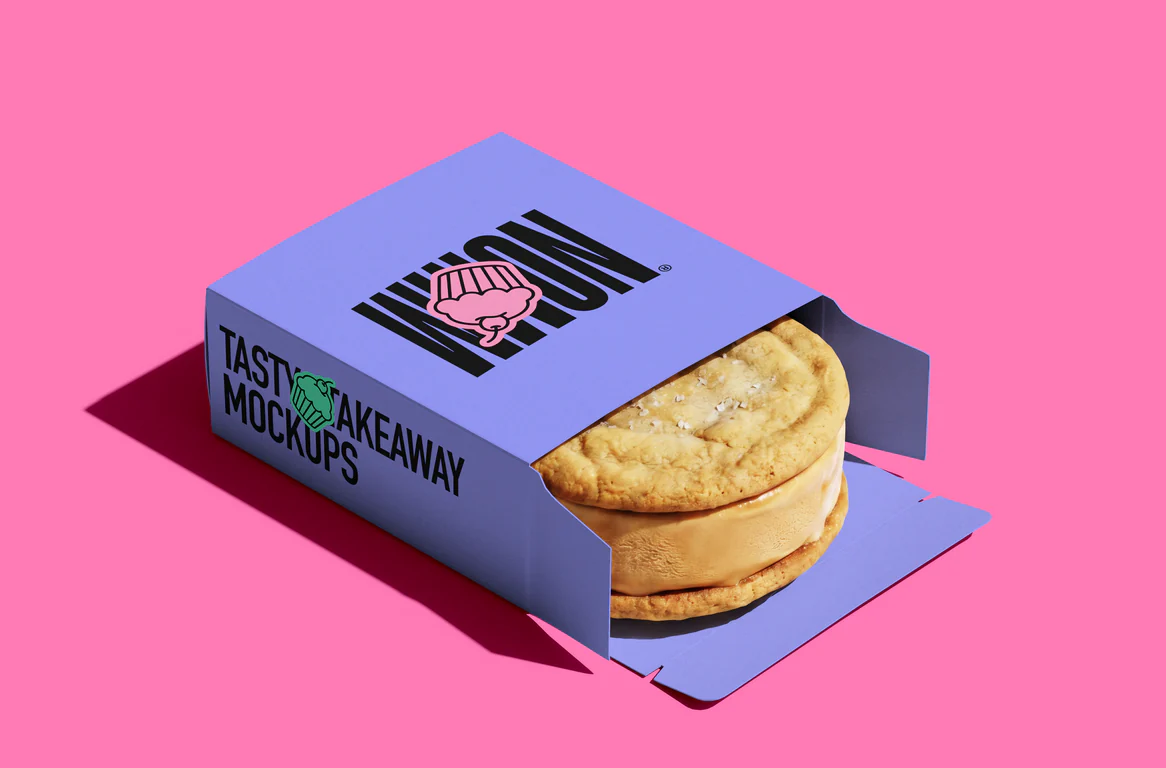
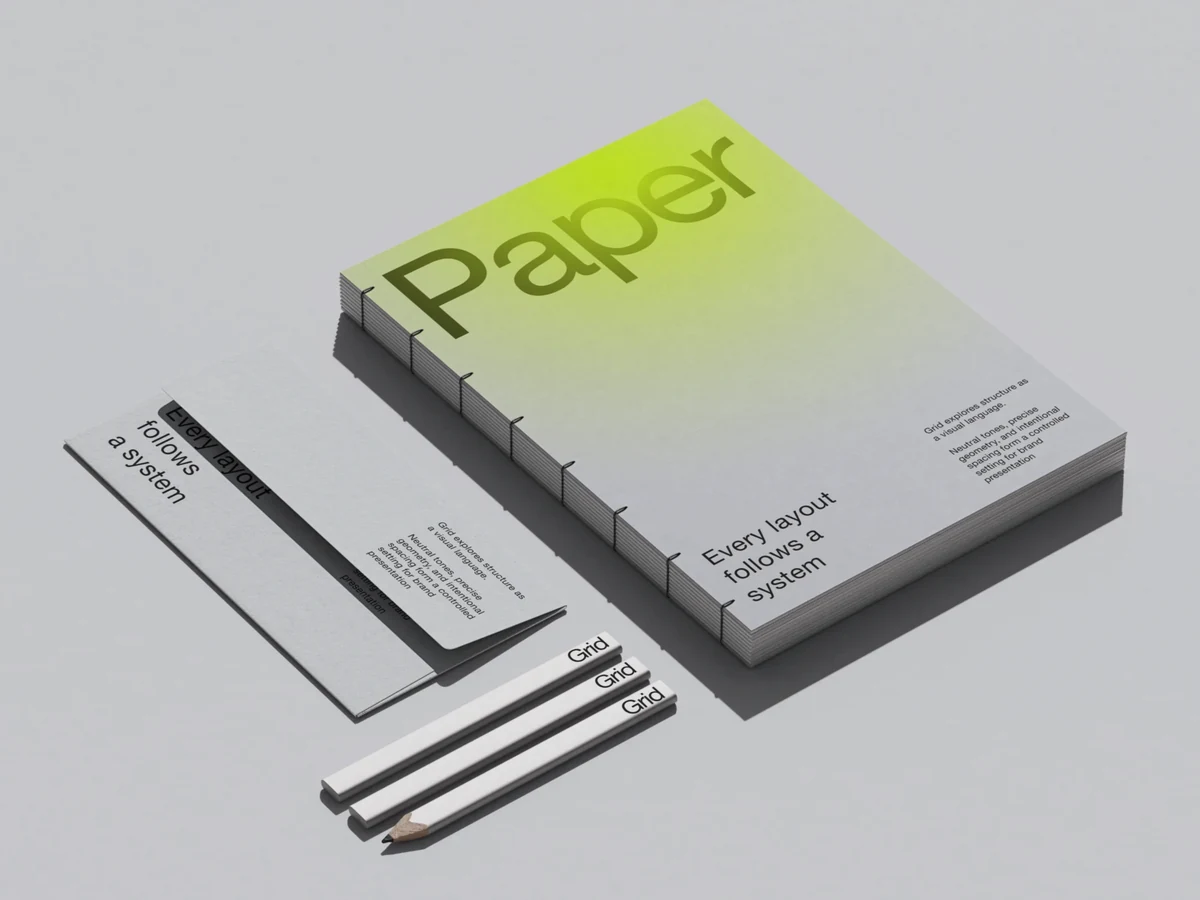
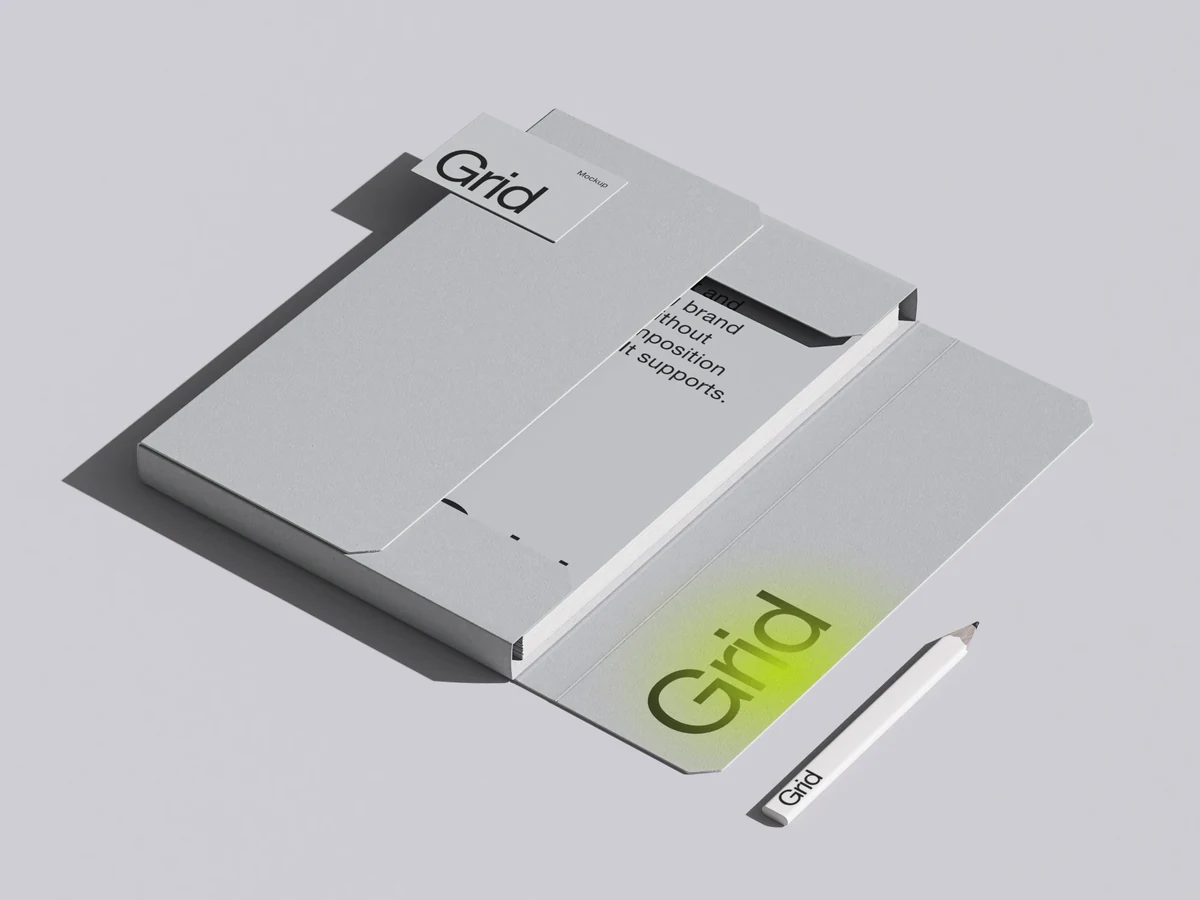
3,900+ high-quality 3D-rendered mockups of devices, packaging and print. Create mockups online in your browser with a mockup maker that needs no Photoshop and nothing to install.

What the mockup generator does

Everything happens in your browser tab, from the first drop to the export.

  • Drop or paste your design

    Drop your design in the browser tab, or copy paste it

  • Colors and content in one click

    Swap the design, the color or the EU / US size without leaving the scene

Make it look right

Color, tone, focus and film effects, tuned on the mockup before you export it.

Change color, use gradients

Recolor the backdrop or paint a gradient on the canvas

Curves, Color balance, HSL

Every tone of the picture

Focus blur

One spot sharp, the rest soft

Film grain and aberration

A photo finish, each set with its own slider

Every scene, every format

The whole library opens in the editor, and each mockup exports the way you need it.

  • 3,921 mockups in editor

    Full access from just $9/mo

    AS-Mockups, iPhone Duo, Scene 16Free MacBook Pro PROLED XDR Display MockupAO-Mockups, iPad ProNothing Phone (4a) Pro Mockup, Scene 15Barista, T-Shirt MockupModern Hoodie Template in Urban SettingGrid, 02, US, Business Card MockupsTakeaway Mockups: Plate & NapkinTransparent A-Stand MockupGrid, 06, US, Bound Book and Envelope MockupsLihtne, Scene 6, EU Format, Magazine MockupGlass Stand MockupAS-Mockups, iPhone Duo, Scene 15AO-Mockups, MacBook ProAO-Mockups, iPad ProNothing Phone (4a) Pro Mockup, Scene 14T-Shirt Packaging MockupUrban Sweetshirt MockupGrid, 02, EU, Business Card MockupsTakeaway Mockups: Pizza BoxFoil Poster MockupGrid, 15, EU, Bound Book MockupMuele, Magazine Mockups with Beautiful Play of Light, EU, Scene 07Building Wall MockupiPhone 18 Pro Mockup, Scene 6AO-Mockups, MacBook ProAP-Mockups, 11, iPad ProGalaxy S26 Ultra Mockup, Scene 5Modern T-Shirt Mockup with Outdoor SettingIsolated High Resolution Free Hoodie MockupLihtne, Scene 26, US Format, Business Card MockupSnack Bar MockupBvge, Wall Mockup in Minimalistic Environment, US, 01Free 3 Book MockupMuele, Photorealistic Magazine Mockup, US, Scene 12Billboard Mockup, Environment, US Scene 11iPhone 18 Pro Mockup, Scene 5AP-Mockups, 13, MacBookAP-Mockups, 05, iPad ProGalaxy S26 Ultra Mockup, Scene 1Free Realistic T-Shirt MockupHoodie environment mockup, 01Lihtne, Scene 29, EU Format, Business Card MockupBarista,Packaging & Cups MockupOuzen, Frame Mockup, EU, 07Free Torn Book Cover MockupFree Magazine Mockup in Plastic PackageBillboard Mockup, Environment, EU Scene 04AR-Mockups, iPhone 18 Pro, Scene 12AP-Mockups, 01, MacBook, Studio Display, iPadAL-Mockups, iPad ProPixel Fold 10 Pro Mockup, 014T-Shirt Mockup, Style 01, 02Hoodie environment mockup, 03Muele, Business Card Mockups in Perspective View, US, Scene 15Paper Box MockupOuzen, Frame Mockup, US, 09Kaine, Book Mockup and Construction Ladder, US, 12Ateur, Book Mockups, EU, 01AR-Mockups, iPhone 18 Pro, Scene 10AL-Mockups, MacBook ProAL-Mockups, iPad ProPixel Fold 10 Pro Mockup, 008T-Shirt Mockup, Style 01, 04Sweatshirt MockupMuele, Business Card Mockup in the Folds of Fabric, US, Scene 16
  • Every scene opens in a moment

    No waiting for a heavy file: our optimization loads it right away

  • Export PNG, PSD, SVG or video

    SVG compatible with Figma, PSD with Photoshop, Photopea, Affinity Designer

  • Video import and export

    Put a clip on a screen, export a video mockup as MP4 or WebM

  • Edit mockups online

    No Photoshop, nothing to install.

  • Free scenes to start

    Free mockups export with no plan.

  • Any computer

    Mac, Windows or Linux, any browser.

What's new in Static

The latest updates to the editor, as they go live.

All updates

Mockups you can edit online

Featured scenes by category. Each one is a 3D render you edit online, right in your browser.

How to make a mockup online

Pick a scene, add your design, export a PNG, PSD, MP4 or WebM. Nothing to install.

  1. Pick a sceneSearch 3,921 mockups, narrow them by category or show only the free ones.
  2. Add your designDrag or paste a picture or a video, then set the color, background and light.
  3. Export the mockupA PNG, a PSD for Photoshop or Affinity, an SVG for Figma, or MP4 and WebM.

Online mockup generator

First mockup
in a minute

Open any scene in your browser and drop your design in. The free ones need no card and no plan.
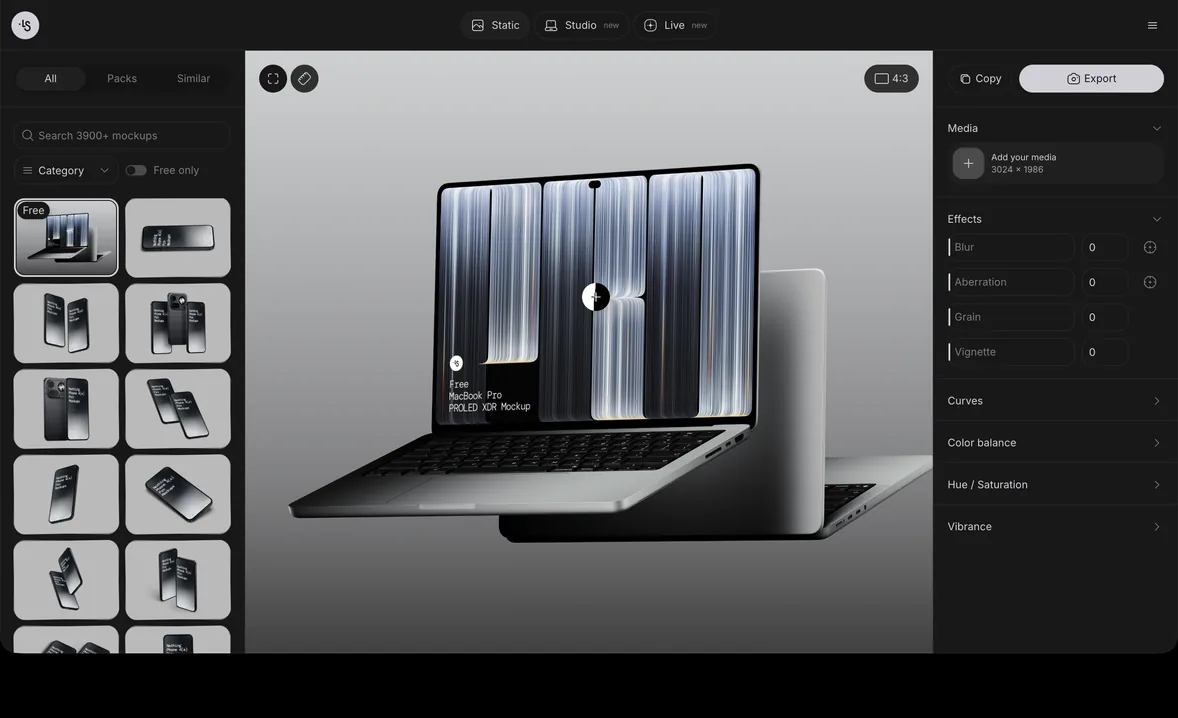
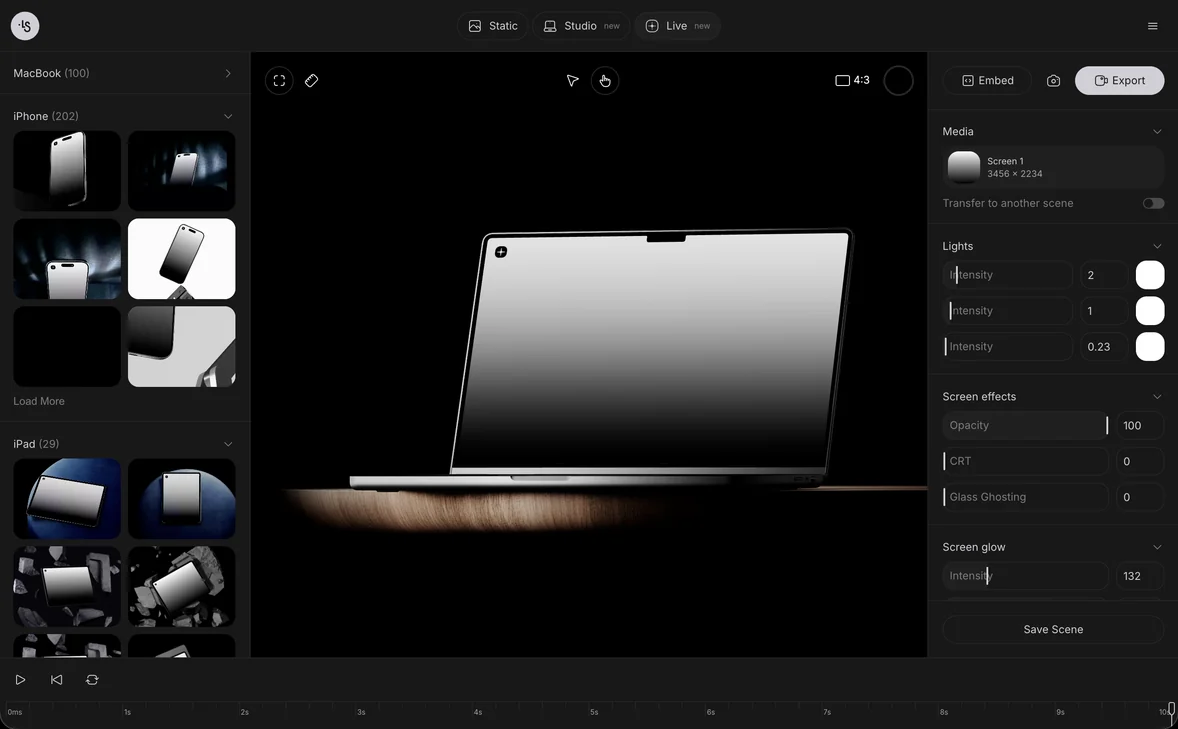
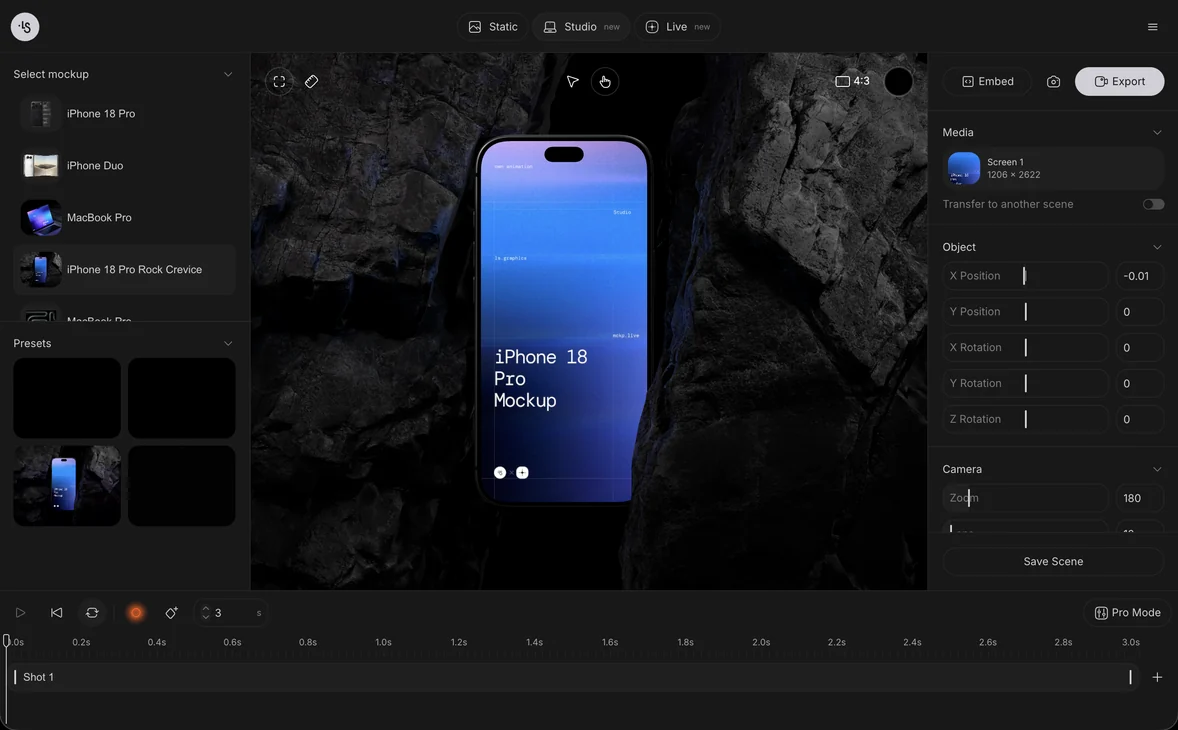
Open Static mockup generator: the library, a scene and its panels in the browser

Questions

What is a mockup generator?
A mockup generator puts your design into a ready-made scene, such as a phone screen, a t-shirt or a box, and gives you back a finished picture. This one runs in your browser: open it on your computer, drop in your design and export the mockup on the same page. There is nothing to download or install.
Is the mockup generator free?
Free mockups are free to edit and export: sign in and open one, or browse them all on the free mockups page. The whole library, with PNG, PSD, MP4 and WebM export, comes with a plan.
Do I need Photoshop?
No. The mockup maker runs in the browser. If you want to keep working in Photoshop, export a layered PSD, or an SVG for vector work.
What can I export?
A PNG, an SVG for Figma and a layered PSD for Photoshop, Photopea or Affinity Designer. With a video on a screen, also an MP4, or a WebM that keeps the background transparent.
Can I put a video on the screen?
Yes. Drop a clip on a device screen, scrub the timeline and export the result as MP4 or WebM.
Can a mockup have several screens?
Yes. Each screen takes its own design, and you can replace one later or take it off to bring back the empty screen.
How do I create a mockup online?
Open the generator and pick one of 3,921 scenes: search them, narrow them by category, or show only the free ones. Drop your design on its screen and export a PNG, a layered PSD or a video.
How is it different from a PSD mockup?
A PSD mockup is a file you download, open in Photoshop and edit by replacing its smart object. Here the scenes open in the browser: drop your design on a screen, change the color, the light and the effects, and export. If you still want a PSD, export one with its layers.
How is ls.graphics different from Smartmockups or Placeit?
ls.graphics is built around mockup quality and control: 3D-rendered scenes, effects you tune in the browser (curves, color balance, focus blur), layered PSD and SVG export, and a Mockup plugin for Figma.
Can I use the mockups for client work?
Yes. Use them in personal and commercial projects, including work for clients, and change them to fit. You cannot resell or redistribute them or share the source files.

Coming from Canva, Smartmockups or Placeit? See how we compare: vs Canva mockups · vs Smartmockups · vs Placeit