How to design packaging, from dieline to 3D mockup
To design packaging, choose the structure first, get the dieline from your printer or box maker, build the artwork on it with bleed and CMYK colors, and check the result on a 3D mockup before you order. The dieline is the flat map of the box, so everything else follows from it.
What is the first step in designing packaging?
The first step is the structure: what goes inside, how big it is, and what kind of package holds it. Measure the product itself, then choose a style such as a folding carton, a mailer box, a pouch or a tin.
Write down the inner dimensions (length, width, height) and how the package opens, stacks and ships. A designer who skips this step ends up redrawing the artwork when the box changes size. If you are not sure which structure fits, ask the printer for a sample or order a blank one to hold before you design anything.
What is a dieline and where do I get one?
A dieline is a flat template that shows where the box is cut, folded and glued. Get it from the printer or packaging supplier that will make your box, because their tooling decides the exact shape and your artwork has to fit it.
Printers usually mark the lines with colors: PakFactory describes bleed lines in green, a green dotted safe zone and glue tabs as green crisscrosses, and tells designers not to flatten, scale or resize the template. Open it in a vector editor such as Illustrator, keep it on its own layer and build your artwork underneath.
Do not draw your own dieline for a production run. Even a small difference in a panel width or a flap length can mean a box that does not close.
How much bleed does packaging need?
Packlane asks for at least 0.125 inch of bleed, and 0.25 inch on corrugated boxes. Printers differ, so use the number printed on your template.
Bleed is artwork that runs past the cut line, so a slight shift in cutting never leaves a white edge. Extend backgrounds, patterns and photos all the way to the bleed line. Keep logos, text and barcodes inside the safe zone, away from the cut and fold lines, where nothing can be trimmed or hidden in a crease.
Folds need extra care. A pattern that crosses a fold should still look right when the panels meet, and a line that runs across several panels will shift slightly on the real box, so avoid thin lines that must match exactly.
What color mode and resolution should packaging artwork use?
Use CMYK and 300 ppi. Packlane's checklist asks for files made in CMYK color mode with raster images at 300 ppi at print size, and PakFactory says to format artwork for CMYK and add a PMS reference with a swatch when a brand color must match.
Screens show colors that ink cannot always reproduce, so a bright, glowing blue on your monitor will look duller on paper. Set the document to CMYK from the start instead of converting at the end, and ask for a printed proof when color matters, such as a brand color. Embed or outline your fonts and keep thin lines at least 0.25 pt, which is PakFactory's minimum.
How do I build the artwork on the dieline?
Work panel by panel, from the largest face to the smallest, and keep one hierarchy across all of them. The front panel carries the brand and the product name; the sides and back carry the details.
- Place the dieline on a locked layer and set the document to the template size.
- Fill the background and any full-bleed art to the bleed line.
- Add the logo and product name on the front panel, inside the safe zone.
- Add the secondary information on the other panels: ingredients, instructions, legal text and a barcode if the product needs one.
- Check the orientation of every panel. Text on a top flap or on the bottom is easy to place upside down.
- Keep glue tabs and any area the printer marks as non-printing free of important content.
- Hide the dieline layer, export the file as the printer asks (often a PDF) and keep the original with its layers.
How do I check packaging on a 3D mockup?
Put the finished artwork on a 3D mockup of the same kind of package before you send it. A flat dieline hides problems that show up at once on a box: a logo that falls on an edge, a front panel that reads as empty, or text too small to read from arm's length.
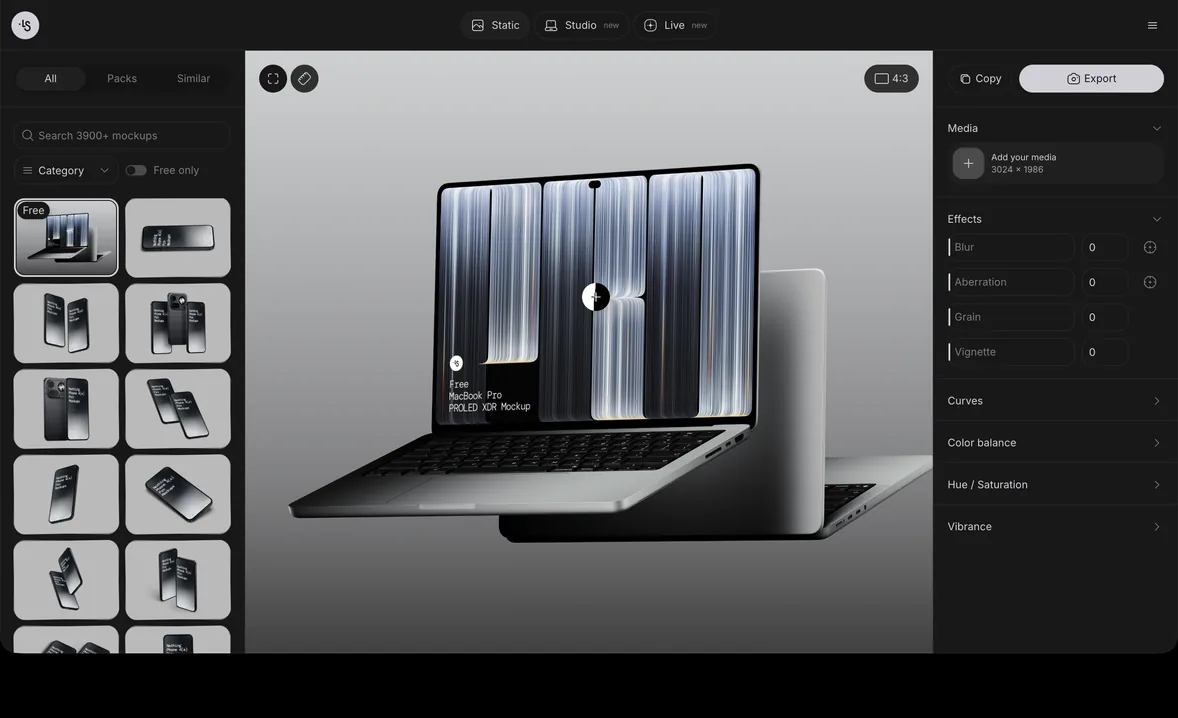
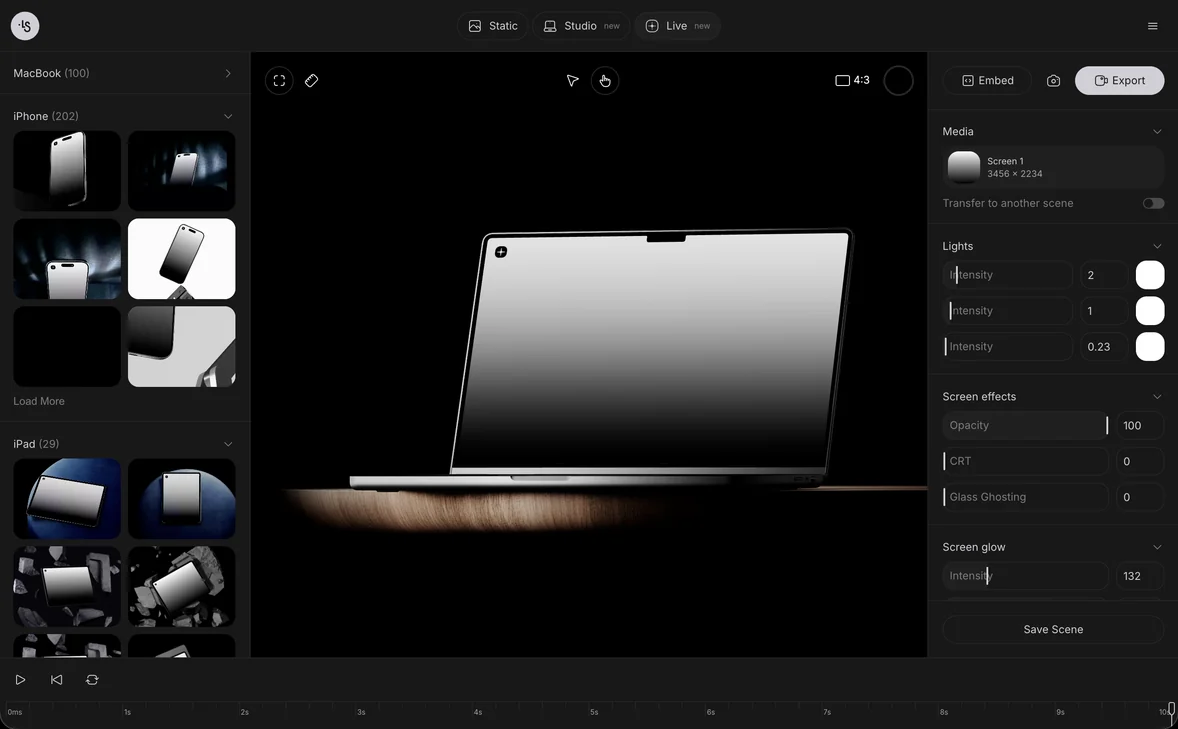
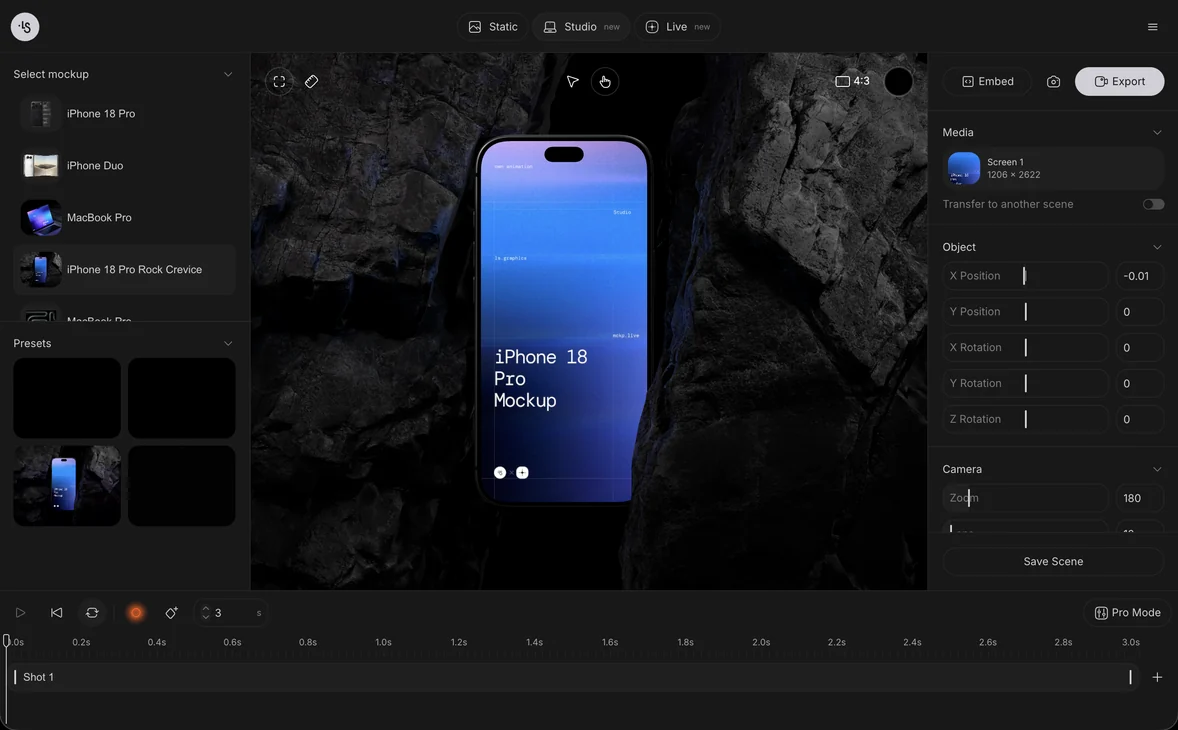
In the online mockup generator you open a scene, drop your design on the package and export a PNG, a layered PSD or a video, in the browser and with nothing to install. The scenes are 3D renders, so light, shadow and perspective are already in place. Free mockups can be used in personal and commercial projects, including client work, and you can browse box and packaging mockups or the wider packages category to find a shape close to yours.
A mockup is a preview, not a proof. It shows the design, but it does not show the printer's inks, paper or exact fold, so use it to decide about the design and the printer's proof to decide about color. It also helps with feedback: a client reacts to a box on a shelf far better than to a flat template. For more on this idea, see what a mockup is.
Packaging mockup examples
Pick a scene that matches your structure, so the preview shows what you will really make. Six scenes from the ls.graphics library:
- A packaging box, for a general box or carton
- A cosmetic box with a tube, for a beauty or skincare set
- Food boxes, for takeaway or snack packaging
- A candle package, for gift and home products
- A pouch, for a flexible pack such as snacks or coffee
- A sachet, for a single-serve pack
FAQ
Can I design my own packaging?
Yes. Choose a structure, get the printer's dieline, build your artwork on it with bleed, and check it on a mockup. Order a printed proof before a full run.
What software do I need to design packaging?
A vector editor such as Illustrator is the usual choice because dielines are vector files, as PakFactory notes. Any tool that can export a print PDF in CMYK at the right size can work if the printer accepts the file.
What is the difference between a dieline and a mockup?
A dieline is the flat production template that the printer cuts and folds. A mockup is a picture of the finished package that shows how it will look. You need the first to make the box and the second to judge and present the design.
Do I need Photoshop to make a packaging mockup?
No. You can drop the artwork on a scene in the browser and export a PNG. If you prefer to keep editing, a layered PSD is also available.