5 Gradient Generators Every Designer Should Bookmark in 2026
2026-08-13T17:22:20.580ZA gradient is one of the most versatile tricks in design: it brings flat interfaces to life, adds depth to branding, and sets the mood for a website. But blending colors smoothly by hand isn't as easy as it looks. That's where a gradient color generator comes in — a tool that handles the color math and leaves the creative part to you.
The problem almost every designer runs into
Gradients look simple only at first glance. In practice, designers keep hitting the same handful of snags, which is exactly why a solid color gradient tool is worth having on hand.
Muddy midpoints. Blend two contrasting colors "by eye" and the transition often develops a murky patch in the middle. The cause is RGB interpolation, which doesn't account for how humans actually perceive color. Generators calculate the transition in OKLCH or LAB color space instead, producing a clean blend even between distant hues.
Banding. On large flat fills, a gradient that looks smooth on screen can break into visible bands on export. Tools counter this by adding dithering noise or increasing color bit depth, so the transition stays smooth.
A flat, "stock" look. A simple linear gradient is instantly recognizable — the same style shows up on thousands of sites. Mesh gradients solve this by blending several color points across a grid, producing a result that looks one-of-a-kind.
Slow manual tuning. Picking a palette by hand and checking it across backgrounds takes time. Generators give you an instant preview and a ready export.
Below are five color gradient tools that tackle these problems in different ways.
Five tools worth knowing
Here are five color gradient generators that handle those problems well, each with its own approach.
1. CSS Gradient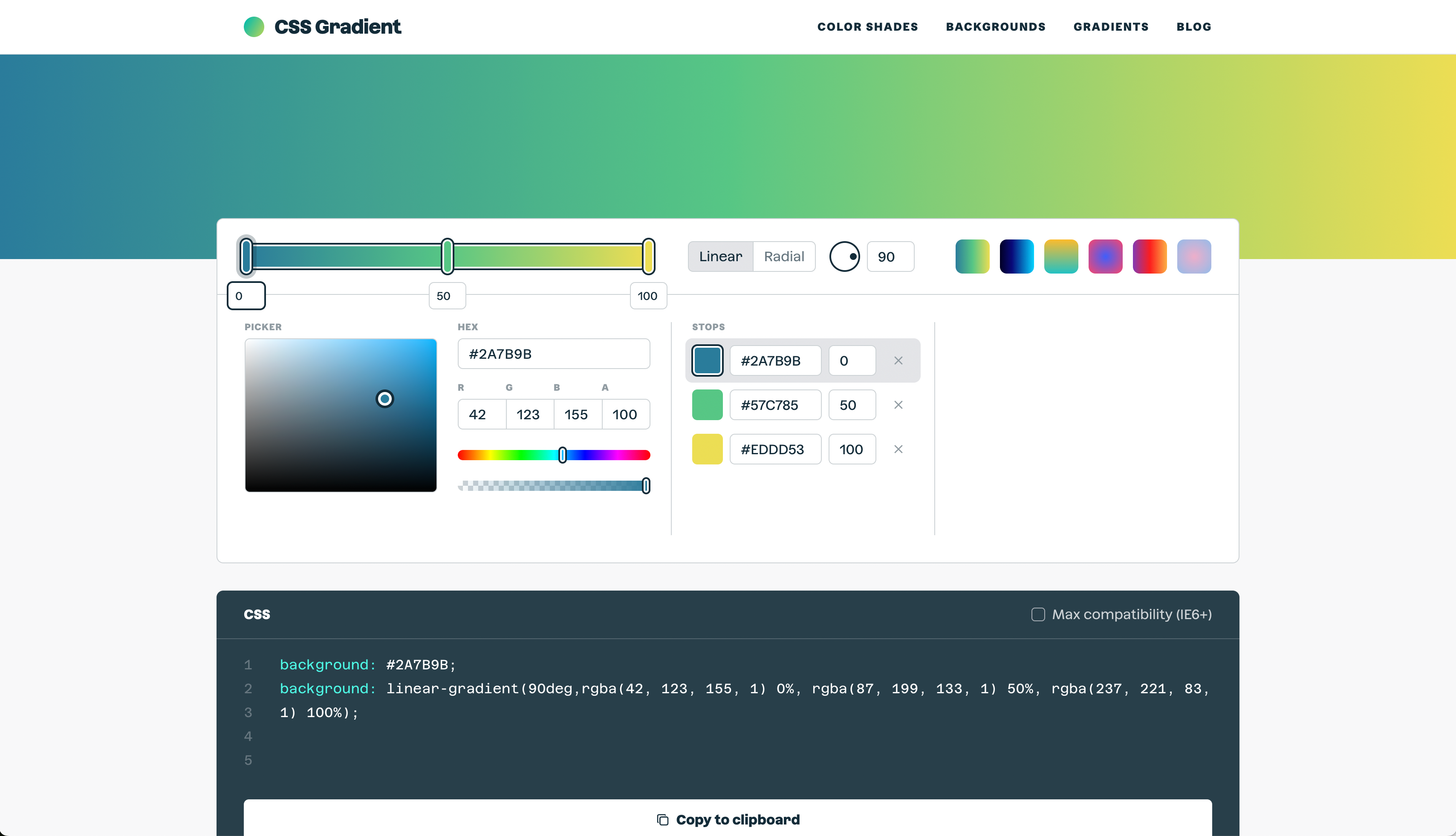
cssgradient.io — a focused color generator for linear, radial, and conic gradients. Pick up to three colors, drag the position sliders, and watch the live preview update instantly. No sign-up, no clutter — just clean HEX or RGBA CSS code, ready to paste straight into your stylesheet.
2. UI Gradients
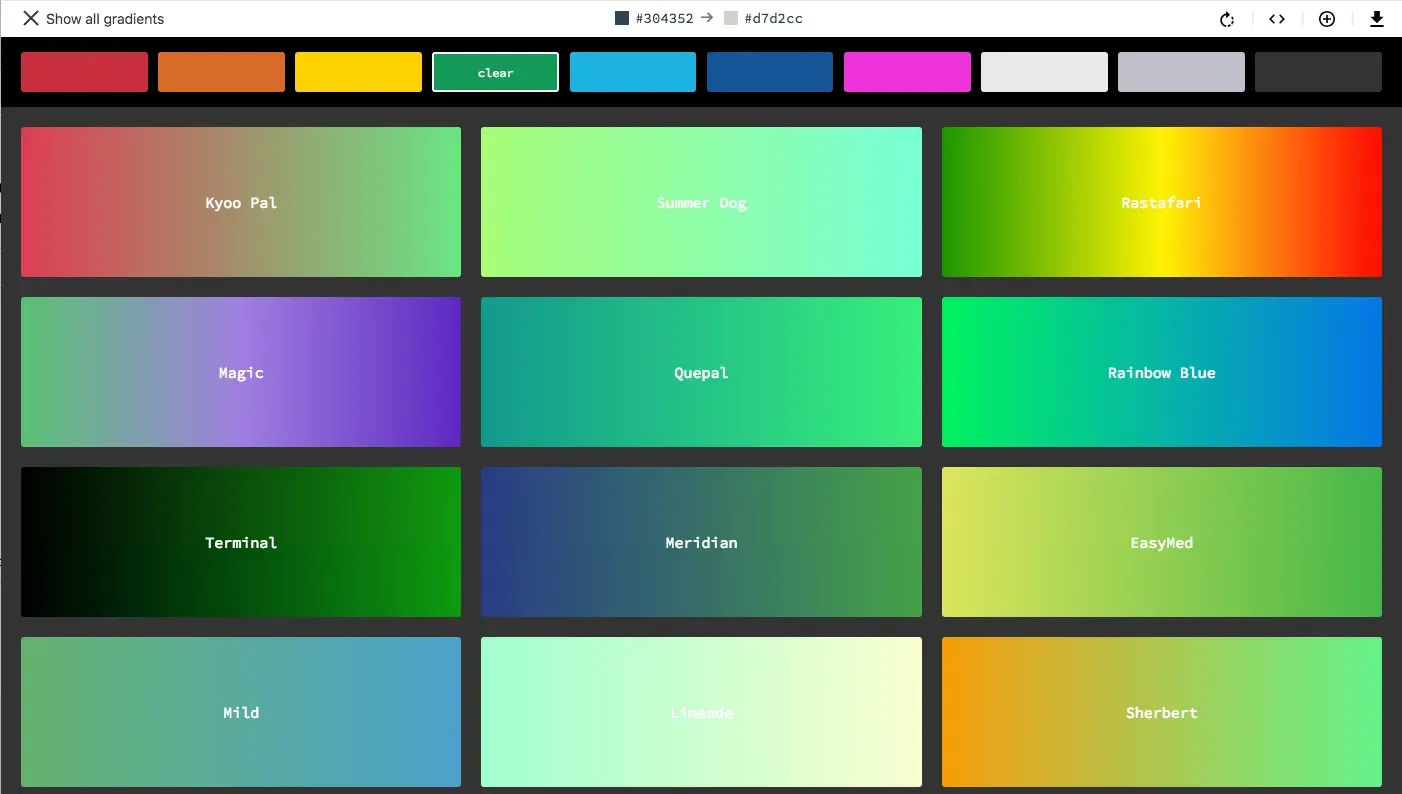
uigradients.com — an open-source, community-built library of hundreds of presets hosted on GitHub, so anyone can submit a new gradient via a simple pull request. Browse, copy the CSS, or apply any of 350+ gradients straight onto layers, text, or frames with the official Figma plugin.
3. Better Gradient
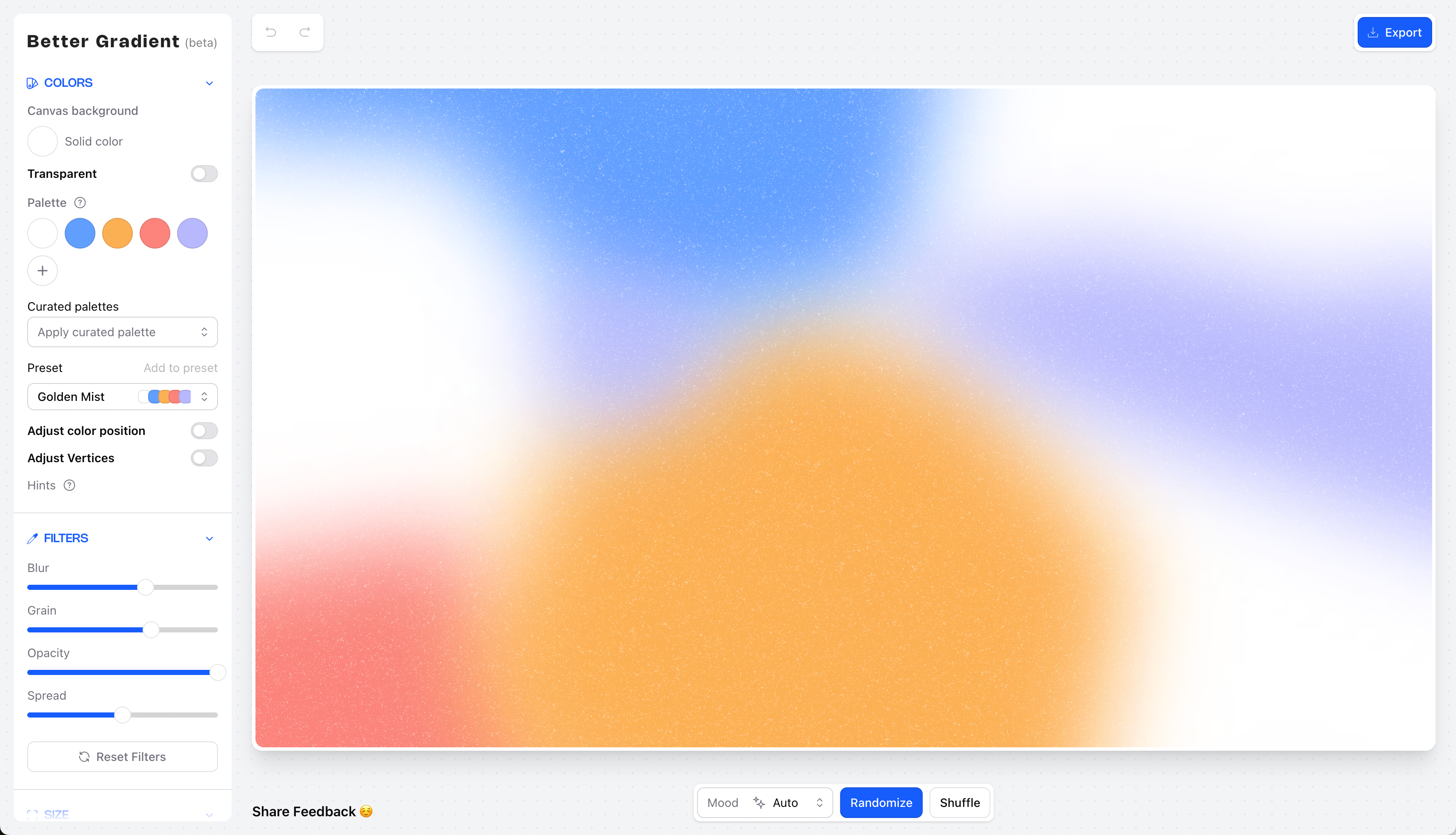
better-gradient.com — a free mesh gradient editor with a clever twist: every gradient you build gets its own shareable URL that encodes all your color points and settings, so you can bookmark it, send it to a teammate, or reopen it later to keep editing. No account needed, ever.
4. InstantGradient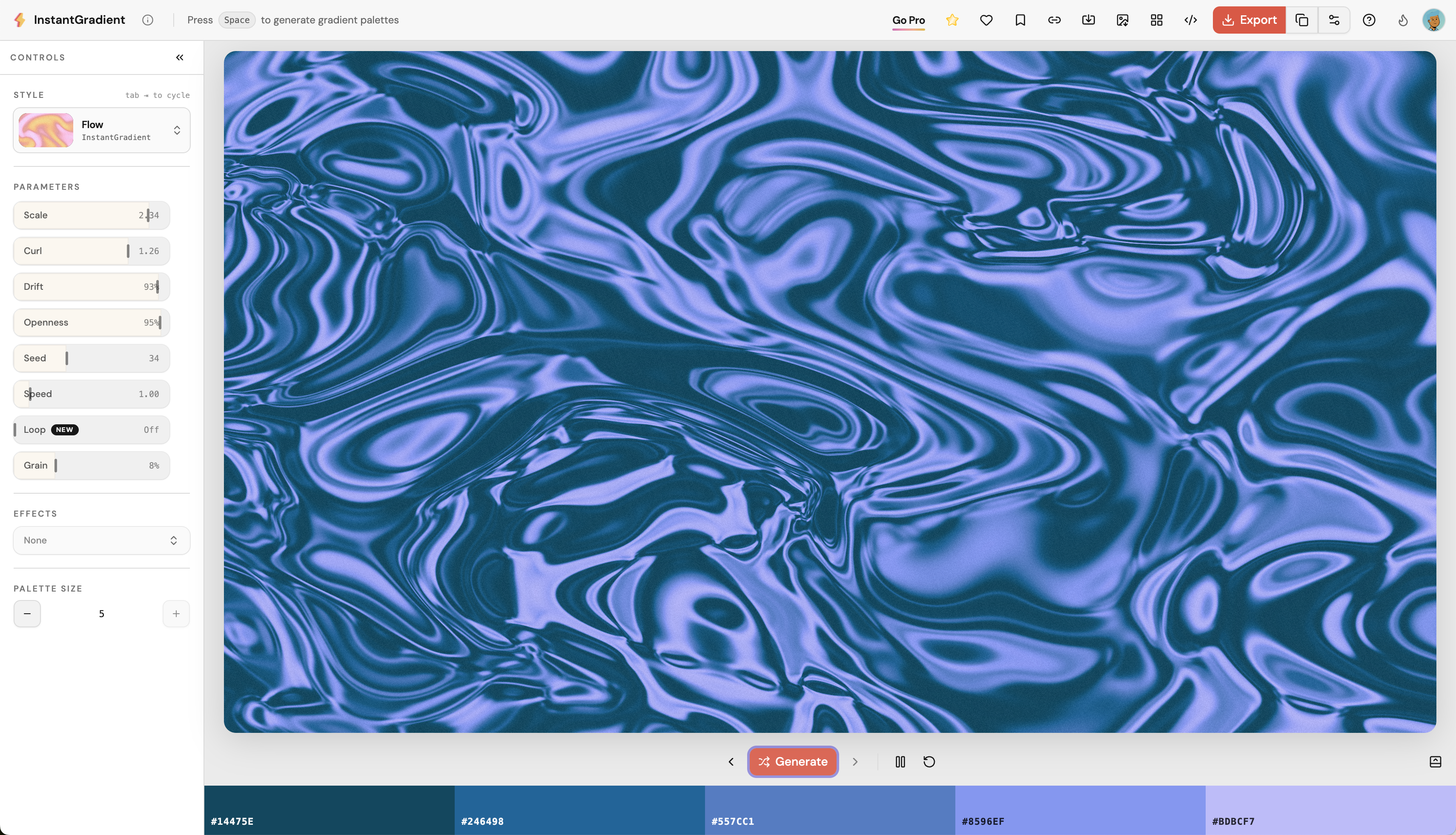
instantgradient.com — mesh gradients rendered as a live WebGL shader instead of a static blend. Hit the spacebar to generate endless harmonious palettes, then tune distortion, swirl, and grain, or layer on effects like fluted glass and halftone. Free tier included; Pro is a one-time payment for 4K, MP4 video, and code export.
5. ColorFlow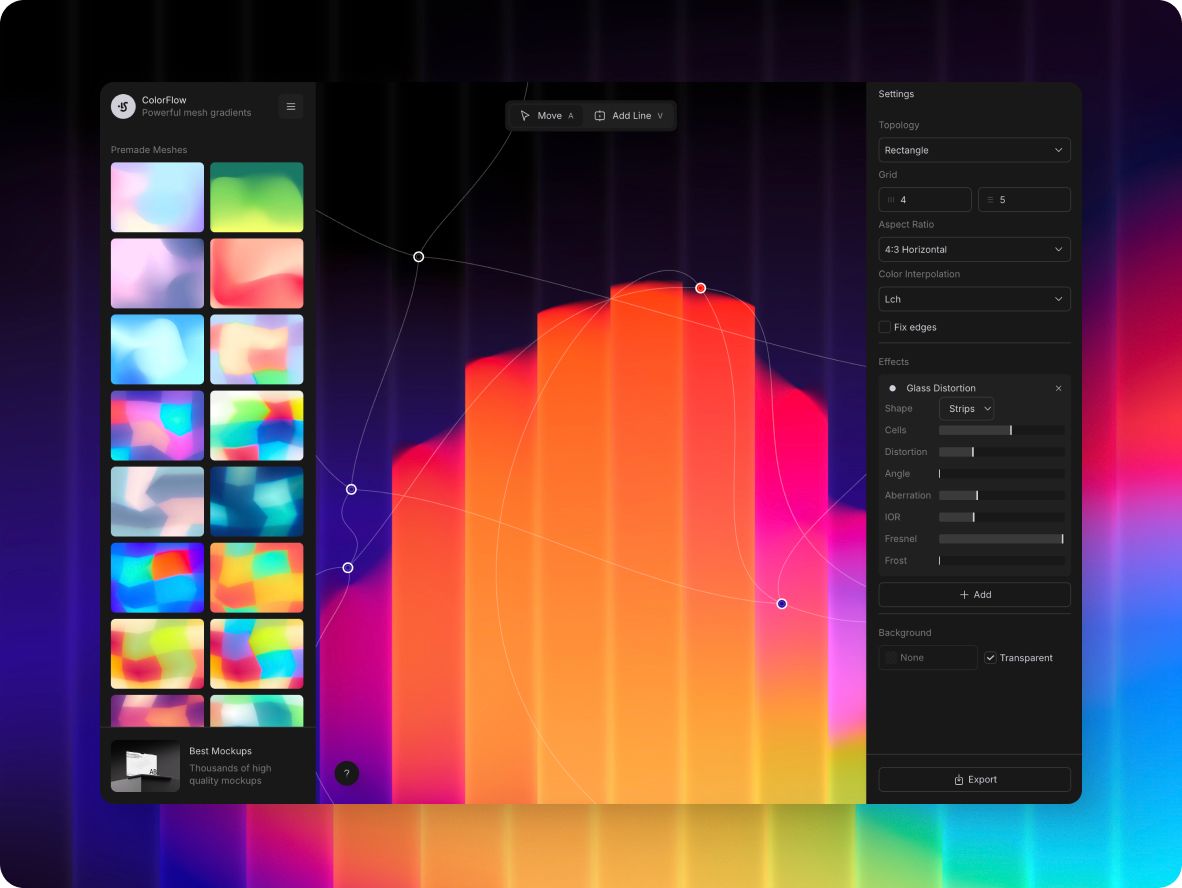
ColorFlow — a mesh gradient by ls.graphics color generator built on WebGL that runs at a smooth 60fps even with animation switched on. Points can drift on their own, at a speed and randomness you set, so the background never looks exactly the same twice. Stack film grain, chromatic aberration, and glass distortion on top. Free, no paywall, no signup.
How to choose: comparing by task
All five tools solve the same problem — finding a harmonious color transition — but each color gradient generator takes a different approach:
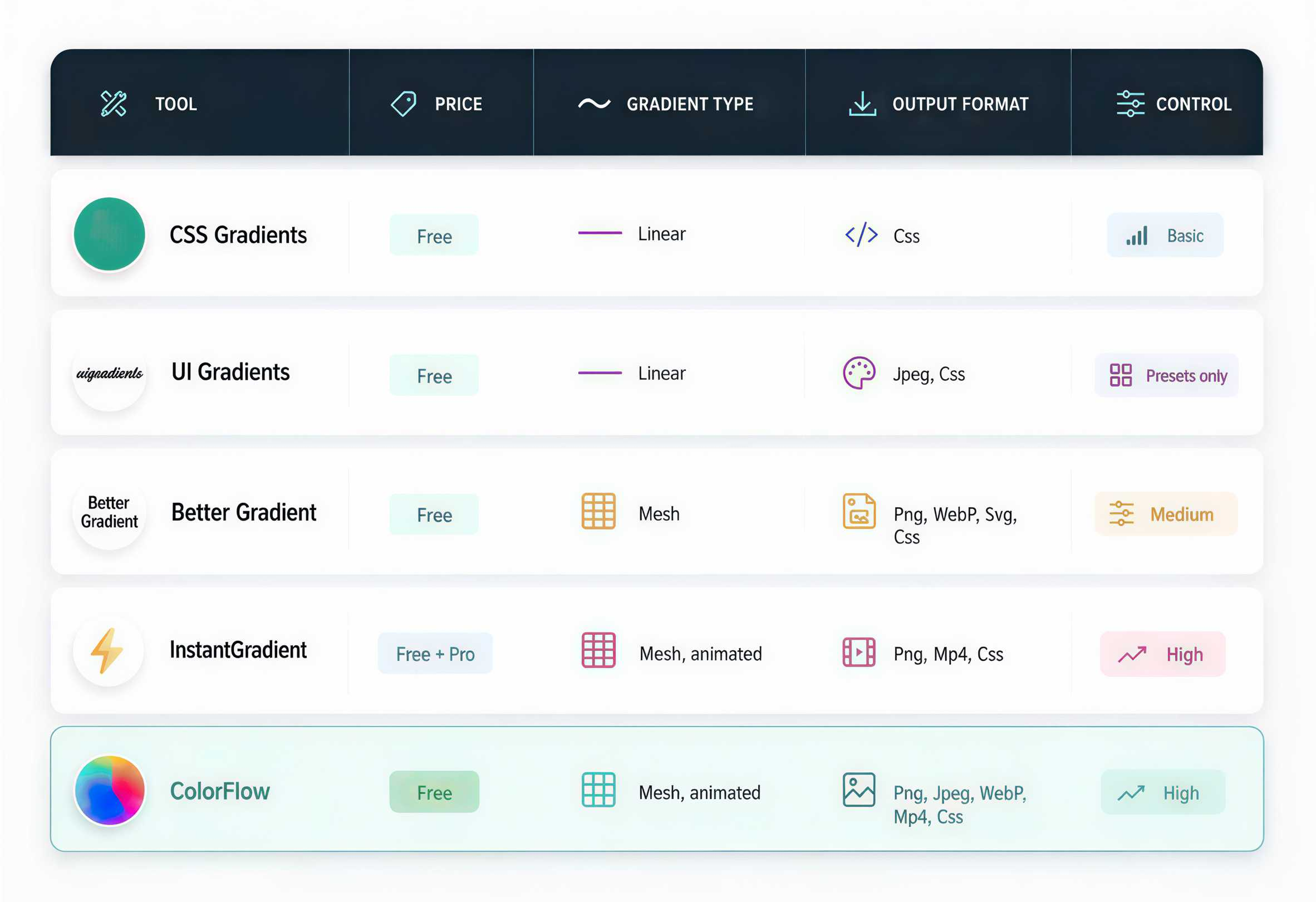
There's no universal winner here — the right pick depends on what you're building: a quick landing page, a mobile interface, or a social media cover.
Bonus: 5 more color gradient tools if five isn't enough
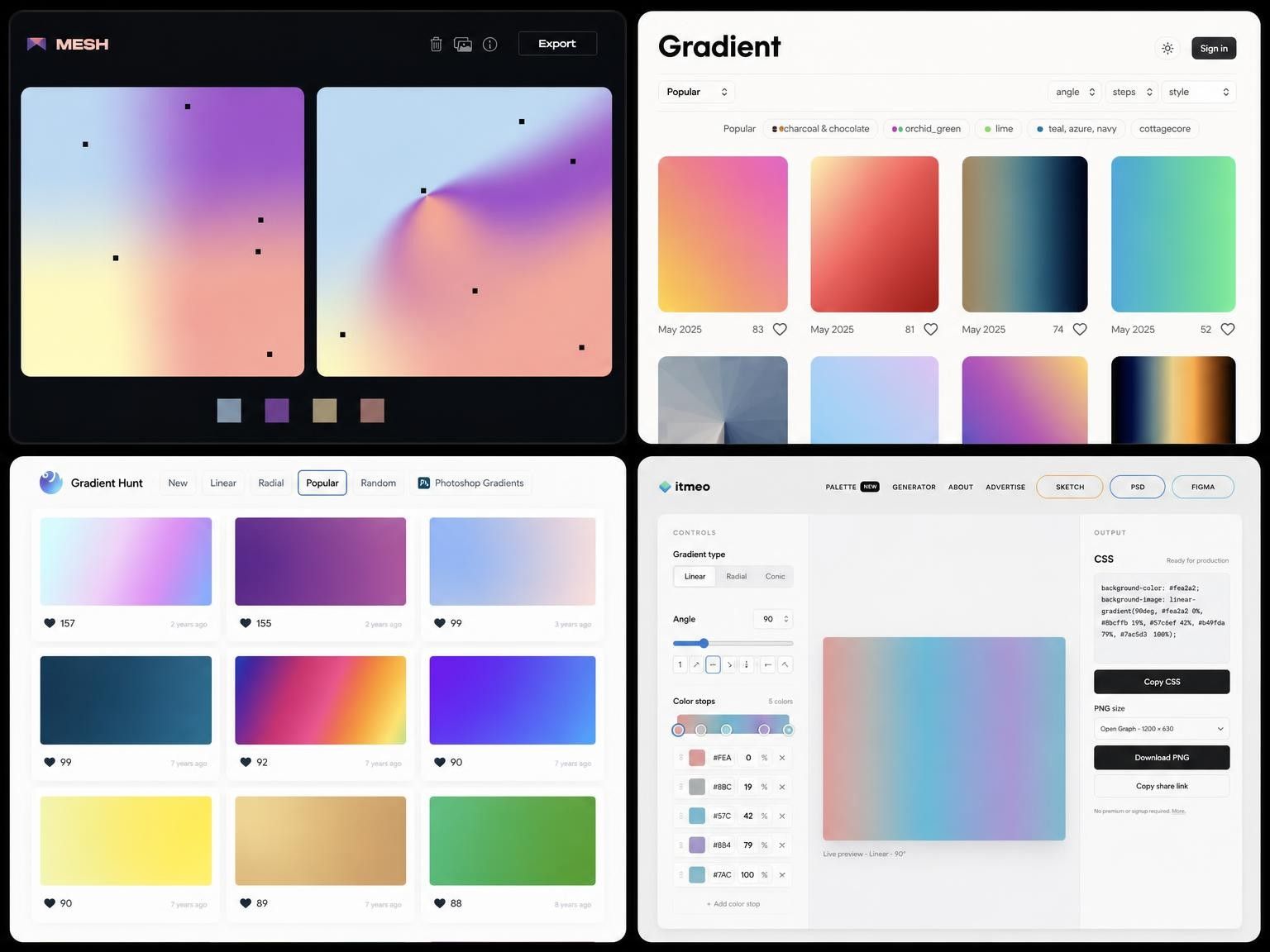
If five isn't enough, here are a few more solid color generator picks worth keeping in your back pocket:
1. Grabient (grabient.com) - a free CSS gradient editor that exports to SVG, PNG, and Android XML.
2. WebGradients (webgradients.com) - a free collection of 180 ready-made linear gradients for backgrounds.
3. MESH (meshgradient.com) - a free WebGL mesh gradient editor: click to add a point, drag to reshape it.
4. Gradient Hunt (gradienthunt.com) - a free, curated collection of trending gradients, updated daily.
5. Mesh Gradient (by Gautham) - the most popular free mesh gradient plugin in the Figma Community, works right inside your file.
None of these five need an account or a learning curve — pick whichever fits the format you're already working in, whether that's raw CSS, a Figma file, or a quick browse-and-copy.
Conclusion
A gradient color generator isn't a toy — it's a way to save time and get a predictably polished result. Instead of eyeballing colors, you can trust algorithms that account for how humans actually perceive them. The right color generator depends entirely on the job at hand: CSS Gradient for quick code, UI Gradients for ready-made presets, Better Gradient for simple mesh backgrounds, InstantGradient for animated gradients and video, and ColorFlow for precise color control. Start with whichever solves your current task, and bookmark the rest for next time.