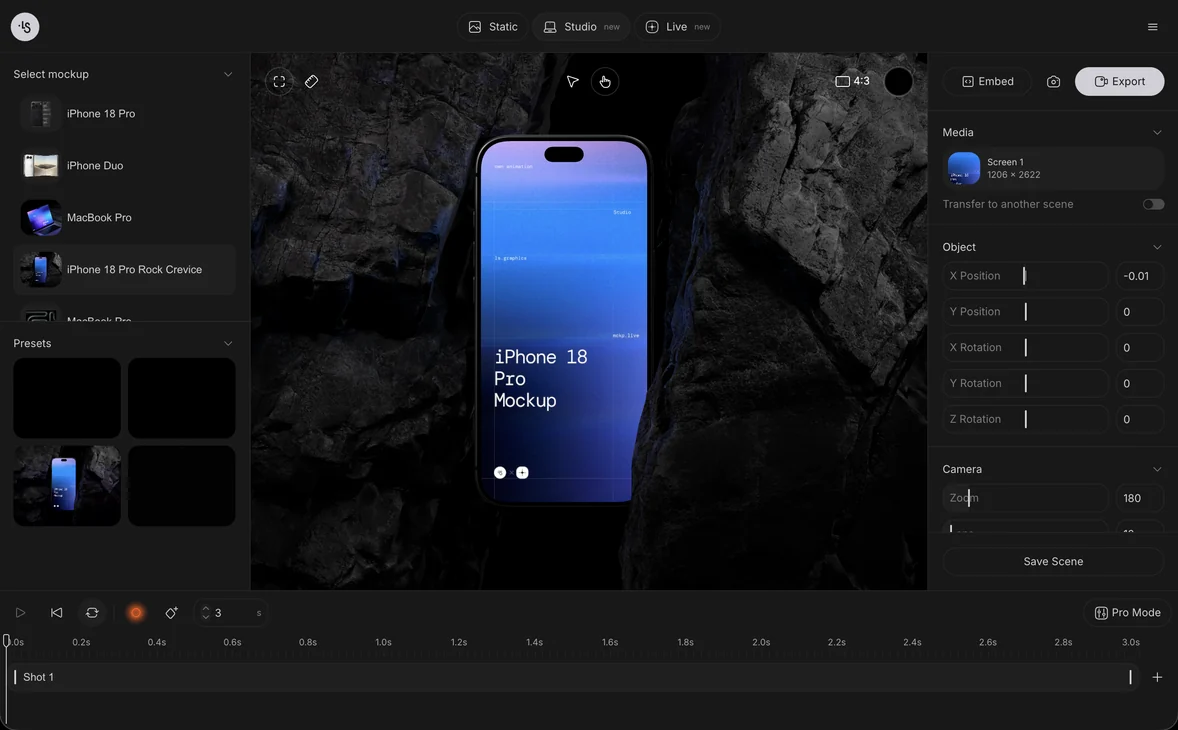
What is an app mockup and how do you make one?
An app mockup is a realistic picture of your app's screens on a device, such as an iPhone, so people see how the finished product will look. It is different from a wireframe, which shows structure, and from a prototype, which you can click. You make one by placing a screenshot into a device scene.
What is an app mockup?
An app mockup is an image or a short video that shows your interface inside a phone or tablet. The device gives the screen a size, a shape and a setting that a flat screenshot does not have.
Designers use mockups to present work to clients, and founders use them for the app's website, a pitch deck or a store page. The app does not have to exist yet: a mockup built from a design file is enough to explain the idea. For the general idea behind the word, see what a mockup is.
What is the difference between an app mockup, a wireframe and a prototype?
A wireframe shows layout, a mockup shows appearance, and a prototype shows behavior. Most projects move through all three in that order.
- A wireframe is a simple sketch of where things go: blocks, labels, navigation. It has no color or final type, and it is for deciding structure.
- A mockup is a static picture with the real colors, type, icons and images. It is for deciding how the product looks and for showing it to others.
- A prototype is clickable. A person taps through screens to test the flow, and it may or may not look finished.
The wireframe, mockup and prototype comparison goes through each one with examples. Note that some design tools call a high-fidelity screen design a mockup; in this article, the mockup is that design shown on a device.
Why do you need an app mockup?
You need one when people have to judge the look of your app without running it. A flat screenshot looks like a work in progress; a phone in a scene looks like a product.
- Client and team reviews: people comment on the real look, not on a layout file.
- The app's landing page and launch posts, where a device image is the usual way to show the product.
- Pitch decks and case studies, where one clear picture of the app does more than a list of features.
- Dribbble, Behance and portfolio pages, as described in how to present a design portfolio.
Store listings follow the store's own rules for screenshot sizes, which the screenshot sizes guide covers. Use a device mockup around the listing, not as a replacement for what the store asks.
How do you make an app mockup?
You export a screen from your design tool and put it onto a device scene, either in a browser, in Figma or in Photoshop. The three routes give the same kind of picture, so pick the one that fits where you already work.
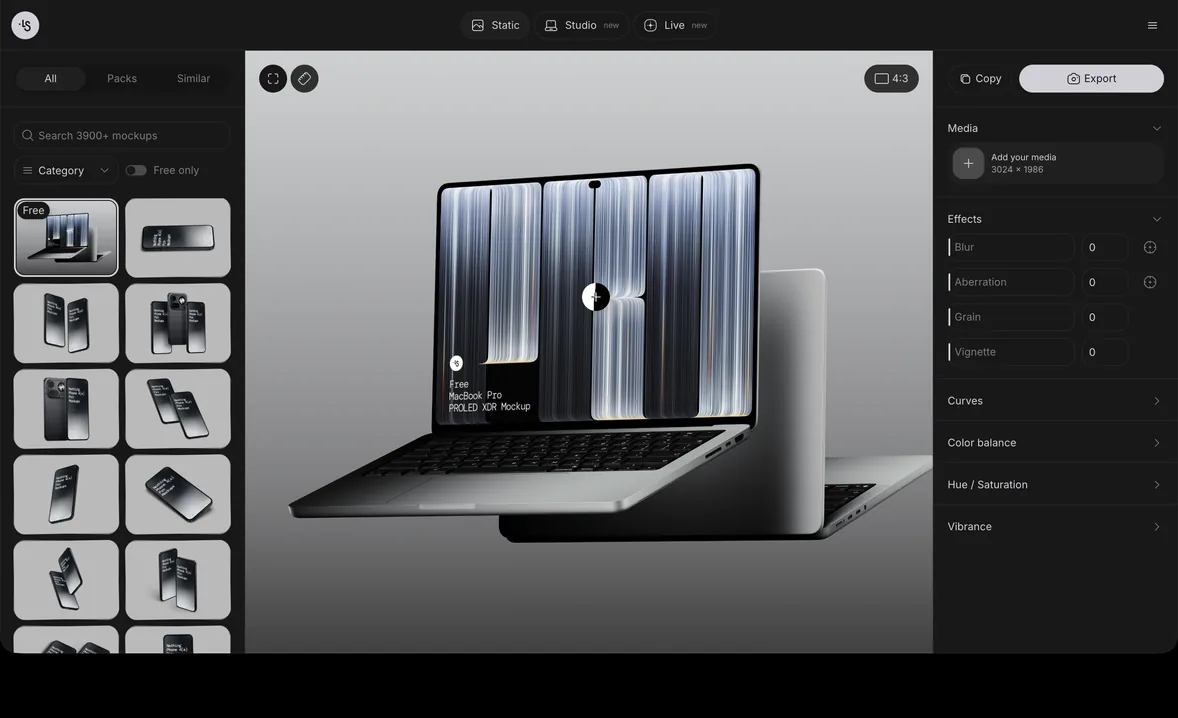
In the online mockup generator
- Export one screen of your app as a PNG.
- Open the online mockup generator and pick an iPhone scene from phone mockups.
- Drop the PNG onto the screen, or paste it. You can also drop in a screen recording to make a video mockup.
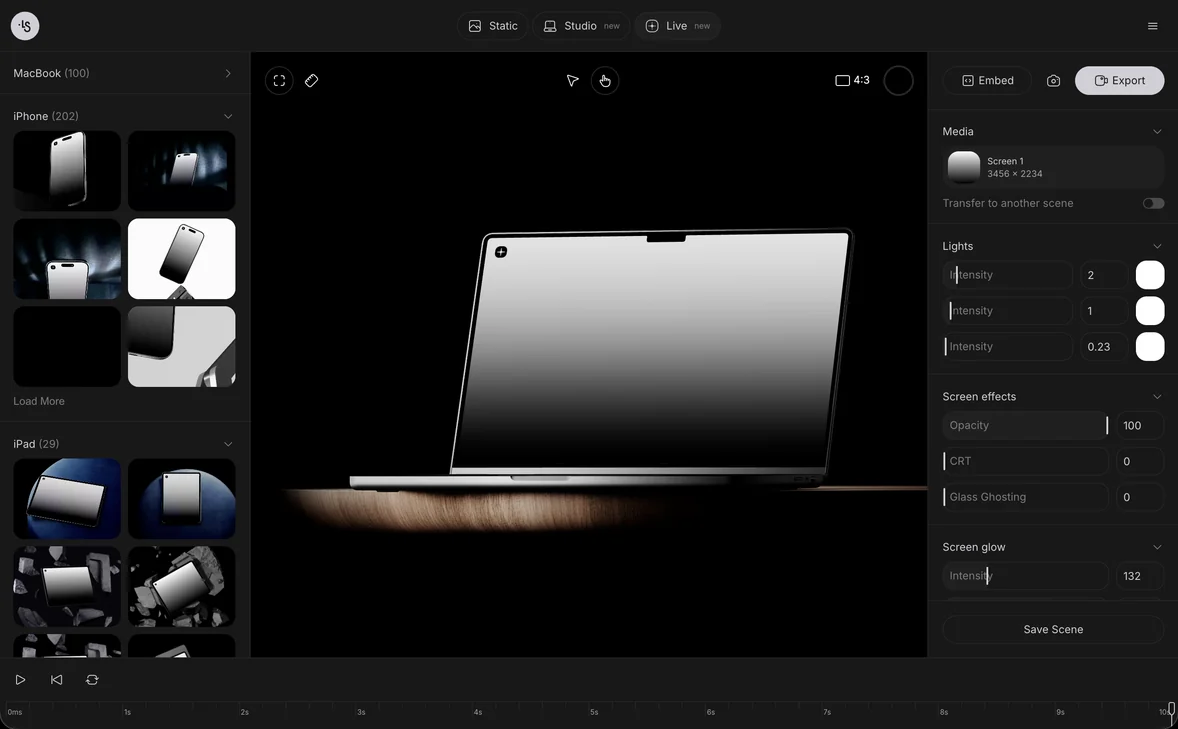
- Change the color, background and light, then export a PNG, a layered PSD, an SVG or a video.
Nothing needs to be installed. Free scenes are free to edit and use in personal and commercial work after you sign in, as the free mockups page explains.
In Figma with a plugin
Select the frame, open the Figma mockup plugin, search for "iPhone" and click a scene. The render is pasted next to your frame, and you can open it again later to change it. This is the fastest route when your screens already live in Figma, since nothing is exported or uploaded by hand.
In Photoshop with a PSD file
Download a PSD mockup, open it, double-click the smart object on the phone screen and paste your screen into it. Save the smart object and the scene updates with your design. The steps are in how to use a PSD mockup in Photoshop. This route suits people who want full control of the layers, or who are already in Photoshop.
Which screens should you show in an app mockup?
Show the screen that explains the app in one look, usually the main one, not the login or the settings. Then add two or three more for the key features.
- Pick a screen with a clear purpose and real content. Lorem ipsum and empty states make the app look unfinished.
- For a flow, use a scene with several phones and put one step on each.
- Keep the style the same across all your images: one family of scenes, one background color.
- Use a screen recording when motion is the point, such as an onboarding swipe or an animation.
App mockup examples
These are 3D renders from the ls.graphics library. More are in the free iPhone mockups.
- iPhone 17 Pro, angled with a glow, for a bold launch image
- iPhone 17 Pro, scene 15, a clean single-phone view
- iPhone 16 Pro, scene 4, a dark setting for a polished, moody look
- iPhone 15, scene 5, lying flat in landscape for a game or a video app
- Free iPhone 16 Pro mockup, to try the workflow at no cost
FAQ
Is an app mockup the same as a prototype?
No. A mockup is a static picture of how the app looks; a prototype is clickable and tests how it works.
What is an app mockup used for?
It is used to present an app to clients, investors and users: on a landing page, in a deck, in a case study or in a launch post.
How many screens should I show?
Start with one main screen, then add two or three more that show your key features. More than five in one picture is hard to read.
Can I make an app mockup for free?
Yes. The free scenes can be edited in the generator and used in personal and commercial projects after you sign in. The Figma plugin is free to install, and its full library needs a plan.