

What size is a business card? US and EU sizes, bleed and setup for designers
A standard US business card is 3.5 x 2 inches (88.9 x 50.8 mm). In Western Europe it is usually 85 x 55 mm. No single international standard exists, so set the file up at 300 DPI, add the bleed your printer asks for (0.125 inch in the US), and keep text inside the safe zone.
What are the standard business card sizes?
There is no official standard for business cards, and sizes follow regional habit. The list below uses the common sizes from Wikipedia's comparison, with pixel counts at 300 DPI that I calculated from them.
- US and Canada: 3.5 x 2 in (88.9 x 50.8 mm), 1050 x 600 px.
- Western Europe, such as Germany, France and the UK: 85 x 55 mm (3.35 x 2.17 in), 1004 x 650 px.
- ISO/IEC 7810 ID-1, the credit card size: 85.60 x 53.98 mm (3.37 x 2.13 in), 1011 x 638 px.
- Scandinavia, Australia and India: 90 x 55 mm. Japan: 91 x 55 mm.
The EU card is almost the shape of a payment card, so it fits a wallet slot. The US card is longer and thinner, with a ratio of 1.75 to 1 against 1.55 for the EU one. A design from one region needs its layout checked in the other, not just a resize.
What size should the file be with bleed?
For a US card, make the document 3.75 x 2.25 inches (1125 x 675 px) and keep everything important inside a 3.25 x 1.75 inch box (975 x 525 px). That is 0.125 inch of bleed on every side and 0.125 inch of safe margin inside the trim, as set out in Vistaprint's file guide.
The same guide links a product standard of 3.61 x 2.11 inches with bleed and a 3.36 x 1.86 inch safe area, so printers differ even inside one company. For a European 85 x 55 mm card with 3 mm of bleed the file is 91 x 61 mm, or 1075 x 720 px; that is my arithmetic, not a printer's rule. One UK printer asks for an 88 x 58 mm document with 1.5 mm of bleed and a 4 mm quiet zone, see its file supply page. Three printers, three sets of numbers: always download the template for your product.
What resolution and color mode do business cards need?
Use 300 DPI at the final size. The Vistaprint guide gives 300 as the minimum and notes that an image 600 px wide printed at 2 inches meets it, but stretched to 4 inches it drops to 150.
The same guide asks for CMYK with the printer's profile and a print-ready PDF. For small text and thin lines it suggests pure black, 0C 0M 0Y 100K, so the text stays crisp with no misregistration. If you add a QR code, make it at least 0.8 x 0.8 inch (about 20 x 20 mm) with a clear border, per the same page.
How do I set up a business card in Figma?
Create a frame at the bleed size in pixels, for the US card 1125 x 675 px. Add a rectangle of 1050 x 600 px centered in it as the trim guide, and another of 975 x 525 px for the safe area, both with no fill and a thin stroke.
- Draw background art out to the edge of the frame, so it covers the bleed.
- Keep text, logo and QR code inside the 975 x 525 px box.
- Hide the two guide rectangles before export.
- Export as PDF, or as PNG if the printer accepts it.
Figma works in RGB and has no DPI field, so ask the printer how it converts colors. For a European card use the frame sizes from the printer's template instead.
How do I set up a business card in Photoshop?
Choose File, New, set the width and height to the bleed size, the resolution to 300 pixels per inch and the color mode to CMYK if your printer wants it. Turn on View, Rulers and drag guides to the trim and the safe margin.
Use smart objects for logos so you can rescale them without losing sharpness; a raster logo scaled up in place goes soft. Save a PDF with the printer's preset when you have one. For the layered setup that a PSD mockup expects, see how to use a PSD mockup in Photoshop.
How do I check my business card design on a mockup?
Drop the finished front and back into a business card scene to see the card at a believable size, with type and logo against real paper and shadow. It shows whether small text still reads, and it is a quick way to show a client.
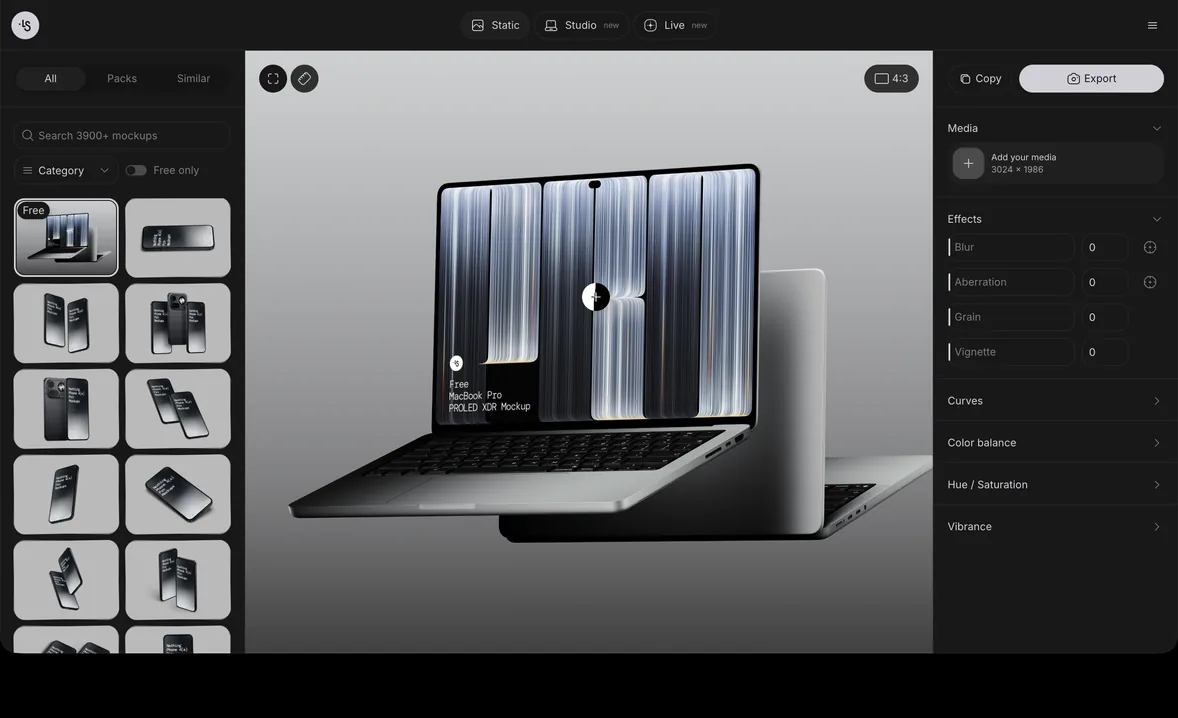
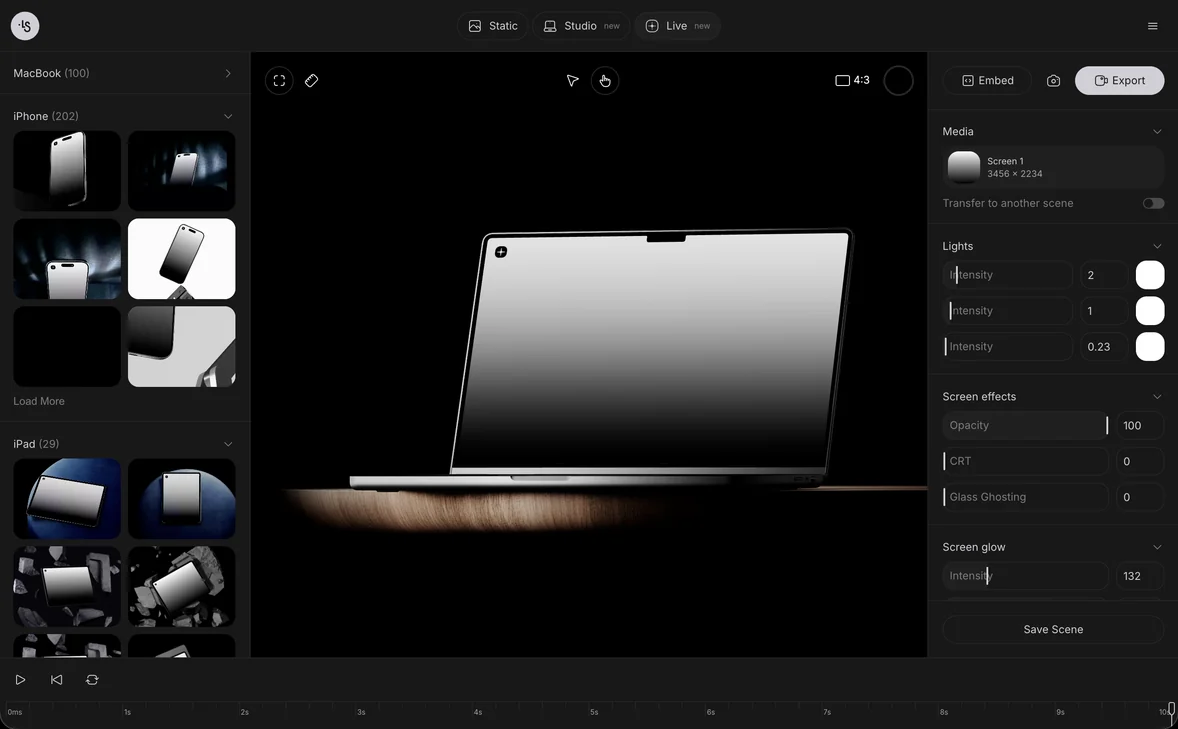
The mockup generator lets you drop or paste a design and export a PNG. Per the editor overview, you can switch the EU and US size in one click; the EU and US sizes guide says to pick the size first, then add the design, because switching removes a design already placed. Scenes with a US or EU version carry it in the name. The free three business cards scene is labeled 85 x 55 mm in its artwork. Browse all business card mockups.
Business card mockup examples
Five scenes from the ls.graphics library, in both regional sizes:
- US cards in a tilted stack pattern, a wall of white cards for a branding slide
- EU cards in the same stack pattern, to compare the European proportions
- US card leaning on a stack, a quiet view of one card
- EU card in a block holder, for a desk-style shot
- Three orange cards on a leaf and stone, a free scene in 85 x 55 mm
FAQ
What is the standard business card size in pixels?
At 300 DPI a US card is 1050 x 600 px and an 85 x 55 mm card is 1004 x 650 px, before bleed. Add the bleed on every side.
Do I need bleed if my card has a white background?
Not for the background, but keep it if any element touches the edge, such as a border or a colored side. Adding bleed costs nothing and protects against trimming drift.
What is the European business card size?
85 x 55 mm is the usual size in Western Europe, according to Wikipedia. Other regions use 90 x 55 mm or 90 x 50 mm.
Can I use a US design for a European card?
Not as it is. The EU card is about 4 mm shorter and 4 mm taller, so recheck margins and the position of the logo before you print.