
iPad and MacBook screen resolutions
Current iPads run from 1512 × 2316 pixels (iPad mini) to 2064 × 2752 (13-inch iPad Pro) in portrait. MacBooks run from 2408 × 1506 (MacBook Neo) to 3456 × 2234 (16-inch MacBook Pro). For a mockup, export your design at the device's native pixel size, or at 2x from a frame half that size.
What are the screen resolutions of the iPad models?
Current iPads have screens between 1512 × 2316 and 2064 × 2752 pixels in portrait. Apple lists them in landscape order, such as 2752 × 2064; we write portrait here. The numbers come from Apple's iPad comparison.
- iPad Pro 13-inch (M5): 2064 × 2752 px at 264 ppi.
- iPad Pro 11-inch (M5): 1668 × 2420 px at 264 ppi.
- iPad Air 13-inch (M4): 2048 × 2732 px at 264 ppi.
- iPad Air 11-inch (M4): 1640 × 2360 px at 264 ppi.
- iPad (A16): 1640 × 2360 px at 264 ppi.
- iPad mini (A20 Pro): 1512 × 2316 px at 326 ppi.
Every one of these screens works at a 2x scale, so the size in points is half the pixel size: 1032 × 1376 for the 13-inch iPad Pro, 834 × 1210 for the 11-inch iPad Pro, 1024 × 1366 for the 13-inch iPad Air, 820 × 1180 for the 11-inch iPad Air and iPad, and 756 × 1158 for the iPad mini. Details for each model are on Apple's iPad Pro, iPad Air and iPad mini tech specs pages.
What are the screen resolutions of the MacBook models?
Current MacBook screens run from 2408 × 1506 pixels (MacBook Neo) to 3456 × 2234 pixels (16-inch MacBook Pro). All of them are landscape and listed in Apple's Mac comparison, with the diagonal and density on each model's tech specs page.
- MacBook Neo, 13.0-inch: 2408 × 1506 px at 219 ppi.
- MacBook Air 13-inch (13.6-inch screen): 2560 × 1664 px at 224 ppi.
- MacBook Air 15-inch (15.3-inch screen): 2880 × 1864 px at 224 ppi.
- MacBook Pro 14-inch (14.2-inch screen): 3024 × 1964 px at 254 ppi.
- MacBook Pro 16-inch (16.2-inch screen): 3456 × 2234 px at 254 ppi.
Apple also lists MacBook Pro variants with a different display; check the comparison page if you design for one of those. macOS lets a person pick a scaled resolution, so the size an interface appears at is not a fixed number. That is why the pixel size is the one to rely on for a mockup.
What size should I design a website at for a MacBook or iPad mockup?
Design the frame at half the device's native pixel size and export it at 2x. The export then matches the native resolution, and your text and spacing stay in sensible units.
- 16-inch MacBook Pro: a 1728 × 1117 frame, exported at 2x, gives 3456 × 2234.
- 14-inch MacBook Pro: a 1512 × 982 frame gives 3024 × 1964.
- 13-inch iPad Pro in portrait: a 1032 × 1376 frame gives 2064 × 2752.
- 11-inch iPad Air in portrait: an 820 × 1180 frame gives 1640 × 2360.
A website is taller than any screen, so show the first view in the mockup and keep the rest for a long-scroll scene or a video. You do not have to match one model exactly. A page designed at a common laptop width still fits, as long as its proportions are close to the screen's.
What size should I export a design for a mockup?
Export at the native pixel size of the device in the scene, as a PNG. It is the largest size the screen can show, so the mockup stays sharp when someone zooms in.
- Pick a scene with the device you need, such as a MacBook or an iPad.
- Export your frame at its native size, or at 2x from the half-size frame above.
- Drop or paste it onto the screen in the online mockup generator.
- Crop, rotate or scale it with the controls in the crop, rotate and scale guide.
- Export a PNG, or a layered PSD if you want to finish the picture in Photoshop.
In Figma, the mockup plugin takes the selected frame and sends it at 4096 px on its long edge, so any iPad or MacBook frame at 2x is within that limit. Do not enlarge a small design to reach these sizes: a 1200 px wide screenshot stays soft however far you scale it.
MacBook and iPad mockup examples
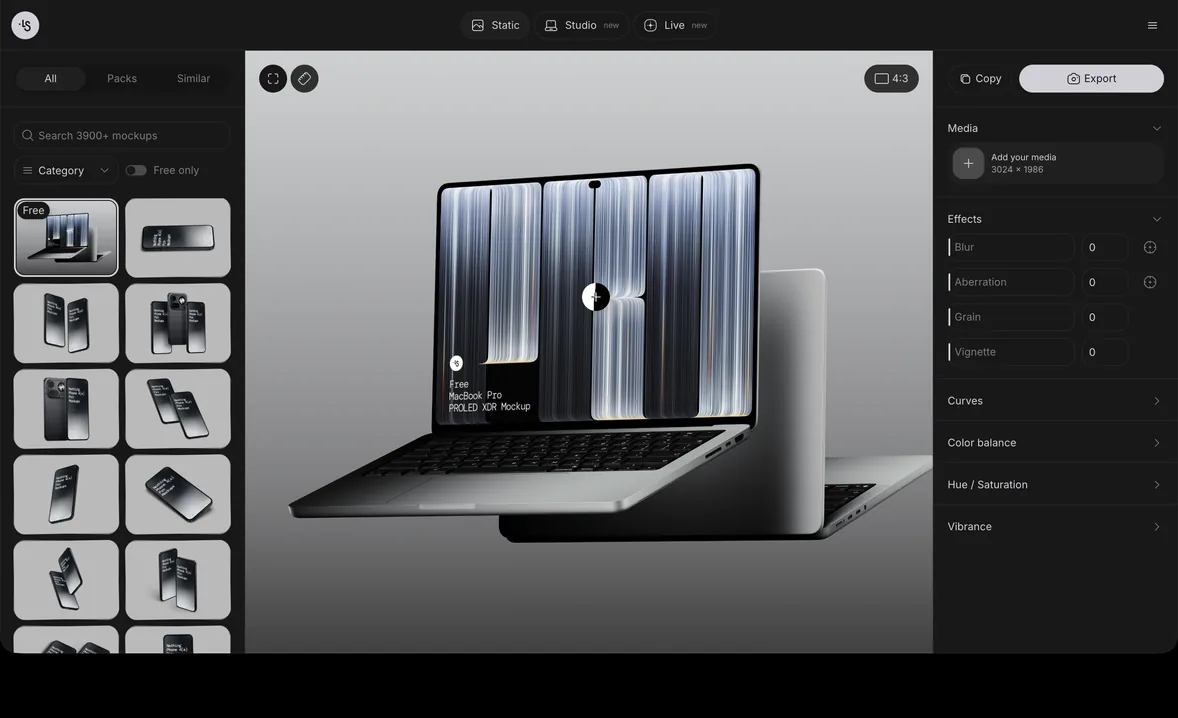
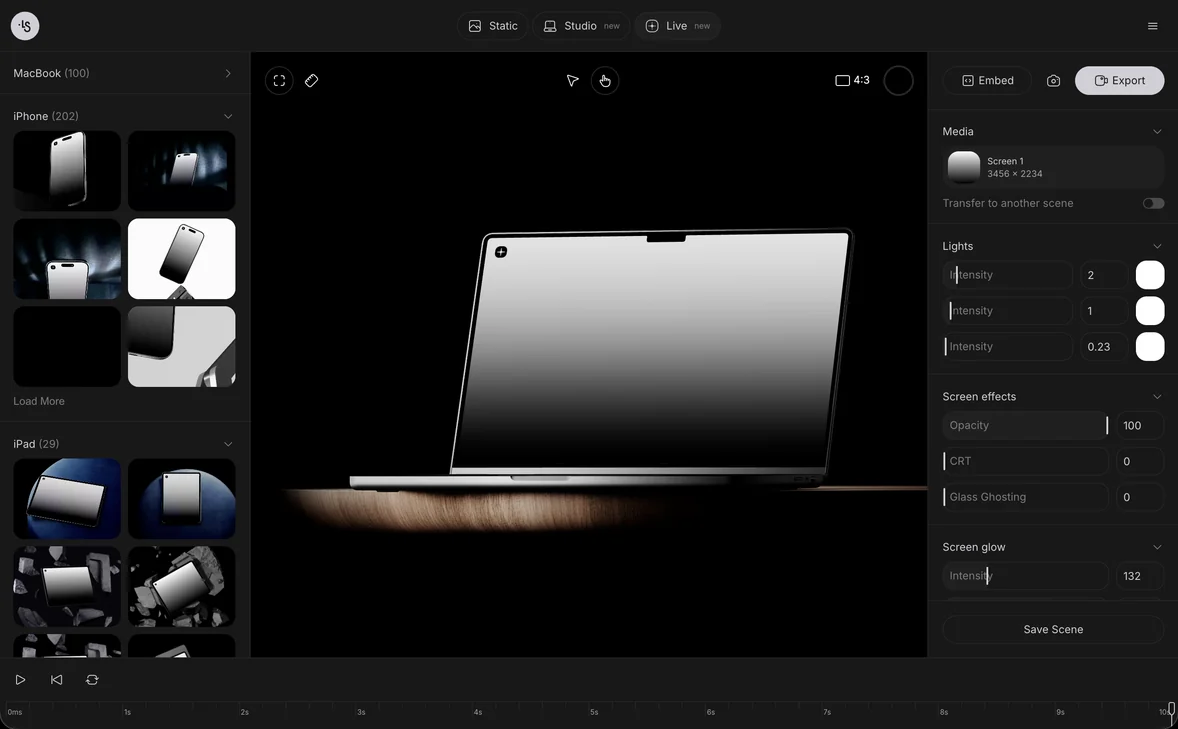
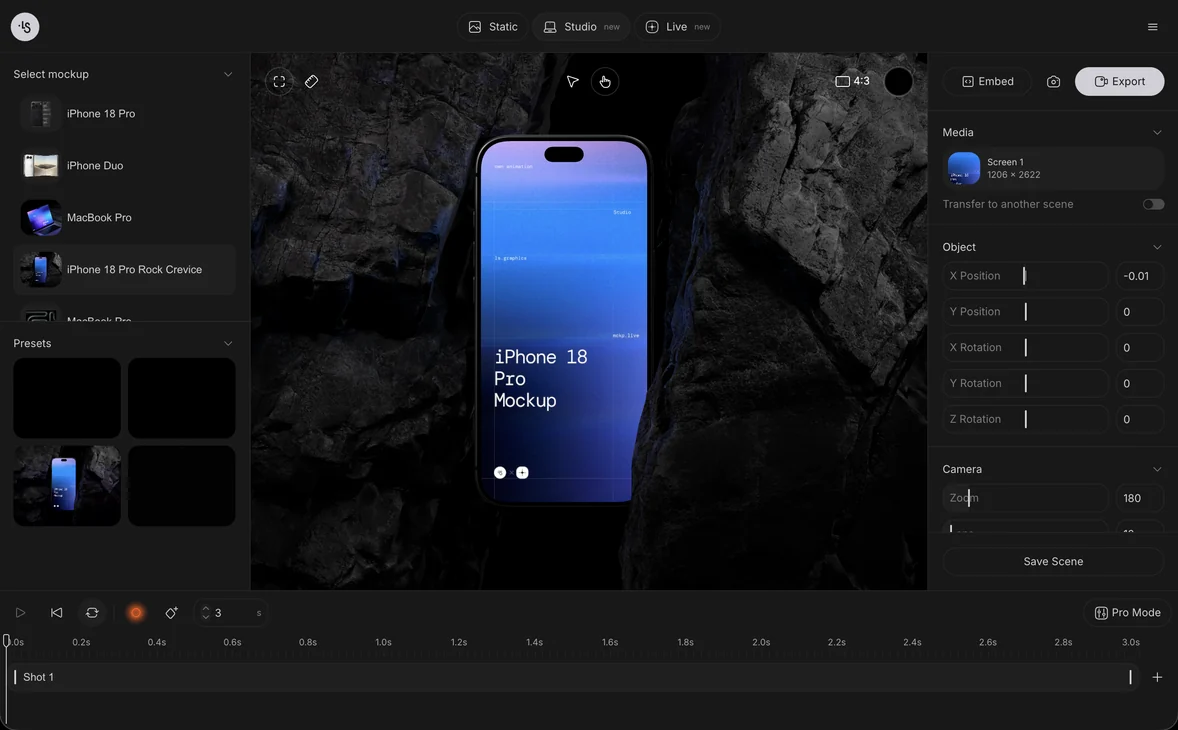
These are 3D renders from the ls.graphics library. Browse more in MacBook mockups and free iPad mockups, or open them in the generator as laptop mockups and tablet mockups.
- MacBook Neo, scene 16, an open laptop floating above its lid
- MacBook Air (M2), scene 1, a straight front view for a clean web design
- MacBook Pro 16-inch in front view, for a dashboard or a large interface
- iPad mini, scene 15, a stack of three tilted tablets
- iPad Pro, scene 1, for a tablet app or a portfolio
- iPad Air mockups, with several angles in one set
FAQ
What is the screen resolution of a MacBook Air?
The 13-inch MacBook Air is 2560 × 1664 pixels, and the 15-inch is 2880 × 1864 pixels, both at 224 ppi.
What is the screen resolution of a 14-inch MacBook Pro?
The 14-inch MacBook Pro has a 14.2-inch screen of 3024 × 1964 pixels at 254 ppi. The 16-inch model is 3456 × 2234 pixels.
What is the iPad Pro screen resolution?
The 13-inch iPad Pro is 2064 × 2752 pixels in portrait, and the 11-inch is 1668 × 2420 pixels, both at 264 ppi.
Do I need the exact resolution to make a mockup?
No. A design with the same proportions as the screen works at any size, but the native pixel size gives the sharpest result.