How to design a sticker: size, bleed and print file setup
To design a sticker, pick the finished size first (2 to 4 inches suits a laptop or a bottle), build the artwork at 300 ppi or as vectors, add bleed past the cut line, keep text inside a safe border, and export in the format your printer asks for. Then check it on a mockup before you order.
What size should a sticker be?
Choose the size by where the sticker will go. A 2 to 3 inch sticker fits a laptop lid, a water bottle or a mailer; 4 to 5 inches reads from a distance on a car window or a case. Sticker Mule, for example, offers die-cut stickers in 2, 3, 4 and 5 inch squares plus custom sizes.
The size is the box the shape fits into, not the shape itself. A 3 inch circle and a 3 inch star are both ordered as 3 x 3 inches, even though the star covers less area. Measure the longest side of your design and make that the sticker size.
Smaller is not always cheaper to read. Below 2 inches, thin lines and small type stop working, so a tiny sticker needs a simpler drawing, not a scaled-down copy of a large one.
How many pixels is a sticker at 300 ppi?
Multiply the size in inches by 300. A 2 inch sticker is 600 px, a 3 inch sticker is 900 px and a 4 inch sticker is 1,200 px on its long side. Add the bleed on top of that.
- 2 x 2 in: 600 x 600 px, or 638 x 638 px with 1/16 in bleed on each side
- 3 x 3 in: 900 x 900 px, or 938 x 938 px with bleed
- 4 x 4 in: 1,200 x 1,200 px, or 1,238 x 1,238 px with bleed
- 5 x 5 in: 1,500 x 1,500 px, or 1,538 x 1,538 px with bleed
In metric, 3 inches is 76.2 mm and 1/16 inch is about 1.6 mm. Sticker Mule asks for vector files or raster images of at least 300 PPI. Vector artwork from Illustrator, Figma or Affinity scales to any size, so it is the safer choice for flat, graphic stickers.
How much bleed and border does a sticker need?
Bleed is artwork that runs past the cut line, so a small shift in cutting never leaves a white sliver. Sticker Mule's bleed is 1/16 inch around the cut line; some printers ask for 1/8 inch, so use the number on your printer's template.
A die-cut sticker usually has a border too: the band of white or color between your drawing and the cut. Sticker Mule proofs with a standard border of 0.1 inch and accepts 1/16 inch as the minimum. A wider border makes the shape simpler to cut and hides small cutting shifts, which matters for designs with many thin spikes.
Keep text, faces and logos inside a safe area, at least the border width away from the cut. Anything closer can be trimmed.
How do I set up a sticker file for print?
Set up the document at the finished size, draw the cut line on its own layer, and keep the artwork underneath. Printers that cut to shape need to know where the blade goes.
- Create a document at the sticker size plus bleed, for example 3.125 x 3.125 in for a 3 inch sticker.
- Work in CMYK if the printer asks for it. Sticker Mule recommends CMYK colors for the closest match on paper.
- Draw the cut line as a thin stroke on a separate layer. Sticker Mule suggests a 0.5 to 1 pt magenta stroke and says a cut line is not required, so check what your printer wants.
- Keep type at 6 pt or larger and lines at 1 pt or thicker, the minimums Sticker Mule gives for legibility.
- Export as PDF, AI or SVG for vector art, or as a transparent PNG at 300 ppi for raster art.
Check the export at 100% zoom before you upload. A soft edge, a stray pixel outside the shape or a missing font shows up there, not in the thumbnail.
What makes a sticker design work?
A good sticker reads in one glance from arm's length: one idea, a clear outline and strong contrast. People see it on the move, on a laptop across a desk or a bottle in a gym bag.
- Use a bold silhouette. The die-cut outline is part of the design, so a shape people recognize without the inside details works best.
- Limit the palette. Three or four flat colors print cleanly and stay readable on both light and dark surfaces.
- Keep text short. A word or two at a size you can read from a meter away beats a sentence.
- Think about the finish. Holographic and clear vinyl change how colors look, so test a design meant for them on a matching mockup.
How do I check a sticker design before printing?
Put the design on a sticker mockup at its real proportions and look at it the way a buyer will. A mockup shows whether the outline reads, whether the colors hold up on glossy or holographic film, and whether the text is too small.
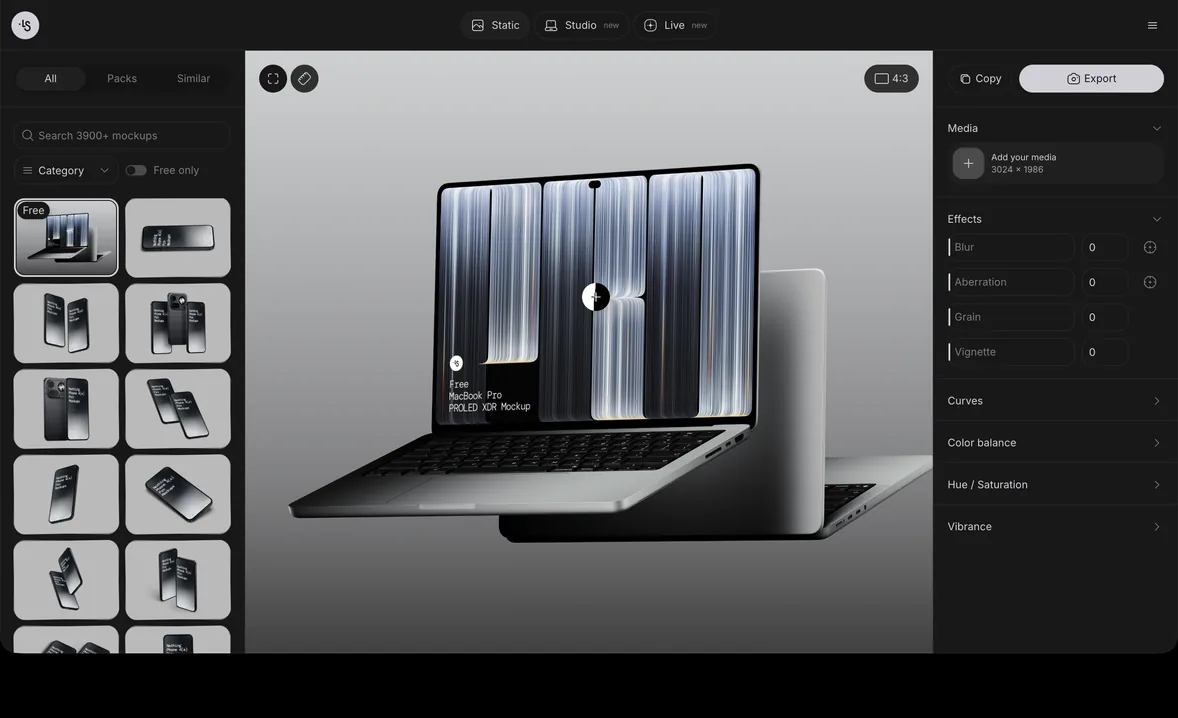
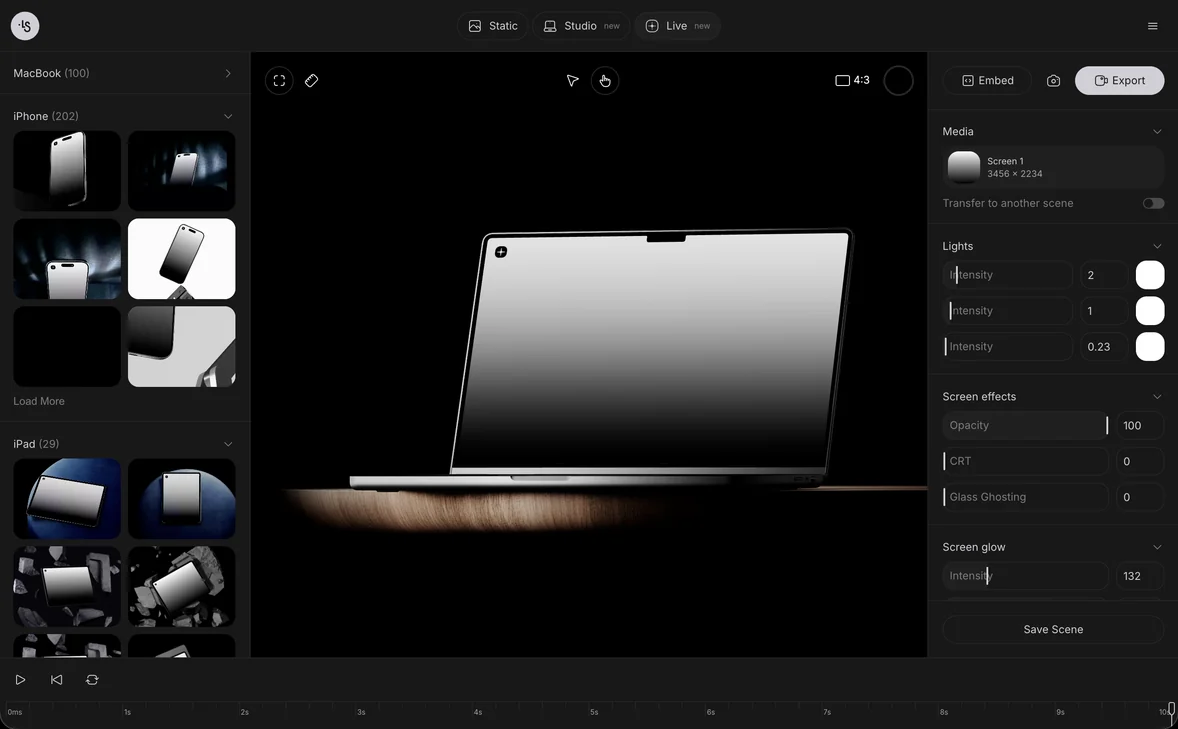
Our sticker mockups come as PSD files and can also be edited online. In the mockup generator you drop or paste your design into the scene in a browser tab and export a PNG, with nothing to install; the first mockup guide walks through the steps. If you work in Photoshop, how to use a PSD mockup covers placing art in the smart object. The same pictures work for an Etsy listing, a shop page or a client review, and our explainer on what a mockup is covers the other uses.
Sticker mockup examples
- Glossy sticker, scene 51: a stamp shape with a perforated edge and a peeling corner, good for testing a die-cut outline.
- Holographic sticker, scene 12: a triangle on rainbow foil, to see how your colors sit on a holographic finish.
- Holographic sticker, scene 05: a rectangle with a lifting corner, for type-led designs.
- Torn sticker, scene 14: a round glued sticker torn across, for street and merch looks.
- Torn sticker, scene 04: a die-cut shape with torn paper edges, for badge-style designs.
- Free stickers and packaging mockup: a set of round stickers spilling from a clear bag, for sticker packs.
FAQ
What is the most common sticker size?
For die-cut stickers, 3 x 3 inches is a safe middle choice: big enough for detail, small enough for a laptop or bottle. Printers such as Sticker Mule list 2, 3, 4 and 5 inch presets.
What dpi should a sticker be?
300 ppi at the printed size, or vector artwork, which has no resolution limit. A 3 inch sticker needs at least 900 px on its long side.
Should a sticker file have a transparent background?
Yes for raster die-cut art: a transparent PNG lets the printer find the shape. Many printers also accept a separate cut line on its own layer instead.
Can I design stickers in Canva or Procreate?
Yes, as long as you export at 300 ppi at the final size with a transparent background, and add the bleed and border your printer asks for.
What is the difference between die-cut and kiss-cut stickers?
A die-cut sticker is cut through the vinyl and the backing to your shape. A kiss-cut sticker is cut through the vinyl only, so it sits on a larger backing sheet, often a square.