Etsy mockups: how to use mockups in your listings
Yes, you can use mockups in Etsy listings, with limits. Etsy requires at least one unedited photo of the actual item for most listings. Print-on-demand items may use a mockup if the owner of the base photo allows it, and digital downloads need a preview of the real file. Check the license of the mockup you use.
Can you use mockups on Etsy?
You can, and for some kinds of listings they are the normal way to show a product. Etsy's rule is about accuracy: all listing photos must accurately represent what the buyer will receive.
What counts depends on what you sell:
- Most items: at least one unedited photo of the actual item against a real background. The other photos can be edited, as long as the edits do not make the item look different.
- Print-on-demand: if a production partner prints your original design on a standard base product such as a t-shirt or a mug, you may use a stock photo as a mockup, if the owner of the stock photo has authorized its use.
- Digital downloads with something to see, such as a printable or a template: include a preview of the actual content buyers will receive.
Etsy's rules change from time to time, so read the current help page before you build a listing around them.
What size should Etsy listing images be?
Etsy recommends listing photos at least 2000 pixels wide and tall, with the first photo at least 635 pixels in each direction. Accepted file types are .jpg, .gif, .png, .svg and .heic, and transparent PNGs and animated GIFs are not supported.
The first photo should be horizontal (landscape) or square, and Etsy says it also sets the shape of the photos that follow, so use the same shape for all of them. Etsy crops thumbnails to square, portrait and landscape views, so leave a border around the product. Etsy's guidance is to avoid square crops and upload horizontal images.
A listing can have up to 20 photos and 2 videos of 5 to 15 seconds. Export your mockup at a large size, 2000 pixels or more, so it does not look soft after Etsy compresses it.
Which photos does a listing need?
A good listing answers the buyer's questions in order: what is it, how big is it, what does it look like in use, and what is the detail. A mockup can cover several of these.
- The first image: the clearest view of the item, in landscape or square. Etsy says the first photo does not have to be the unedited one, but it must be the clearest, most realistic representation of what buyers will receive.
- A real, unedited photo of the item, if your listing needs one.
- The design on a product: a mockup showing a t-shirt, a poster in a frame or a mug with your artwork.
- Variations: the same design on each color or size you offer.
- A detail or close-up of the print or the material.
- Context: the poster on a wall, the shirt in a scene.
- A video, if you have one, of the product from several angles.
Keep the design on the mockup the same as the file or the product the buyer gets. A mockup is a picture of your product, not a promise of something better.
How do I make a mockup for Etsy?
Pick a scene that matches your product, drop in your design, set the color and export a large image. For print-on-demand, check first whether your production partner supplies its own mockups, since Etsy allows them for these items.
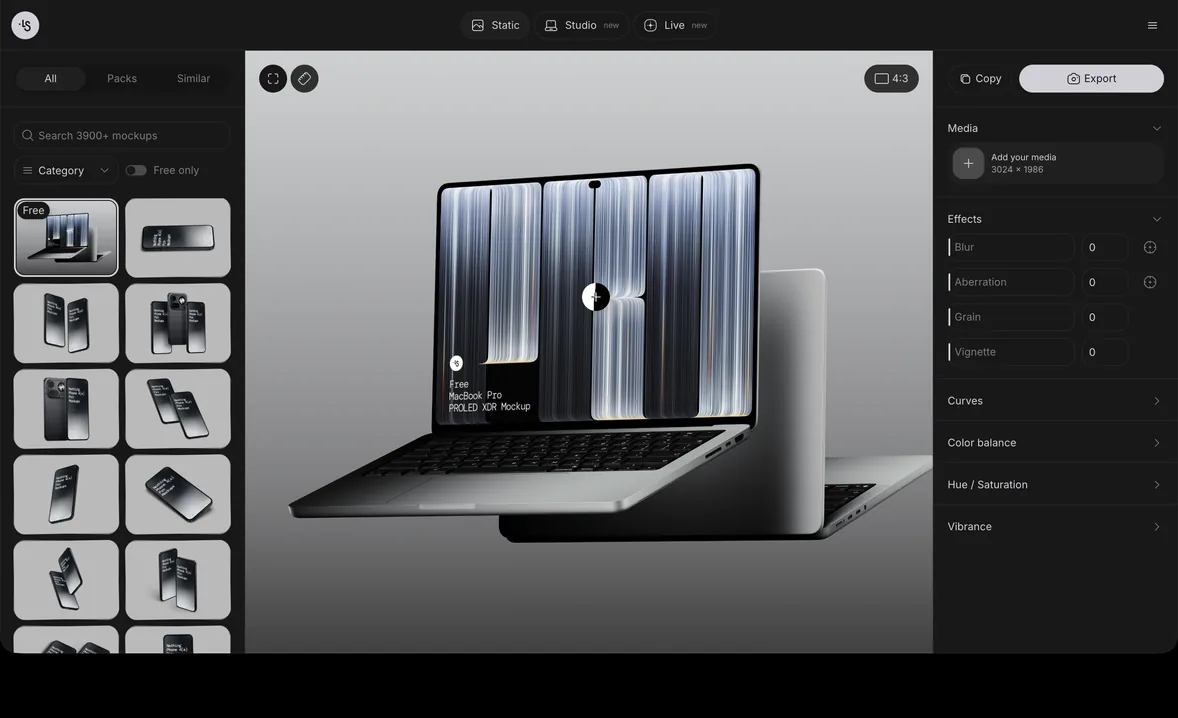
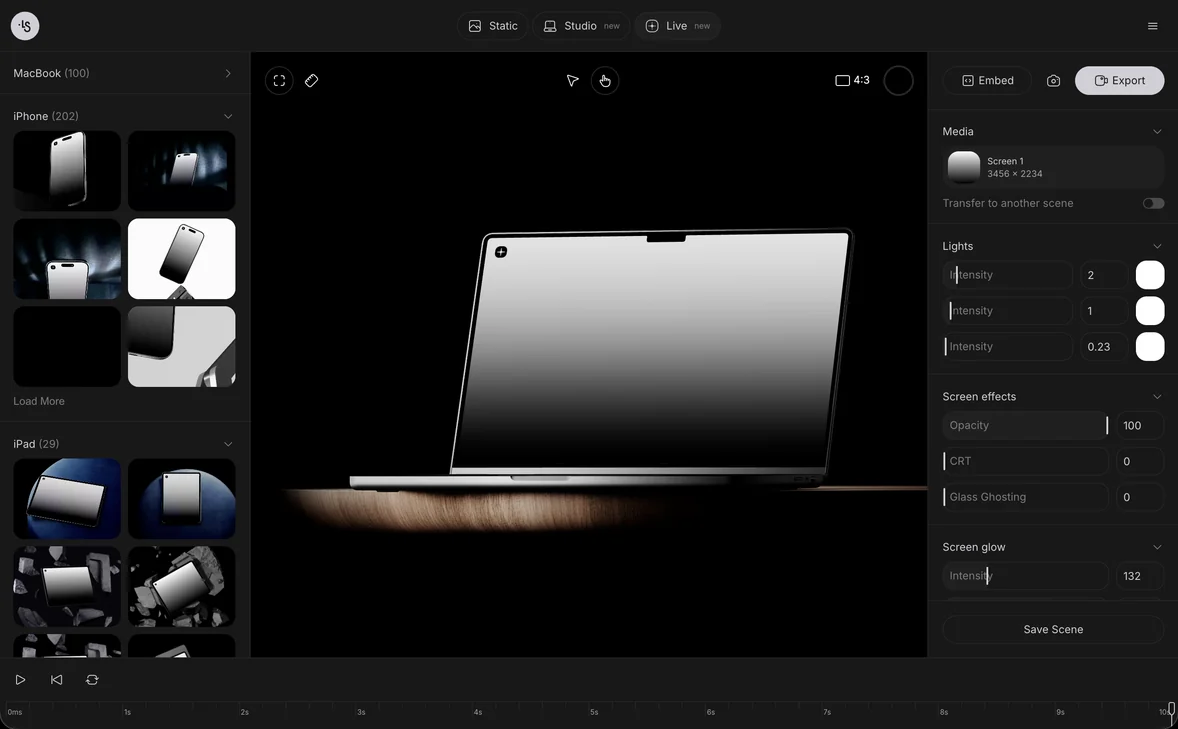
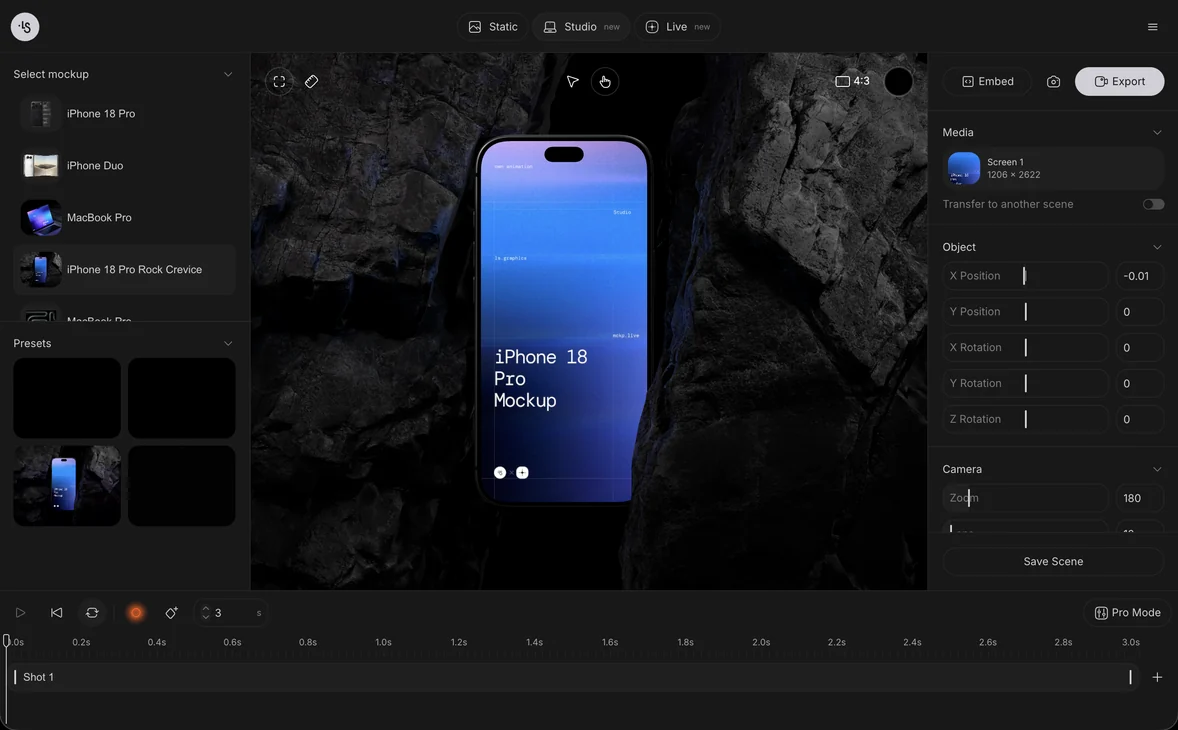
In the online mockup generator you open a scene, drop your design on the product and export a PNG, in the browser with nothing to install. The scenes are 3D renders, so shadows and perspective are already in place. For apparel, start with the t-shirt mockups and the apparel category; for wall art and posters, browse the print mockups and the poster mockups.
Make one scene for each color you sell, and use the same background and light across the set so the listing looks like one shop.
Can I use a mockup commercially?
It depends on the license of the mockup, so read it before you sell with it. For ls.graphics, the terms of service say you may use products in your personal and commercial projects, including projects for clients, and that you may modify them to suit your project.
The same terms prohibit redistributing or reselling the mockups, sharing the source files publicly, and modifying a product and reselling it as your own work. The prohibited uses concern the mockup files themselves, not the picture of your own product that you make with one. The terms also note that a mockup may show third-party products, and that you are responsible for following the brand rules of their owners. The terms do not mention Etsy by name.
The free mockups are free for personal and commercial projects, including client work; you need to sign in to download them. For mockups from other sources, check the license for commercial use and for client work, since some free plans allow personal use only.
Etsy mockup examples
Six scenes from the ls.graphics library that suit common Etsy products:
- A changeable t-shirt, for a print on a shirt in several colors
- A t-shirt in different colors, for a color variation set
- A polo t-shirt, for embroidered or small logo designs
- A t-shirt scene, style 01, for a styled lifestyle shot
- A hanging paper poster, for art prints
- A poster in a wood frame, for a warmer, home-style look
FAQ
Can I use mockups for print on demand on Etsy?
Yes. Etsy says that when a production partner prints your design on a standard base product, you may use a stock photo as a mockup if the owner of the photo has authorized it.
Do I need a real photo of my product on Etsy?
For most items, Etsy requires at least one unedited photo of the actual item against a real background. Digital downloads and print-on-demand items follow different rules, described above.
What size should my first Etsy photo be?
At least 635 pixels in width and height, and 2000 pixels or more is recommended. Make it horizontal or square.
Can I sell digital downloads with mockup images?
Yes, if buyers can see what they will receive. Etsy asks for a preview of the actual content for downloads with a visual component, such as a printable or a template.