How big should a t-shirt design be? Print sizes for designers and POD sellers
For most adult t-shirts, print-on-demand providers print a full-front design up to 12 x 16 inches, and some DTG products go up to 15 x 18 inches. Export a transparent PNG at the print size, at 150 to 300 DPI. A center-chest design is usually 8 x 8 inches or smaller.
What is the standard t-shirt print size?
The standard full-front print area is 12 x 16 inches on most Printful t-shirts, and Printful lists 15 x 18 inches on select DTG products. Printify says some of its print providers support up to 15 x 18 inches on larger adult tees, and that sizes vary by provider.
That is why the product page is the final word. Printful's print file guide points to the file guidelines tab and the downloadable template of each product. Pixel counts follow from the inches:
- 12 x 16 in at 300 DPI: 3600 x 4800 px. At 150 DPI: 1800 x 2400 px.
- 15 x 18 in at 300 DPI: 4500 x 5400 px. At 150 DPI: 2250 x 2700 px.
A bigger area is not always better. A design that fills the whole 12 x 16 inch box reads as a poster on a shirt, so most designs use a part of it.
What size should a design be for each placement?
Size depends on where the design sits. The ranges below are the providers' own guidance for adult tees; both say positions are approximate and should be checked on a mockup.
- Left chest: 2.5 x 2.5 to 5 x 5 in, about 3 in down from the neckline or shoulder seam. Printful and Printify agree on the range, and Printify gives 4 x 4 in as the standard.
- Center chest: 6 x 6 to 10 x 8 in, 3 to 3.5 in below the collar. 8 x 8 in is the most common size.
- Full front: starts 3 to 4 in below the collar. Printful gives 12 x 16 in; Printify lists 10 to 12 in wide and 10 to 14 in tall as the usual range.
- Full back: Printful gives a DTG maximum of 10 x 12 to 12 x 16 in depending on the product. Printify lists 10 to 14 in wide and 6 to 15 in tall.
- Sleeve: most often up to 4 x 3.5 in at Printful, and Printify asks for at least 1 in of clearance from the seams.
Youth sizes are smaller. Printify says youth center-chest prints scale down to about 7 x 7 in or less.
What resolution and file format should a t-shirt design be?
Export a PNG with a transparent background, sized to the print area. Printful's guide calls 150 DPI the sweet spot for apparel and says PNG is best for transparency. Printify's help center recommends 300 DPI for PNG and JPEG files, and notes that lower resolution can be enough depending on the product.
Size the file to the real print dimensions, not to the screen. A 4000 px wide file printed at 12 inches is 333 DPI, and the same file stretched to 15 inches is 267 DPI, which is still fine. A 1000 px wide file stretched to 12 inches is only 83 DPI, and it will look soft.
Printify also says designs scale down automatically for smaller shirt sizes, and are not scaled up past size L, so check that your design still reads at the small end.
How do I set up a t-shirt design file in Figma or Photoshop?
Make a transparent canvas at the print area and place the design in it as it should sit on the shirt. Keep the garment out of the print file: the provider adds the placement and the shirt color.
- Create a frame of 3600 x 4800 px in Figma, or a 12 x 16 inch document at 300 pixels per inch with a transparent background in Photoshop.
- Center the artwork horizontally and place it where it should sit in the area. Both providers put a full-front design 3 to 4 inches below the collar, so leave that room above it.
- Set text and thin lines large enough to print, and check any dark-on-dark colors against the shirt color you chose.
- Export a PNG with no background, then upload it in the provider's product creator and check the preview.
If a provider has a different print area, use the template instead of these numbers. Left chest designs use the same method with a smaller frame, for example 1200 x 1200 px for 4 x 4 inches at 300 DPI.
How do I check the design size on a t-shirt mockup?
Drop the PNG into a t-shirt scene and look at the proportions. A mockup shows whether the design is too large for the chest, too close to the collar, or too thin to read from a distance.
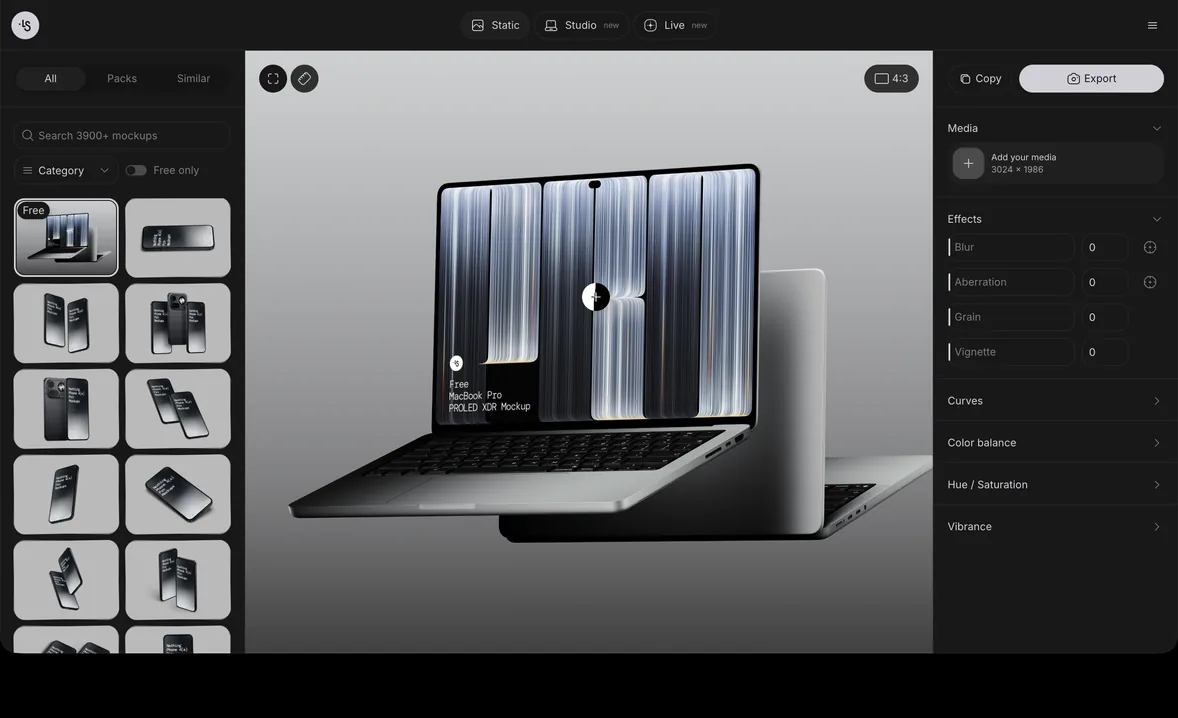
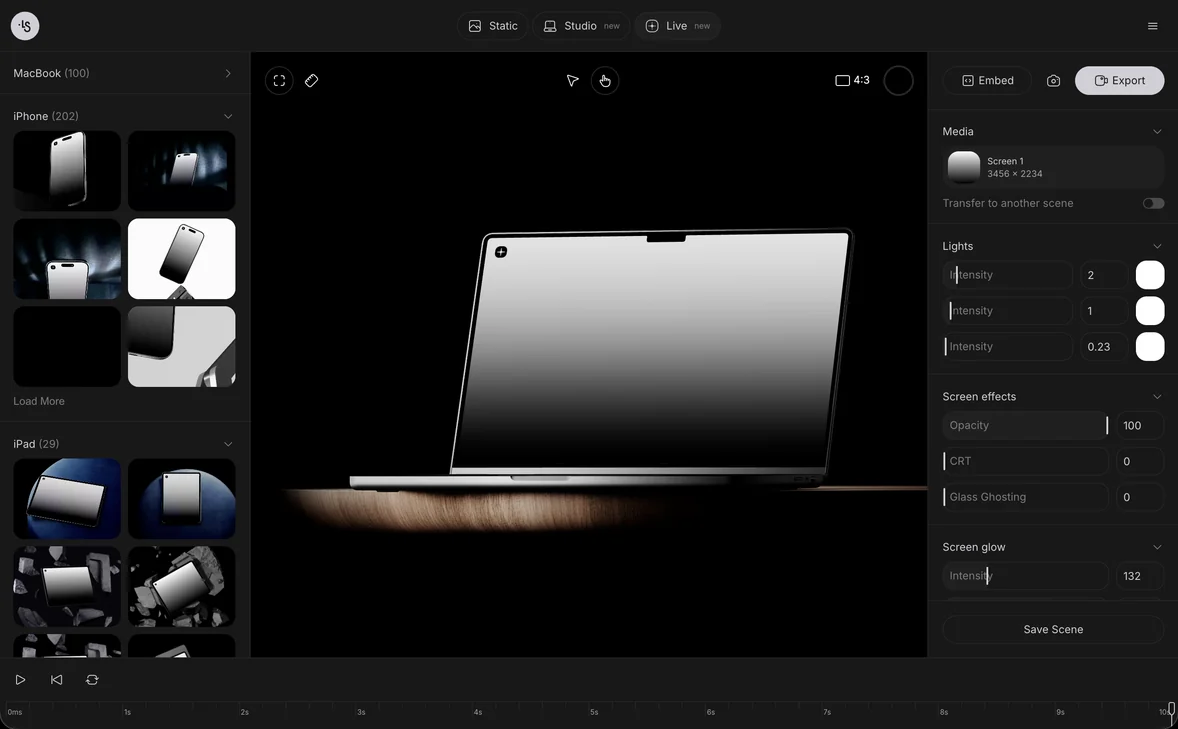
The mockup generator opens 3D-rendered scenes in the browser: drop or paste the design, adjust the shirt color and export a PNG. A mockup is a picture for listings and clients, not the print file, and its scale is not exact, so keep your measurements from the provider's template. Browse the free t-shirt mockups to start, or see how to use a PSD mockup in Photoshop if you prefer layers.
T-shirt mockup examples
These scenes from the ls.graphics library suit different design sizes:
- White tee with a large chest pattern, good for a big center-chest design
- White tee on a mint step, for a small centered wordmark
- White tee on a purple wall, for an oversized front print
- Dark tee on a hanger against a metal fence, for light ink on a dark shirt
- Folded purple tee, for a listing thumbnail
FAQ
What size should a pocket or left chest design be?
Between 2.5 x 2.5 and 5 x 5 inches, with 4 x 4 as a common size, about 3 inches below the neckline.
What DPI should a t-shirt design be?
Printful says 150 DPI is the sweet spot and Printify recommends 300. Export at 300 if your file size allows, and never below 150 at the print size.
How many pixels is a 12 x 16 inch t-shirt design?
3600 x 4800 px at 300 DPI, or 1800 x 2400 px at 150 DPI.
Should the design include the t-shirt?
No. Upload only the artwork on a transparent background. The garment appears in the provider's preview and in your mockup.