Product mockups vs product photography
For a small brand, a product mockup is usually faster and easier to change than a photoshoot, so it suits early stages, launches and variations. Product photography is better when customers need to judge the real product: its color, texture, size and quality. Many small brands use mockups first and add real photos once they have the product.
What is the difference between a product mockup and product photography?
Product photography is a picture of the physical product you made. A product mockup is a ready-made scene, such as a box, a bottle or a bag, with your design placed on it, so it shows how the product will look.
The key difference is what has to exist. A photoshoot needs the product, a place, light and someone to shoot and edit. A mockup needs only your artwork and a scene. The scenes in our library are 3D renders, which means the light and the perspective are already set.
Which is faster for a small brand?
A mockup is faster, because there is no product to make, ship and shoot first. Open a scene, add your artwork, export a picture. The time cost of a photoshoot comes from the steps around the camera.
- Mockup: finish the artwork, place it on a scene, export. You can do it the same day you finish the design.
- Photoshoot: get a finished product or a sample, plan the shots, set up a place and light, shoot, select and edit. Every change to the product afterward means another shoot.
We do not give prices here, because they depend on where you live and who you hire. Compare your own quotes against the hours you would spend on each route.
Which is more flexible?
A mockup is more flexible. Change the label, the color or the name in your design file, export again and you have a new picture with the same light and angle. That helps when you are choosing between packaging options or planning a range.
- Test two or three label designs before you print anything.
- Show one design in several colors or sizes.
- Keep a whole product line on the same background, so the shop looks consistent.
- Reuse the scene for a banner, a post and a product page.
With photography, each of those is another shot, and matching light between sessions months apart takes effort.
When is a real photoshoot still better?
A real shoot is better when the customer needs proof of the real thing. A mockup shows the design on a standard object, and it cannot show what your product is actually like in the hand.
- Texture and material: fabric, paper stock, a rough ceramic glaze, a matte or glossy finish.
- True color: when the exact shade matters, a photo of the real product is the honest record.
- Size and use: a product held, worn or placed in a real room shows scale in a way a scene cannot.
- Details and flaws: seams, stitching, a closing mechanism and anything handmade.
- Trust: after launch, real photos tell buyers you have the product in stock.
Some marketplaces also set their own rules for listing photos, so check the requirements of the one you sell on before you rely on rendered images.
Is it honest to show a product that does not exist yet?
Yes, if you present it as what it is. A mockup before launch is a preview of a design, and people understand that when you say so. It becomes a problem when a rendered picture is used to sell something that does not look like that when it arrives.
- Say it: label pre-launch images as a preview or concept, and name pre-orders as pre-orders.
- Match the product: do not show a finish, a size or a feature your product will not have.
- Swap it: replace the mockup with real photos as soon as you have a sample or the first batch.
- Do not fake proof: never present a render as a customer photo, a review or an unboxing.
Rules about advertising and online sales differ by country and by platform, and this article is not legal advice. When in doubt, check the rules where you sell.
How can a small brand use both?
Use mockups for everything before the product exists and for variations, and photography for the final hero images and details. The two work in sequence more than in competition.
- Before production: put label designs on box, bottle or pouch scenes to compare options and to show a printer or a first customer what you mean.
- At launch: use a clean mockup on your site and posts, labeled as a preview if the product is not in hand.
- After the first batch: shoot the real product for the main image, and keep mockups for new colors and sizes you have not made yet.
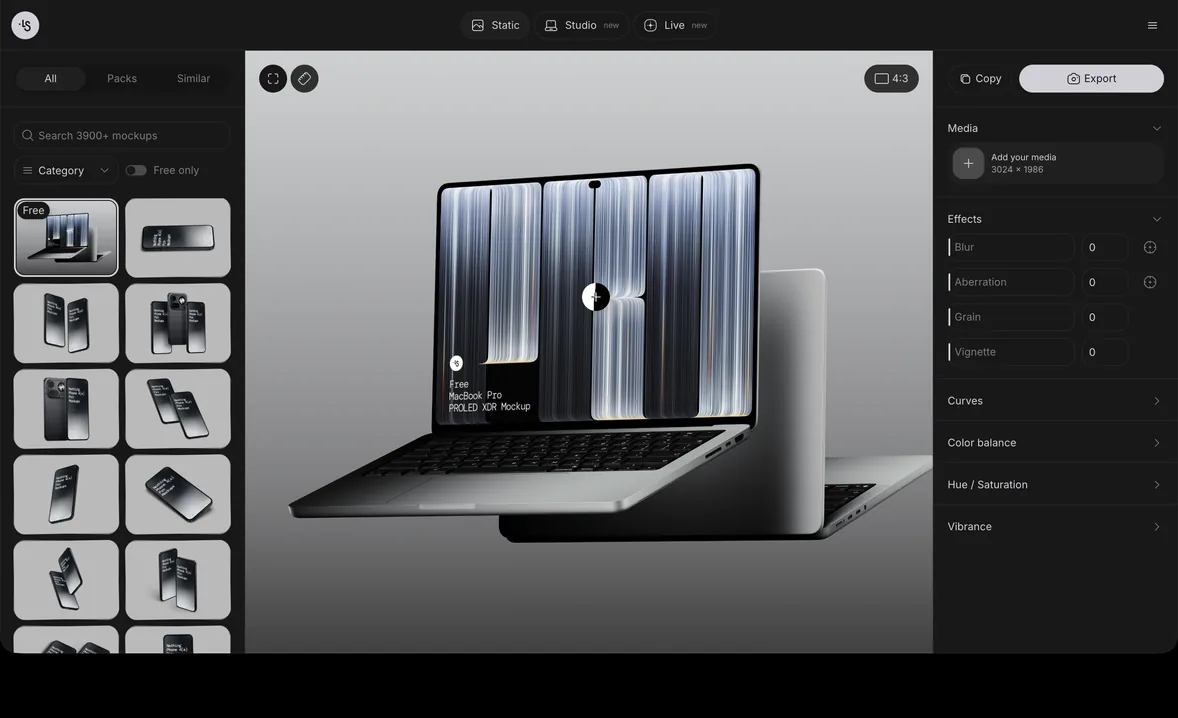
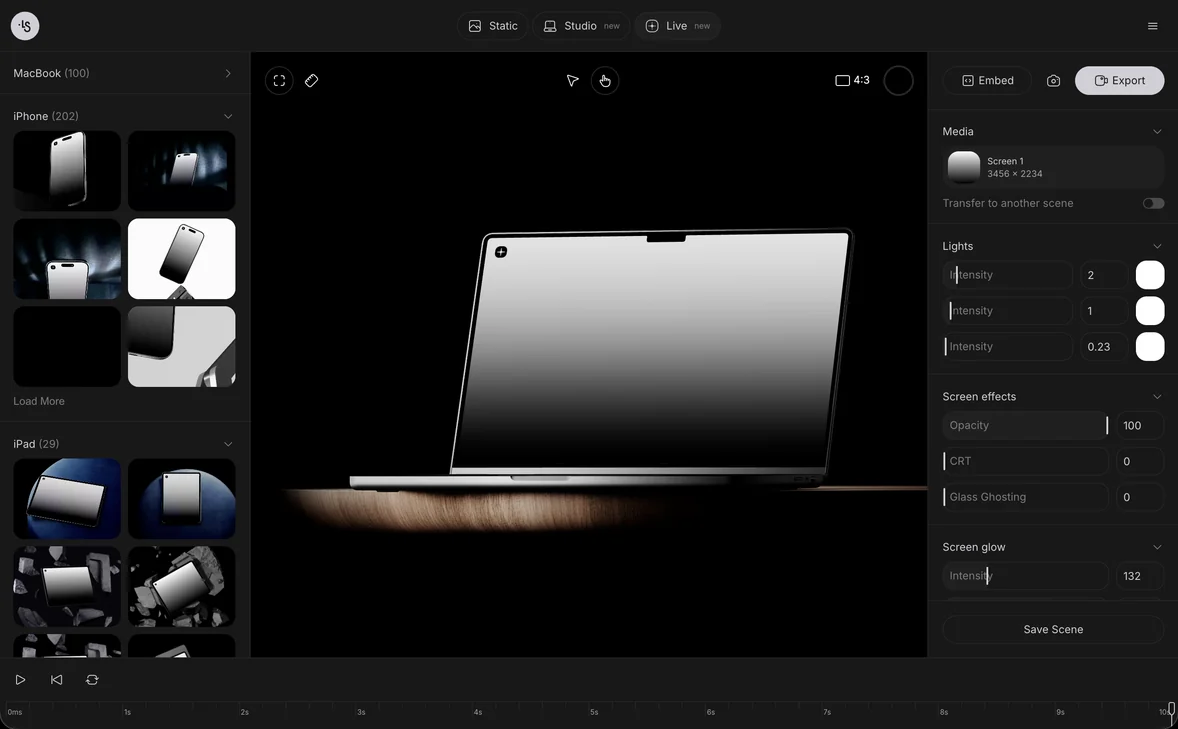
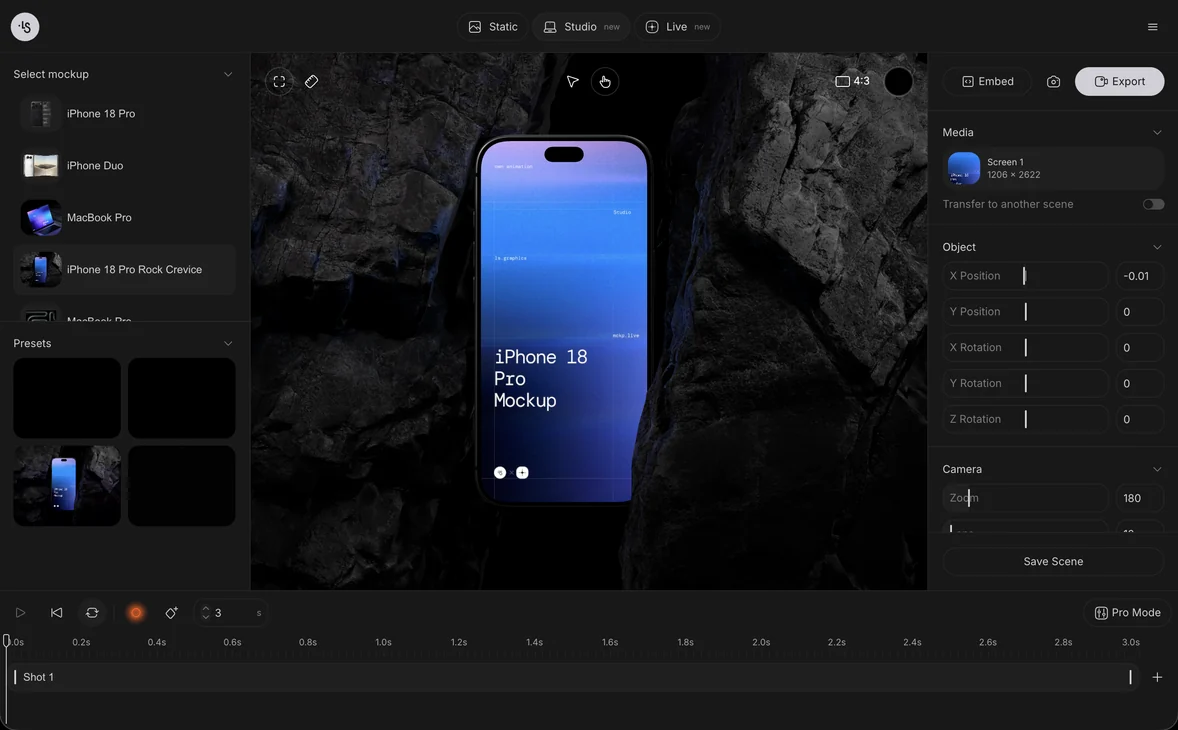
The online mockup generator lets you do step one in a browser, with nothing to install. Packaging scenes are collected in the packaging mockups, box packaging, bottle and cosmetic categories, and many of the free mockups are packaging and print scenes you can use in personal and commercial projects.
Product mockup examples for small brands
Six ls.graphics scenes, each suited to a common small-brand product:
- Free vertical packaging box mockup, for a boxed product
- Free glass juice bottle mockup, for drinks and sauces
- Minimal packaging pouch mockup, for coffee, snacks or supplements
- Cosmetic tube mockup, for skin care
- Glass candle mockup, for home goods
- Free paper tube, for tubes and canisters
FAQ
What is a product mockup?
A product mockup is a realistic picture of your design on a product, such as a bottle, a box or a bag, made before the product exists or without photographing it.
Can I sell with mockups instead of photos?
You can use them to show a preview or to promote a pre-launch product, if you say what they are. Replace them with real photos when you can, and check the image rules of the marketplace you use.
Are mockups cheaper than product photography?
They need less to get started, since there is no shoot to organize. Costs depend on your location and on what you compare, so use your own quotes.
Where can I find free product mockups?
The ls.graphics free mockups include packaging scenes, and you can edit many of them online or download them as PSD, Figma or Sketch files after signing in.