How to design a product label: size, bleed and print file setup
To design a product label, measure the container first, set the label size from the flat area you can print on, build the artwork at 300 ppi or as vectors, add 1/16 inch of bleed, keep text inside a safe margin, and export the format your printer asks for. Then check it on a mockup of the real container.
What size should a product label be?
The label size comes from the container, not from a list of standard sizes. Measure the flat or straight part of the jar, bottle or box where the label will sit, then make the label a little smaller than that area so it never runs onto a curve, a lid or a seam.
- Measure the height of the straight band between the shoulder and the base. Leave about 1/8 inch free at the top and bottom so the label does not touch the curves.
- Decide how far the label goes around. A front panel usually covers a third to a half of the circumference; a full wrap goes all the way around.
- For a round container, the circumference is the diameter times 3.14. A jar 2.6 inches across is about 8.2 inches around, so a front label covering a third of it is about 2.7 inches wide.
- For a full wrap, check whether your printer wants the ends to meet or to overlap, and use their number.
Wine bottles work the same way: measure your bottle's straight section, because two 750 ml bottles of different shapes can need different labels.
How many pixels is a label at 300 ppi?
Multiply each side in inches by 300, then add the bleed. A 3 x 4 inch label is 900 x 1,200 px; with 1/16 inch of bleed on every side the document is 3.125 x 4.125 inches, or 938 x 1,238 px.
- 2 x 3 in: 600 x 900 px, 638 x 938 px with bleed
- 3 x 4 in: 900 x 1,200 px, 938 x 1,238 px with bleed
- 4 x 6 in: 1,200 x 1,800 px, 1,238 x 1,838 px with bleed
- 8 x 3 in wrap: 2,400 x 900 px, 2,438 x 938 px with bleed
In metric, 1 inch is 25.4 mm and 1/16 inch is about 1.6 mm. Sticker Mule, for example, asks for vector files or raster images of at least 300 PPI for stickers and labels. Logos, type and line art are safer as vectors from Illustrator, Figma or Affinity; photos stay raster.
How much bleed and safe margin does a label need?
Use the bleed your printer gives, most often 1/16 or 1/8 inch past the cut line, and keep important content at least as far inside it. Bleed hides small cutting shifts at the edge; the safe margin keeps text from being trimmed.
Sticker Mule's artwork page sets the bleed for die-cut stickers and labels at 1/16 inch around the cut line, a standard border of 0.1 inch and a minimum border of 1/16 inch. Other printers publish their own templates, so download the one for your label shape and work on top of it.
What goes on a product label?
A label has to sell the product from the shelf and tell the buyer what it is. The front panel carries the brand, the product name and one or two key facts; the back or side panel carries the details.
- Front: logo, product name, variant or flavor, and the size or net quantity.
- Back: ingredients, directions, warnings, maker's address, batch or date code.
- A barcode if the product is sold in stores, with clear space around it and enough contrast to scan.
- Space for anything printed later, such as a date stamp or a handwritten batch number.
Food, cosmetics, supplements and drinks have legal labeling rules that differ by country, including which facts are required and how big they must be. Check the rules for your product and market before the layout is final; the design has to fit them, not the other way round.
How do I set up a label file for print?
Start from the printer's template at the finished size plus bleed, keep the cut line on its own layer, and export a PDF or vector file.
- Create the document at the label size plus bleed, for example 3.125 x 4.125 in for a 3 x 4 in label.
- Set the color mode to CMYK if the printer asks for it; Sticker Mule recommends CMYK for the closest color match.
- Mark a custom cut line, if you need one, with a thin magenta stroke of up to 1 pt. Sticker Mule says a cut line is optional for its labels.
- Keep type at 6 pt or larger and lines at 1 pt or thicker, the minimums Sticker Mule gives for legibility. Ingredient lists hit this limit first.
- Export a print PDF with fonts embedded or outlined, or an SVG or AI file. Name it with the size, for example label-3x4in-bleed.pdf.
Order a printed proof before a large run: kraft paper, clear film and metallic stock shift colors in ways a screen cannot show.
How do I check a label design on the product?
Place the flat label on a mockup of the same kind of container and look at it from shelf distance. A mockup shows what the flat file hides: text bending away around a jar, a logo too close to the edge, a color that disappears on glass.
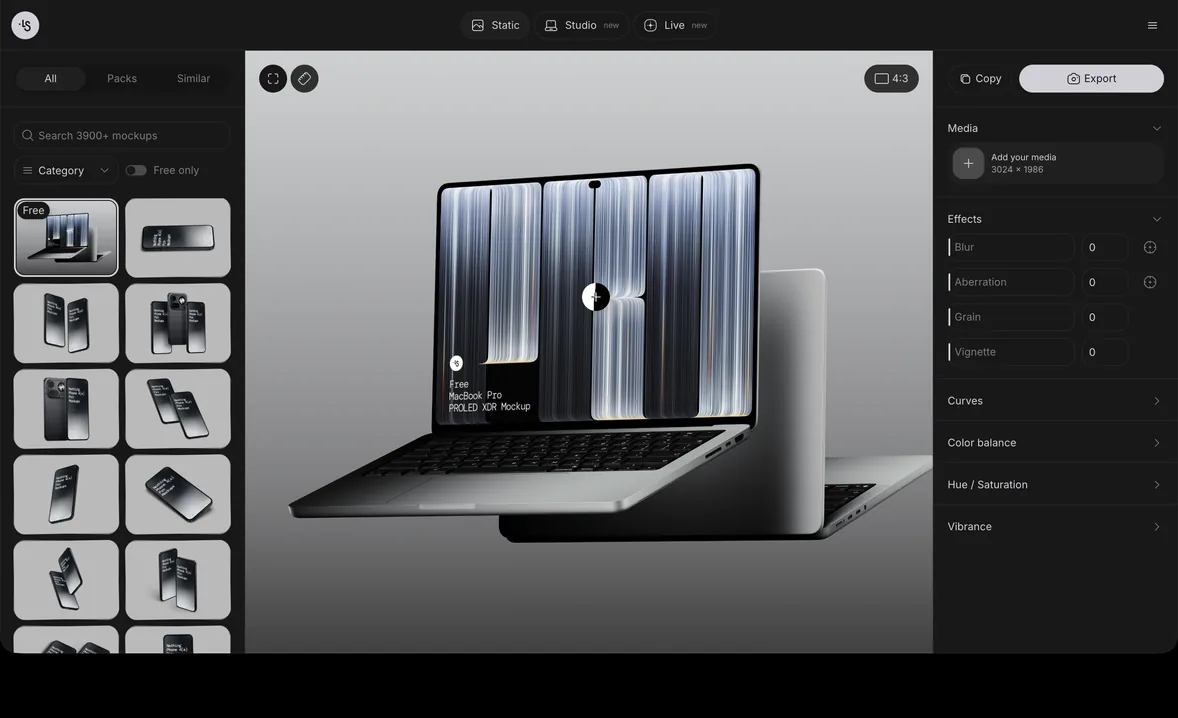
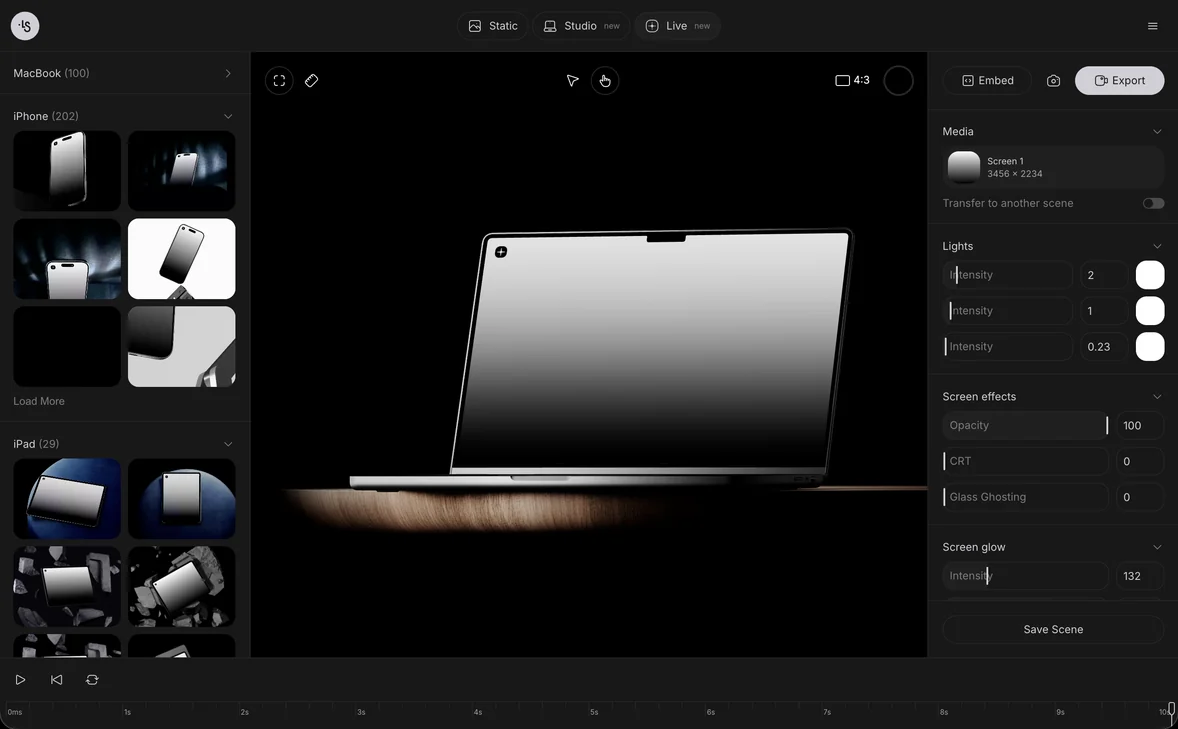
Our bottle mockups and cosmetic mockups come as PSD files and can also be edited online. In the mockup generator you drop the label into the scene in a browser tab and export a PNG; the first mockup guide shows the steps. For boxes, pouches and dielines, see how to design packaging, and for small die-cut labels, how to design a sticker covers bleed and borders in more detail.
Product label mockup examples
- Jam jar mockup: a glass jar with a metal lid and red jam behind clear glass, for food labels printed on clear film.
- Glass juice bottle mockup: a short bottle in hard sunlight, for a wrap label on a drink.
- Yogurt bottle mockup, scene 01: three small bottles side by side, to see a label series and its flavor colors.
- Cosmetic mockups, scene 6: a frosted dropper bottle, for serum and oil labels.
- Cosmetic mockups, scene 3: a cream jar with a metal lid, for a short label on a wide, low container.
- Cosmetic jar on a stone: a frosted jar with a gold lid, for skincare labels on a dark background.
FAQ
What is the standard size of a product label?
There is none: the size depends on the container. Measure the straight, flat area where the label goes and stay about 1/8 inch away from the curves at the top and bottom.
What resolution should a label file be?
300 ppi at the printed size, or vector artwork. A 3 x 4 inch label needs at least 900 x 1,200 px before bleed.
What file format do printers want for labels?
Most accept a print PDF, AI, EPS or SVG for vector art and a 300 ppi PNG or TIFF for raster art. Check the printer's artwork page before you export.
Can I design a label in Canva?
Yes, if you set the page to the label size plus bleed, export a print PDF with crop marks or bleed, and keep text inside the safe margin.
What is the difference between a label and a sticker?
The print setup is the same. A label is made to go on a product, often on a roll or sheet for applying by hand or machine; a sticker is a product in itself, usually die-cut and handed out or sold.