
How to design a book cover (and what size it should be)
A book cover is designed at the trim size of the book plus bleed, spine and back cover, on a template from your printer. For a 6 x 9 inch paperback, the flat cover is 12.7 inches wide and 9.25 inches tall with a 200-page white-paper interior. Keep the title large and clear, then check it on a book mockup.
What size should a book cover be?
A print cover is one flat file: back cover, spine and front cover side by side, with bleed around the outside. Amazon KDP gives the formula: cover width is the bleed, plus the back cover width, the spine width, the front cover width and the bleed again; cover height is the trim height plus a bleed at the top and bottom.
The bleed is 0.125 inch (3.2 mm) on the top, bottom and outside edges. A 6 x 9 inch book with a 0.4504 inch spine works out like this:
- Width: 0.125 + 6 + 0.4504 + 6 + 0.125 = 12.7004 inches.
- Height: 0.125 + 9 + 0.125 = 9.25 inches.
Treat that as a check, not a replacement. KDP provides a cover calculator and template generator that takes your trim size, page count, ink and paper, and builds the layout for you. Use its numbers for the final file.
What trim size should I choose?
Choose the trim size before you design, because every measurement on the cover depends on it. KDP's trim size page lists 16 US sizes for paperbacks, from 5 x 8 inches up to 8.27 x 11.69 inches, including 5.5 x 8.5, 6 x 9, 7 x 10 and 8.5 x 11.
Fiction and narrative nonfiction often sit in the smaller sizes, and workbooks, art books and manuals use the larger ones; check shelf copies of books like yours. Changing the trim size later means redoing the cover, so settle it with the interior designer first. IngramSpark has its own list of sizes under Plan Your Book, so confirm that your size is offered if you plan to publish through both.
How wide is the spine?
The spine width is the page count multiplied by a paper factor. KDP lists 0.002252 inch per page for black ink on white paper, 0.0025 inch for cream paper and 0.002252 inch for standard color paper. A 200-page book on white paper gives 0.4504 inch.
The spine changes whenever the page count or the paper changes, so make the cover last. Put spine text on only if the book is thick enough: KDP says a book needs at least 79 pages for spine text, and IngramSpark says no spine text on paperbacks under 48 pages. Leave a small gap on each side of the text, since the fold never lands in exactly the same place.
What are the upload specs for KDP and IngramSpark?
Both want one PDF with the full cover, at 300 dpi, with 0.125 inch bleed. They differ in the safe margin and in what they say about color.
- KDP: a single PDF with back cover, spine and front cover, images at a minimum of 300 DPI, CMYK recommended, 40 MB or less recommended. Front and back text stays at least 0.125 inch inside the trim lines and out of the spine.
- IngramSpark: one complete cover PDF, 300 ppi, CMYK, 0.125 inch bleed on all four sides, text at least 0.25 inch from the trim line. It also requires a barcode: it must be 100% black on white, with a 1.75 by 1 inch area kept clear. If you do not supply one, IngramSpark places it.
If you publish on both, design to the stricter rule, which is the 0.25 inch margin. Both services generate a cover template once you enter your details, so download that template and build on it.
How do I design a book cover that works?
A cover has one job: to say what the book is in the time it takes to glance at it. Put one idea on the front, set the title big, and make sure it still reads when the cover is a small thumbnail in an online store.
- Rank the text: title first, author name second, subtitle or tagline third. Give each level a clear size step.
- Use one or two typefaces. A strong display face for the title and a quiet one for the rest is enough.
- Choose one focal image or shape, and leave empty space around the title so it can breathe.
- Limit the palette to two or three colors and test contrast: light text on a busy picture often fails at thumbnail size.
- Look at the genre. Readers recognize thrillers, romance and nonfiction by their conventions, so borrow the mood, not the layout of a specific book.
- Design the back cover and spine as part of the same piece. Match the colors, put the description in a short block and leave the barcode area clear.
Shrink the front cover to about the size of a thumbnail and check that the title is still legible. If it is not, enlarge it or simplify the picture.
How do I show a book cover on a mockup?
Put the front cover on a book mockup to see it as a physical object, and to get a picture for your store page, your site or a client presentation. A flat rectangle does not show how the title sits on a real book.
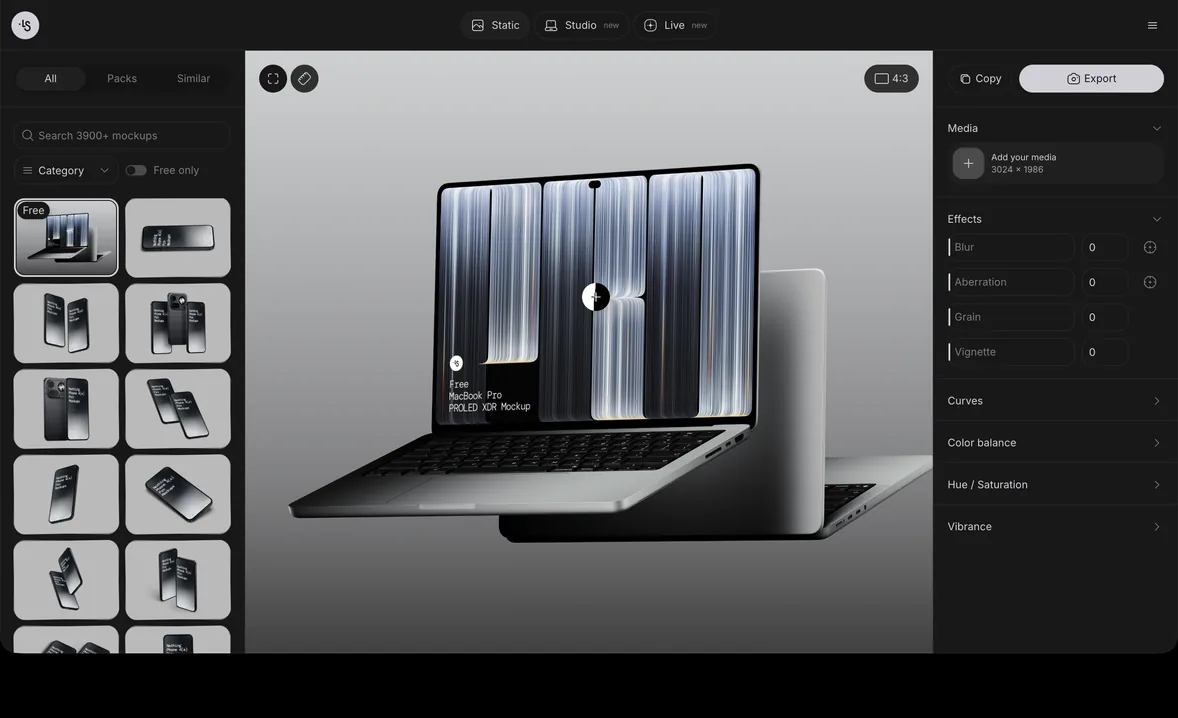
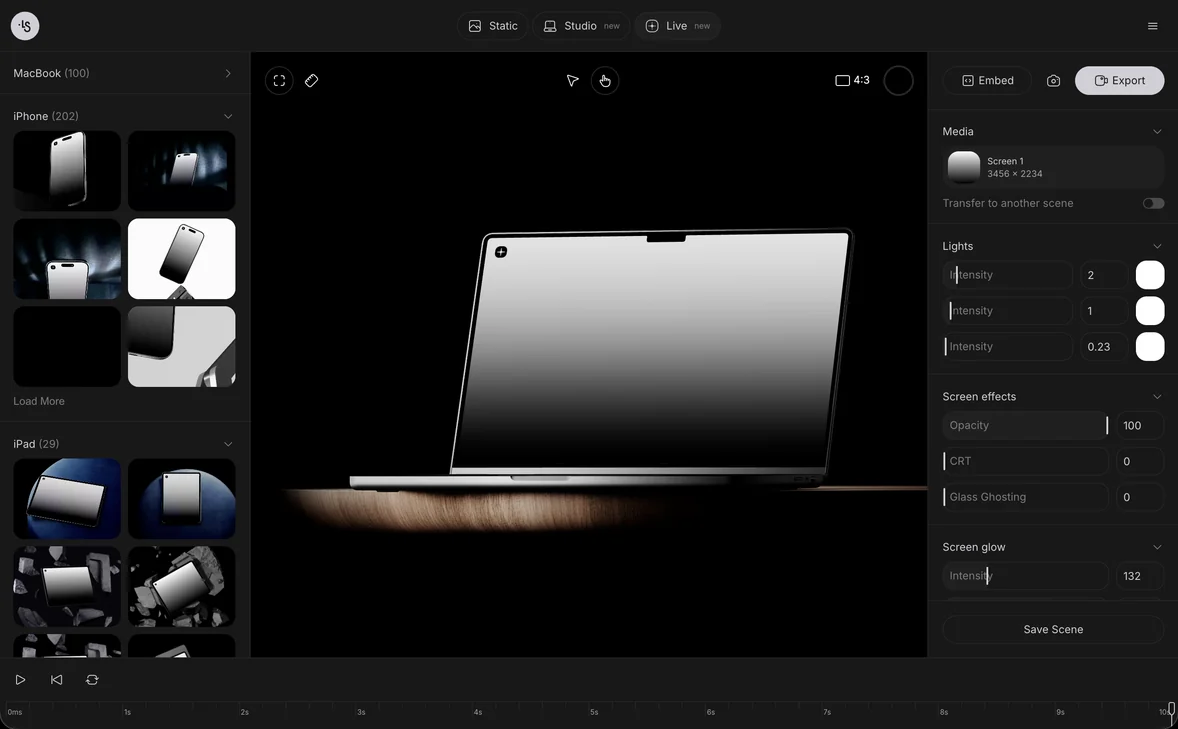
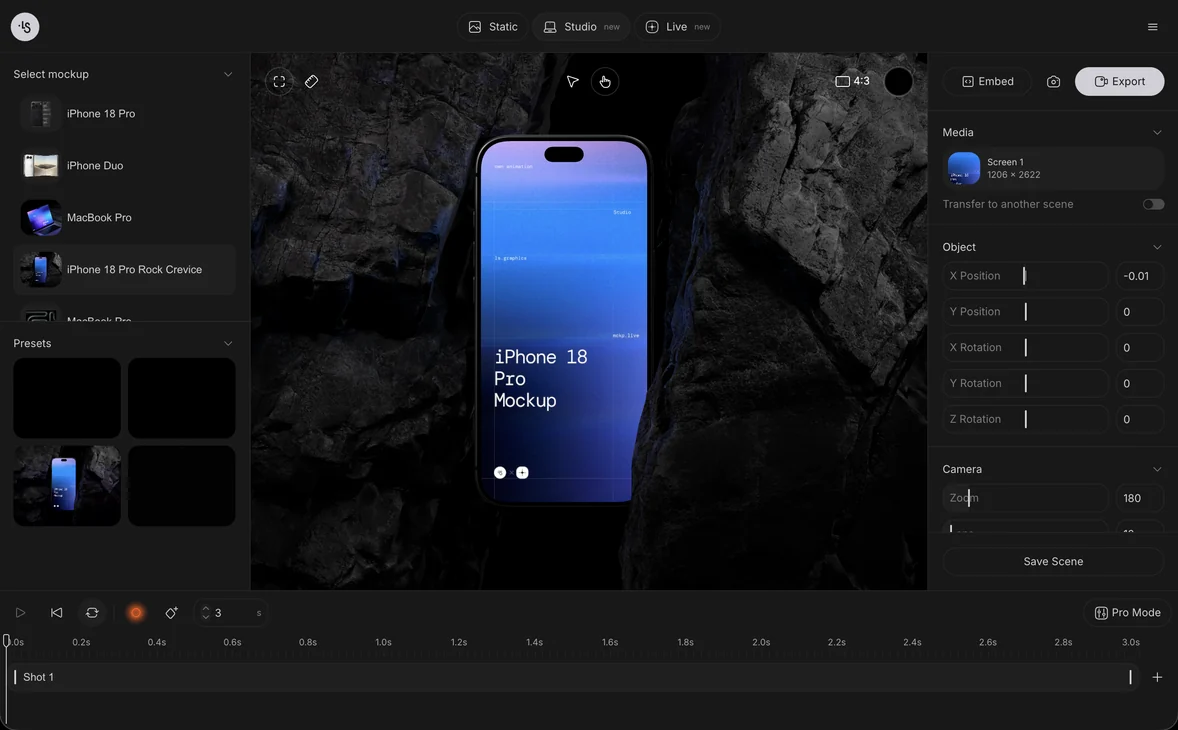
Open the online mockup generator, choose a book scene, drop in your front cover and export a PNG. The scenes are 3D renders, so the light and perspective are already in place. Free mockups can be used in personal and commercial projects, including client work, and you can browse the book mockups by shape and angle. Use the front cover only for a closed-book scene, not the full wrap.
Book mockup examples
Pick the scene that matches your format and where the picture will be used. Six scenes from the ls.graphics library:
- A hardcover book, for a clean cover shot
- A white book, for a simple, realistic paperback look
- A square book, for art books and photo books
- An open hardcover, to show the inside as well
- A book with a super cover, for a bold cover close-up
- A standing book with a box and covers, for a series or a boxed set
FAQ
What is the best size for a book cover?
It depends on the trim size of your book. For a 6 x 9 inch paperback, the front cover is 6 x 9 inches, and the full print cover with bleed and a 200-page spine is 12.7 x 9.25 inches.
How much bleed does a book cover need?
Both KDP and IngramSpark ask for 0.125 inch (3 mm) of bleed. KDP applies it to the top, bottom and outside edges of the cover, and IngramSpark to all four sides.
Can I make a book cover myself?
Yes. Start from the printer's template, rank your text, choose one strong image and check the cover at thumbnail size. Test it on a mockup before you upload.
Should the book cover be CMYK or RGB?
KDP recommends CMYK for images, and IngramSpark requires CMYK. Convert early and check how the colors change, since saturated screen colors can look duller in print.
Read next
Magazine cover design: size, layout and print file setupNovember 19, 2026
Etsy mockups: how to use mockups in your listingsNovember 19, 2026
How big should a t-shirt design be? Print sizes for designers and POD sellersNovember 18, 2026
How to design a product label: size, bleed and print file setupNovember 17, 2026